Dedicated Mac Audio Routing
No more digging through macOS Control Center menus. Tap a physical key to route Apple Music or your whole system audio to your HomePod, Apple TV, or AirPlay receiver instantly.

STREAM DECK PLUGIN
Your music, your rooms and your Mac — within reach. AirPlay puts dedicated audio routing and Screen Mirroring controls on Stream Deck. Send Apple Music to any speaker, group multi-room scenes, route your whole Mac, and hold to restore built-in speakers in 1.2s.
No more digging through macOS Control Center menus. Tap a physical key to route Apple Music or your whole system audio to your HomePod, Apple TV, or AirPlay receiver instantly.
Group multiple speakers into named multi-room scenes like "Downstairs" or "Whole House". Unique network addresses ensure same-name speakers are always routed reliably.
Press and hold an Audio key for 1.2 seconds to immediately snap all audio playback back to your Mac's internal speakers. A short tap disconnects only that specific destination.
Browse available receivers by rotating the dial on Stream Deck +, press to connect, and keep real-time audio destination status visible on the Stream Deck Neo InfoBar.
Engineered natively for macOS with instant visual feedback and physical encoder control.
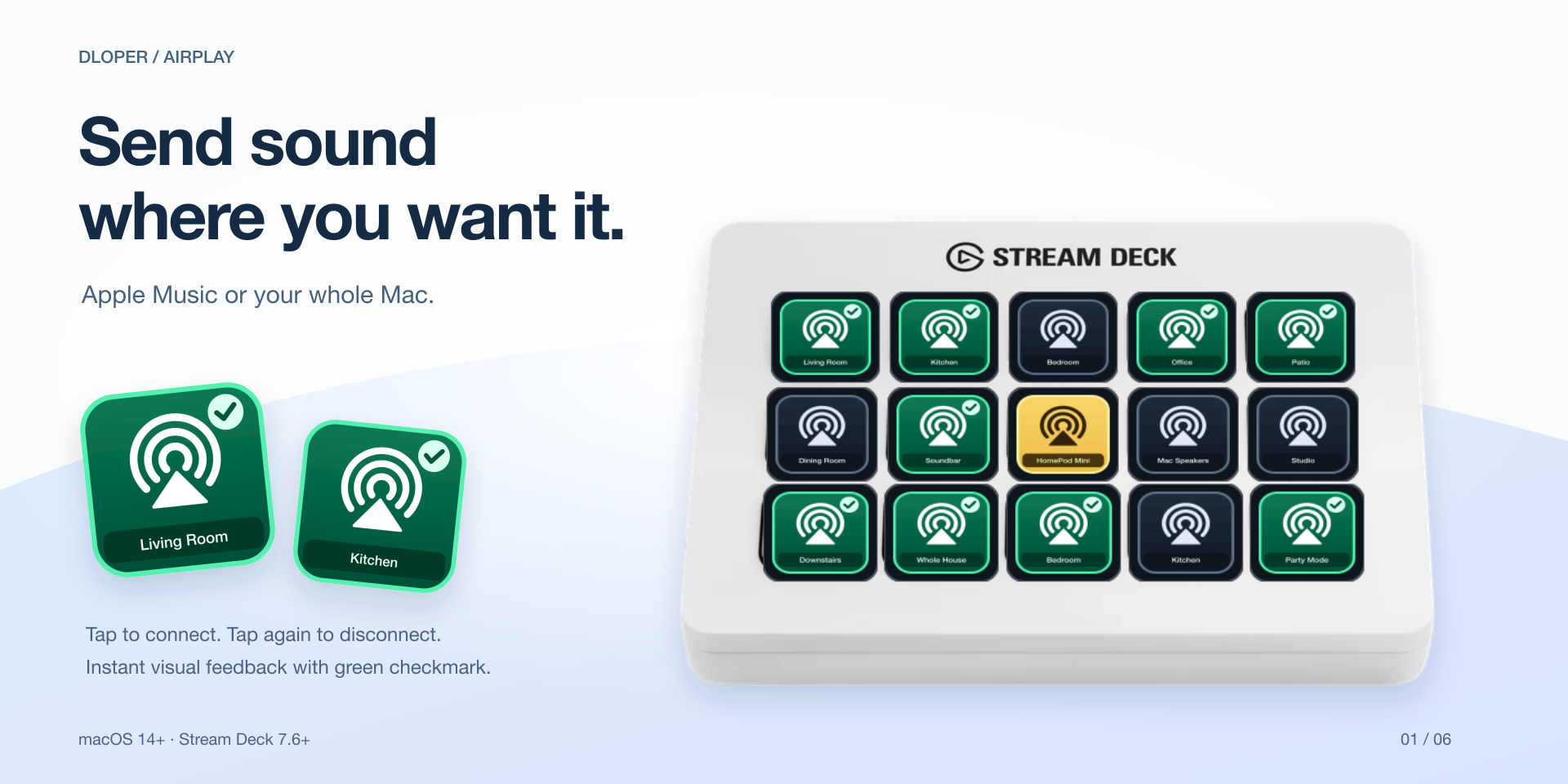
Choose between Apple Music only or whole-system Mac audio. Discovered receivers are remembered for one-tap connection and disconnection.
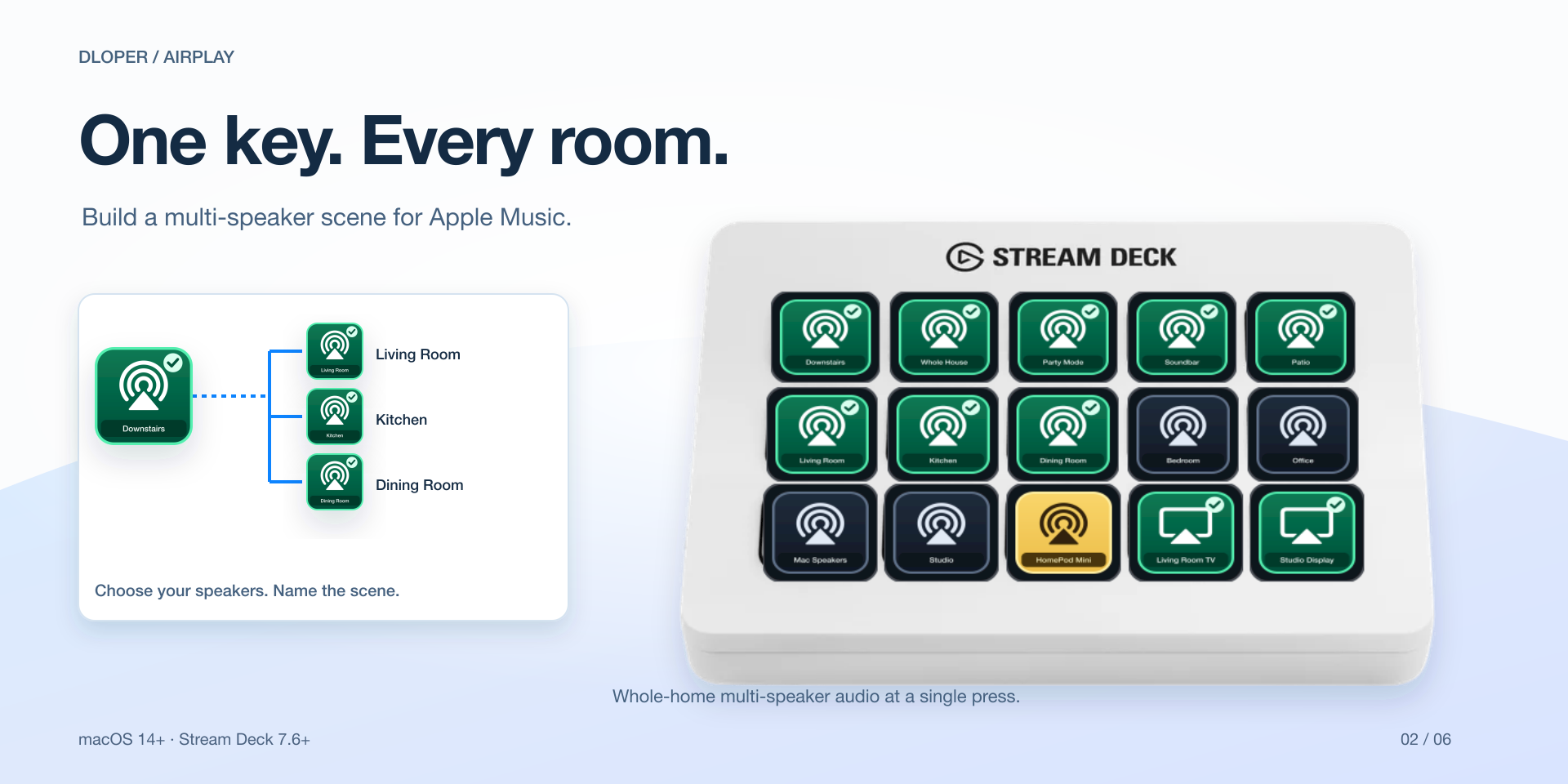
Create named multi-speaker scenes for Apple Music. One tap triggers music across your living room, kitchen, and patio speakers simultaneously.
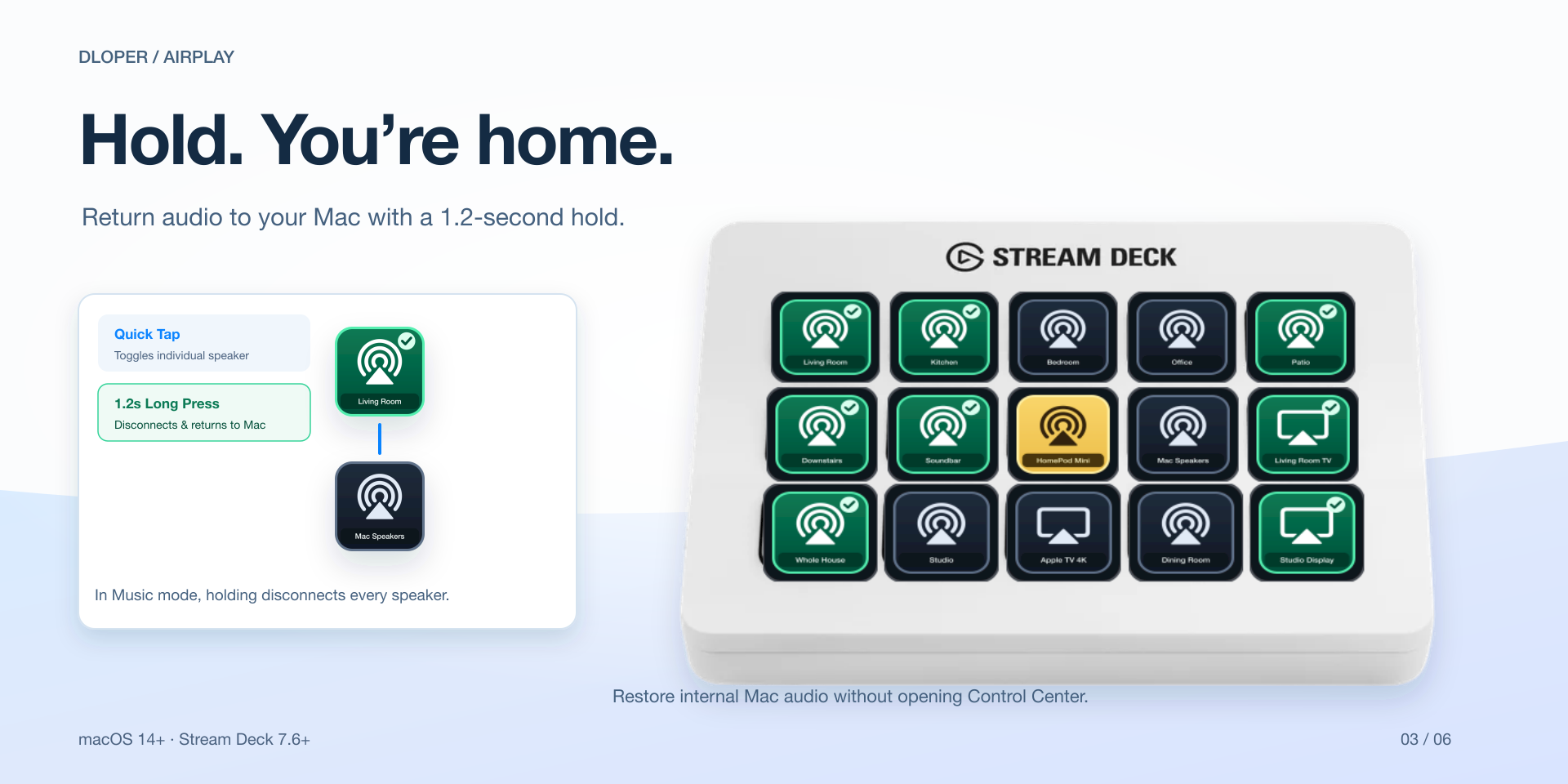
Hold any Audio key for 1.2 seconds to disconnect remote receivers and restore audio back to your Mac's built-in speakers without looking at your screen.
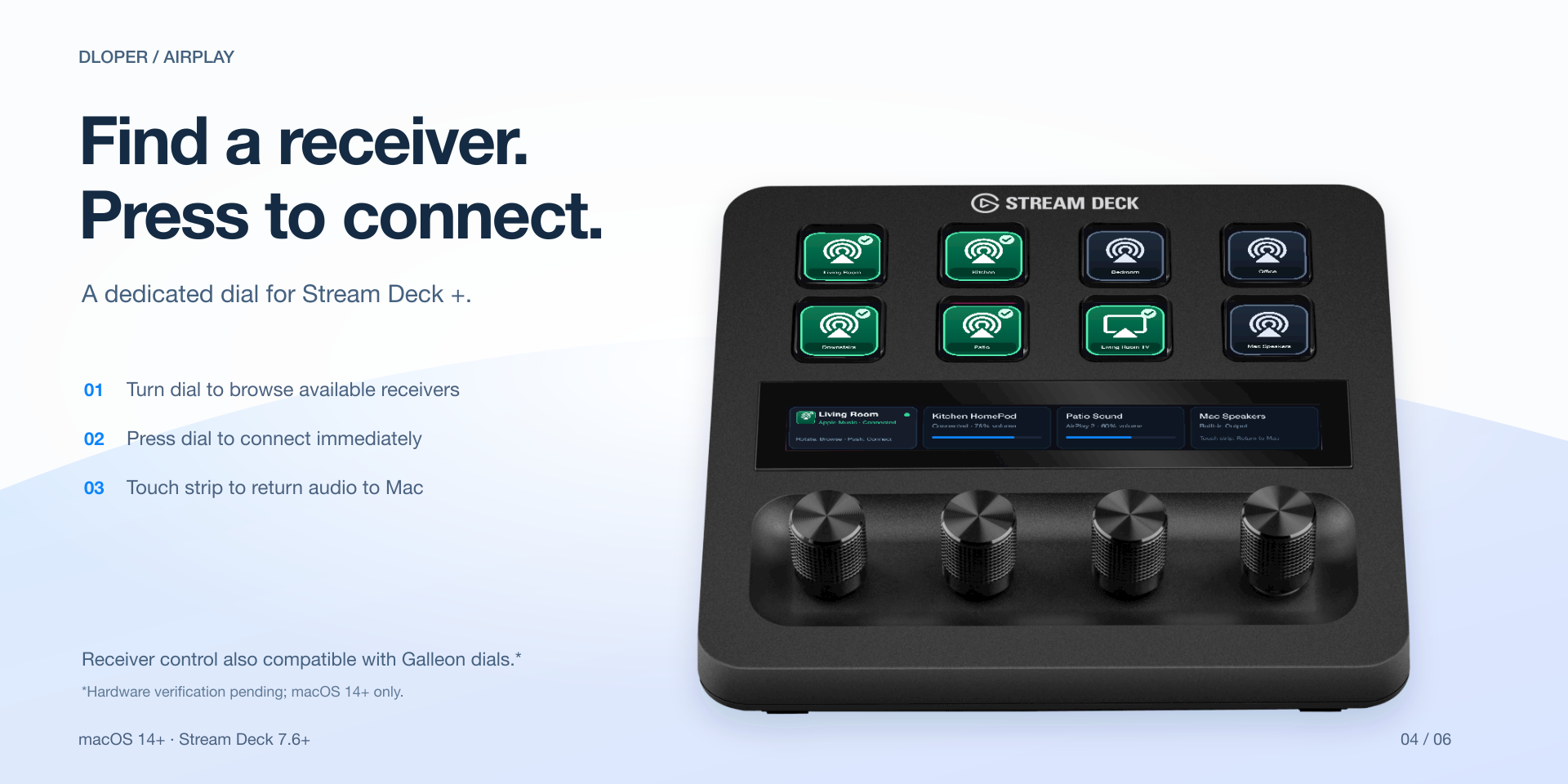
Rotate the dial to browse discovered AirPlay receivers, press to connect, and tap the touch strip to snap audio back to internal Mac speakers.
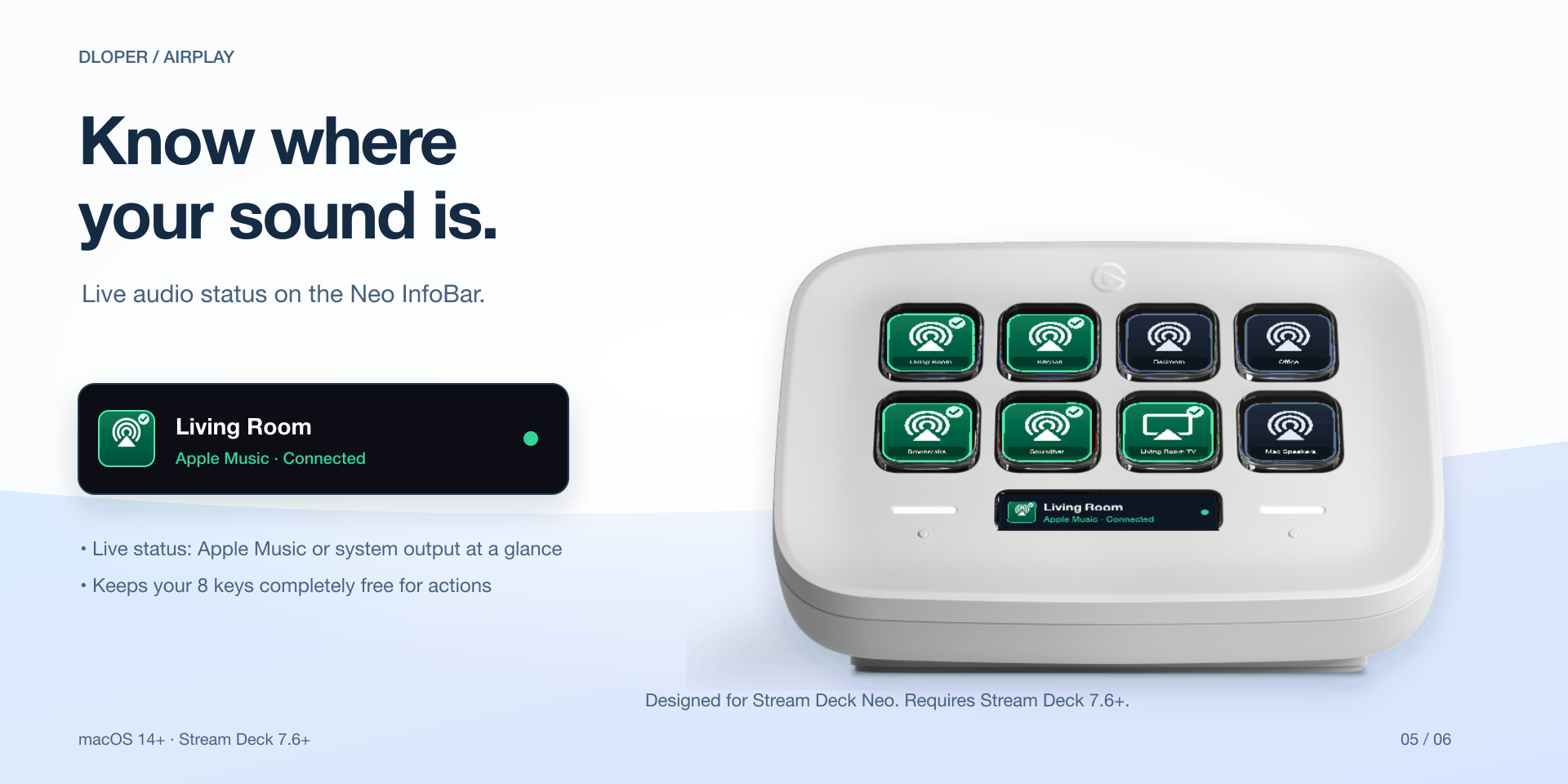
Keep your current active audio output visible on the Neo InfoBar, refreshing automatically every two seconds while keeping all eight keys free.
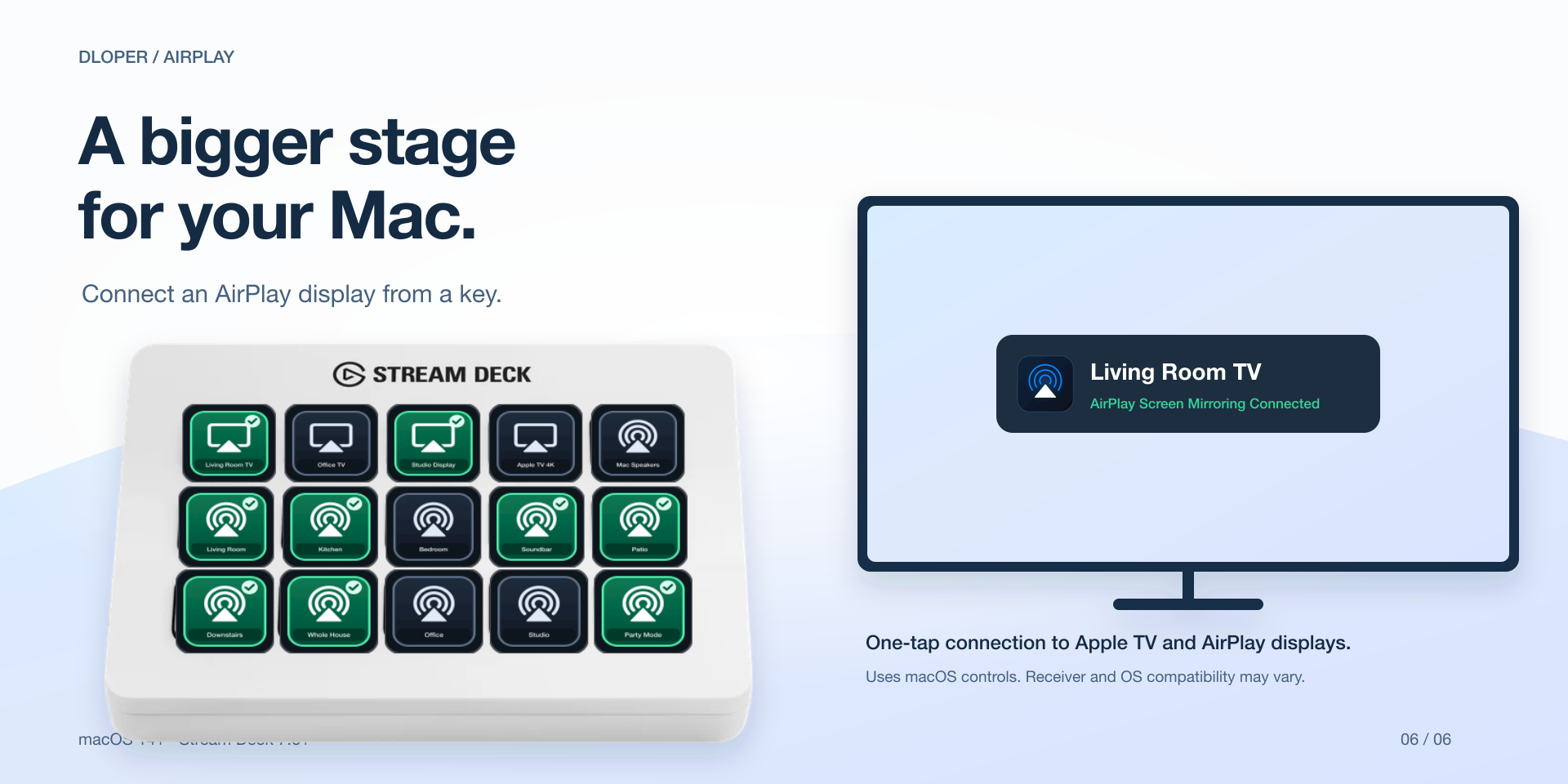
Toggle wireless display connections to Apple TVs and smart monitors directly from a keypad button with clear visual connection feedback.
Arraste e solte no esquema do Stream Deck em segundos.

Toggle Apple Music or whole-system audio to AirPlay receivers or named scenes. Hold for 1.2s to restore Mac speakers.
Keypad Surface
Toggle wireless screen mirroring or desktop extension to an AirPlay display or Apple TV from a single key.
Keypad Surface
Rotate to browse discovered receivers, push to connect, and tap the touch strip to snap back to Mac speakers.
Rotary Encoders
Glanceable live destination readout for the Neo InfoBar, refreshing every 2 seconds without using keypad slots.
Stream Deck NeoAirPlay bundles an optimized universal binary querying Apple's native CoreAudio and Accessibility APIs directly, preventing UI stuttering and high CPU consumption.
Keys turn yellow with an immediate gentle pulse when checking or connecting, solid green with a checkmark when connected, and red for four seconds if an operation fails.
Long speaker and scene names scroll smoothly across the key canvas so labels are never cut off by Stream Deck's native border clipping.
Multi-speaker scenes record exact network identifiers so that same-name devices (such as multiple HomePod Minis) are reliably routed every time.
AirPlay operates completely on your local machine. It requires zero cloud accounts, collects no telemetry, runs no analytics scripts, and transmits zero data to external servers. All device discovery and audio switches happen 100% on-device.
Operating System: macOS 14 (Sonoma) or later on Apple Silicon & Intel Macs.
Stream Deck App: Requires Stream Deck software version 7.6 or later.
Hardware: Stream Deck Mini, Mk.2, XL, Stream Deck +, Stream Deck Neo, Stream Deck Mobile e Corsair Galleon 100 SD.
Permissions: Accessibility (for system audio discovery & mirroring) and Automation (for Apple Music).
Complete walkthrough for configuring audio routing, setting up multi-speaker scenes, holding to restore Mac speakers, granting macOS permissions, and troubleshooting.