Zero-Latency BLPAPI Data
Direct local integration with Bloomberg Desktop API (BLPAPI). Streaming prices, net change, percentage, bid/ask spreads, and trading volume with tick-by-tick visual updates.

STREAM DECK PLUGIN
Your Bloomberg workspace, within reach. Build a local Stream Deck layout with 15 action types and 46 Terminal-function presets: live streaming quotes, field statistics, historical charts, watchlists, spread comparisons, price alerts, and the Terminal screens you use throughout the day. A native Windows plugin by Dloper.
Direct local integration with Bloomberg Desktop API (BLPAPI). Streaming prices, net change, percentage, bid/ask spreads, and trading volume with tick-by-tick visual updates.
Dispatch essential Bloomberg Terminal mnemonic commands with a single key press. Launch world indices (WEI), top news (TOP), descriptions (DES), historical prices (HP), and graphs (GP).
Emulates physical Bloomberg keyboard sector keys (EQUITY, GOVT, CORP, CURR, COMMD) and action keys (GO, CANCEL) with authentic styling and one-press execution.
Cycle watchlist securities smoothly on Stream Deck + dials, scrub historical charts (1D, 5D, 1M, 1Y), and tap the touchstrip to switch quote metrics or open in Terminal.
Engineered for financial professionals, quantitative traders, and portfolio managers who demand speed and reliability.
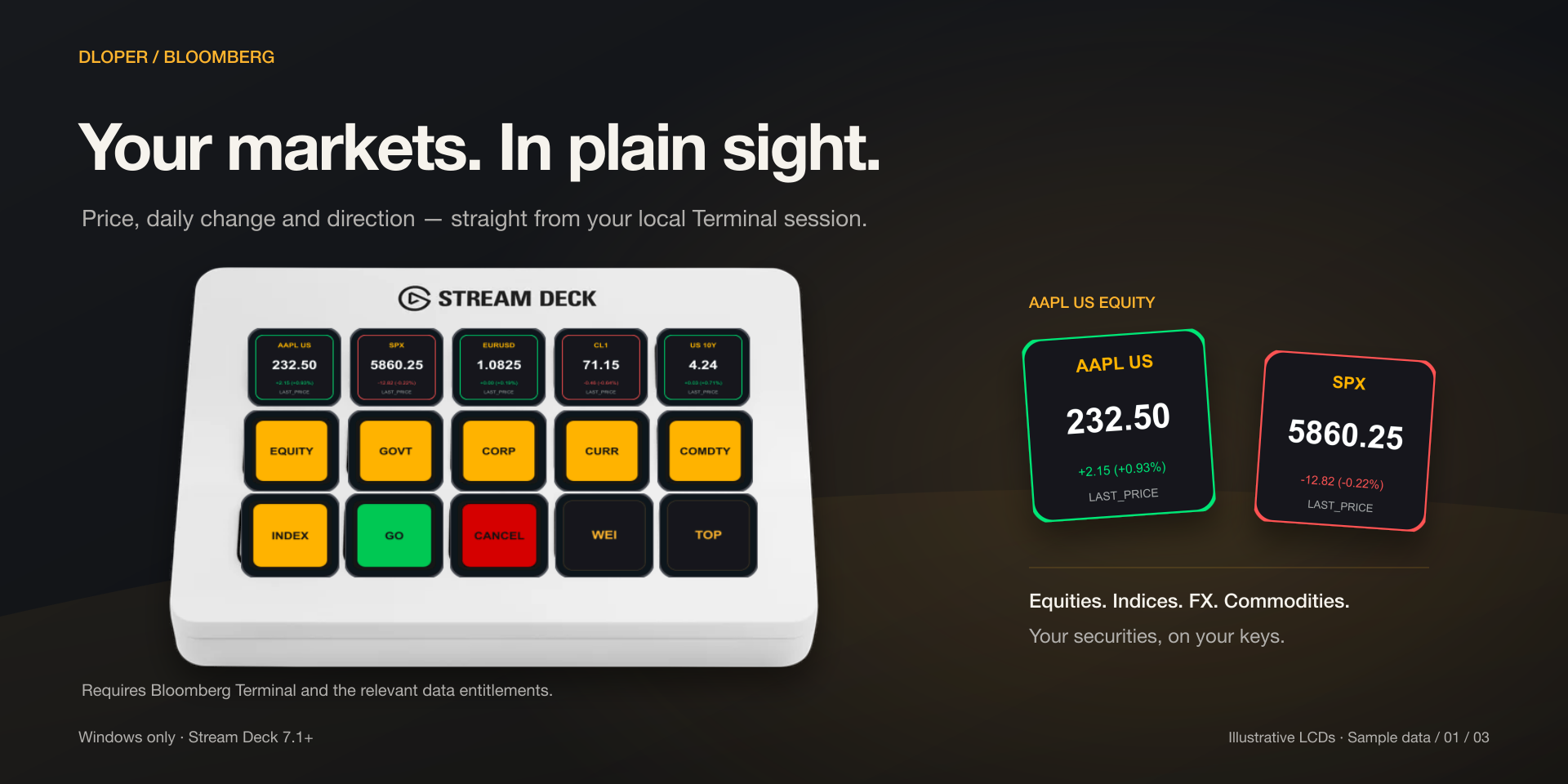
Real-time price, day net change, and percentage for equities, indices, FX, and commodities with up/down tick color illumination.
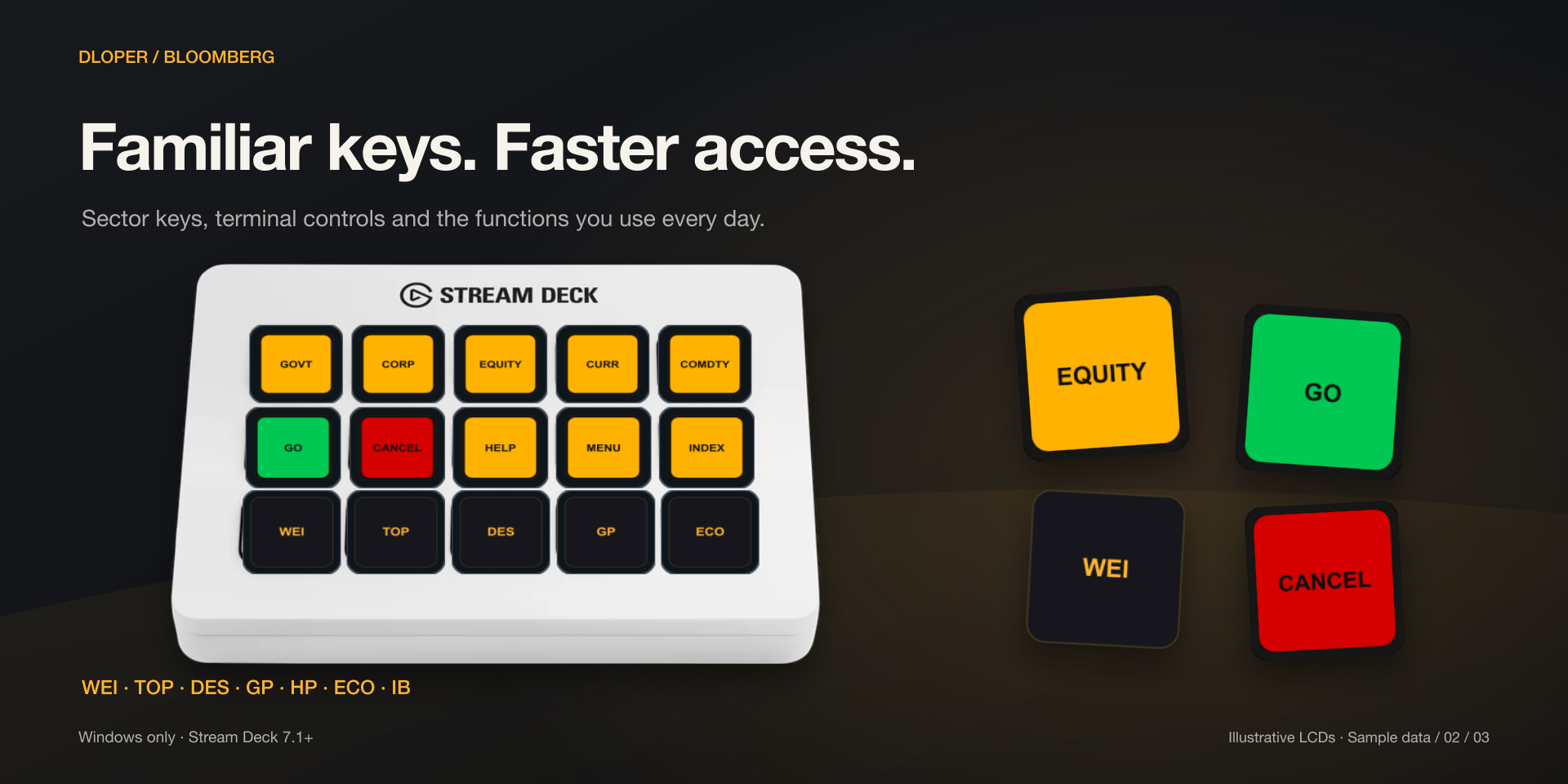
One-touch access to essential screens including WEI, TOP, DES, HP, GP, ECO, and FA without switching focus to type.
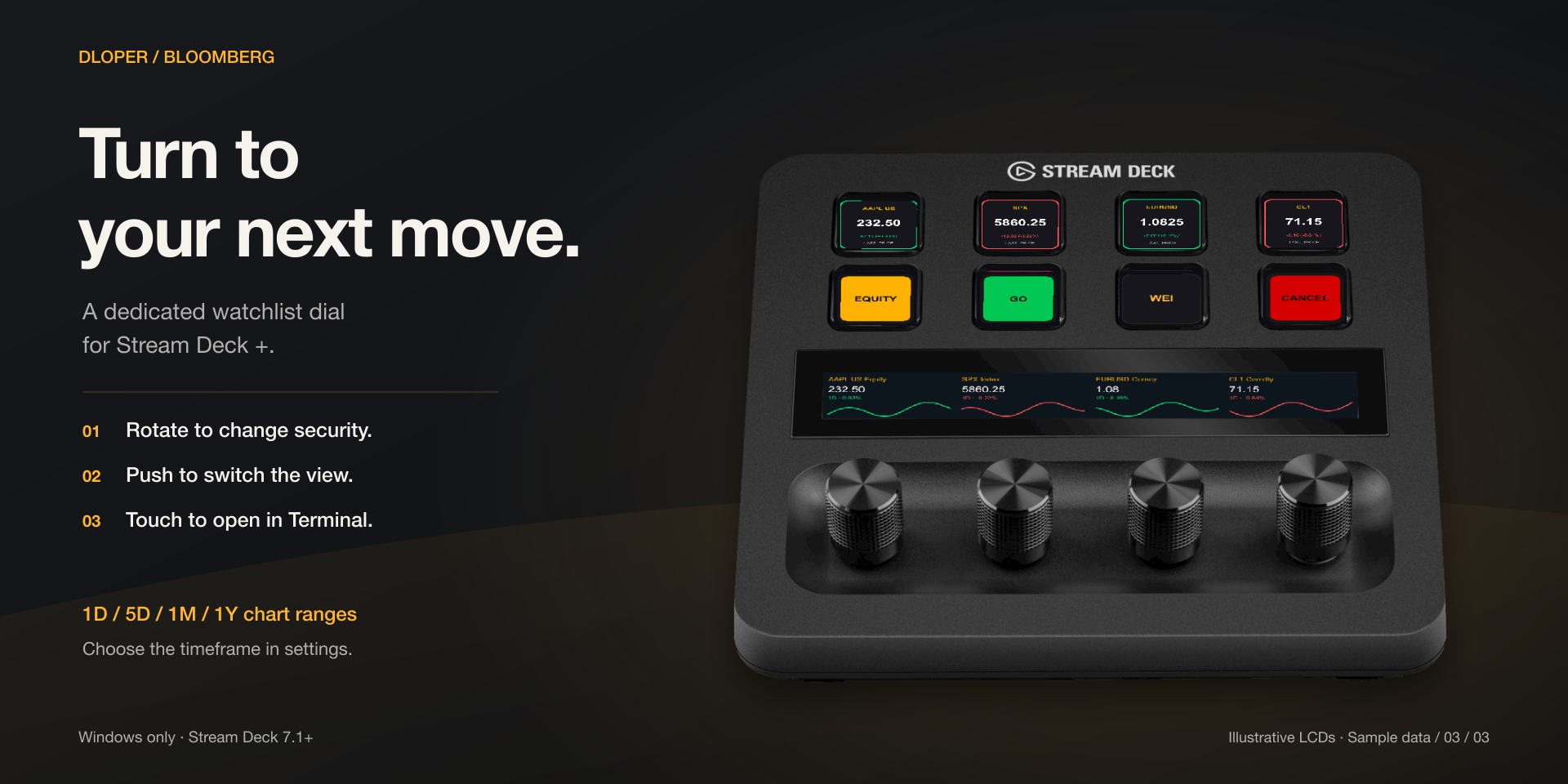
For Stream Deck +. Rotate the dial to cycle through securities, push to switch views or timeframes, and tap touchstrip to open in Terminal.
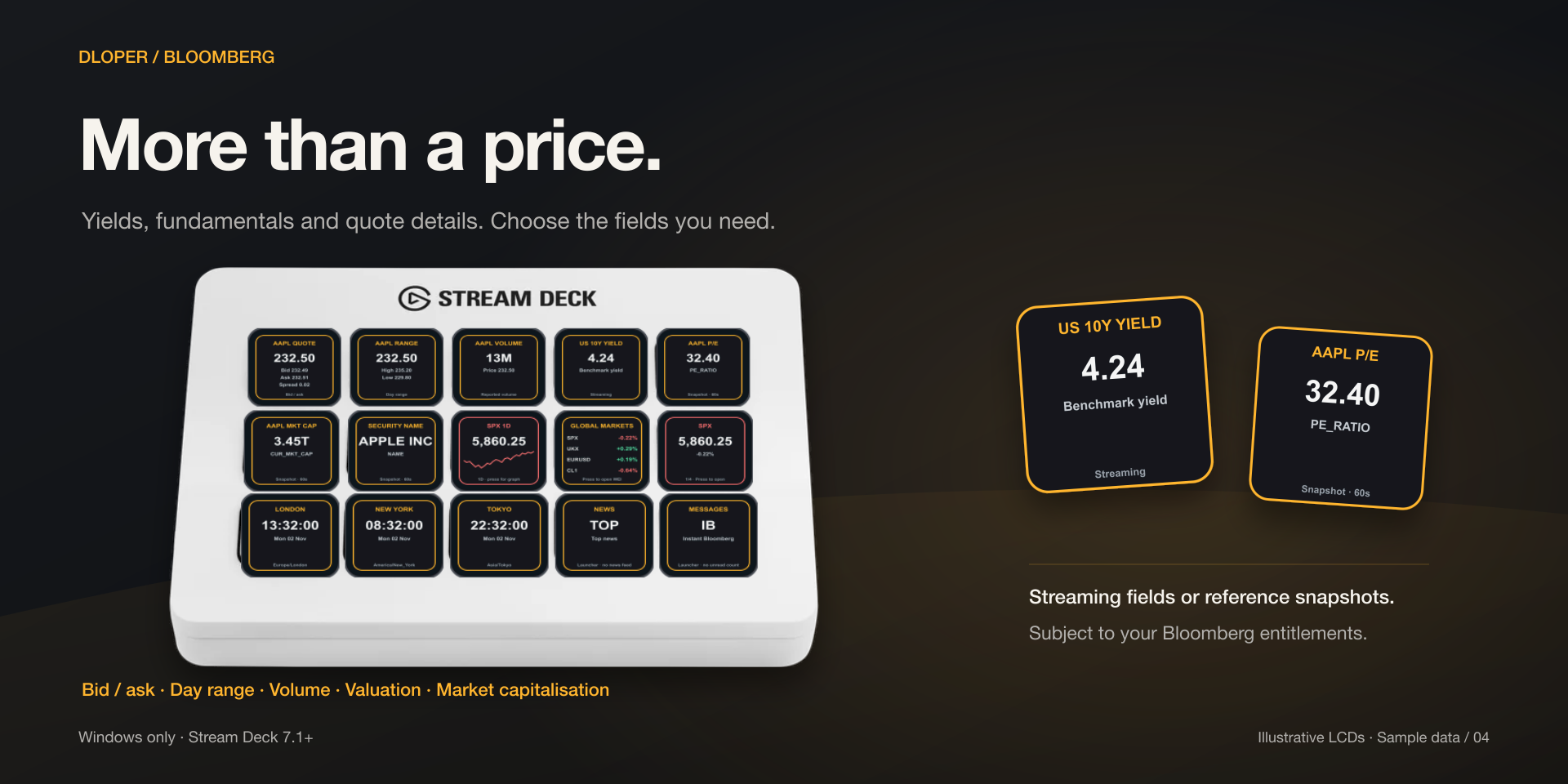
Display entitled numeric or text fields using real-time streaming data or periodic reference snapshots (30s+ refresh).
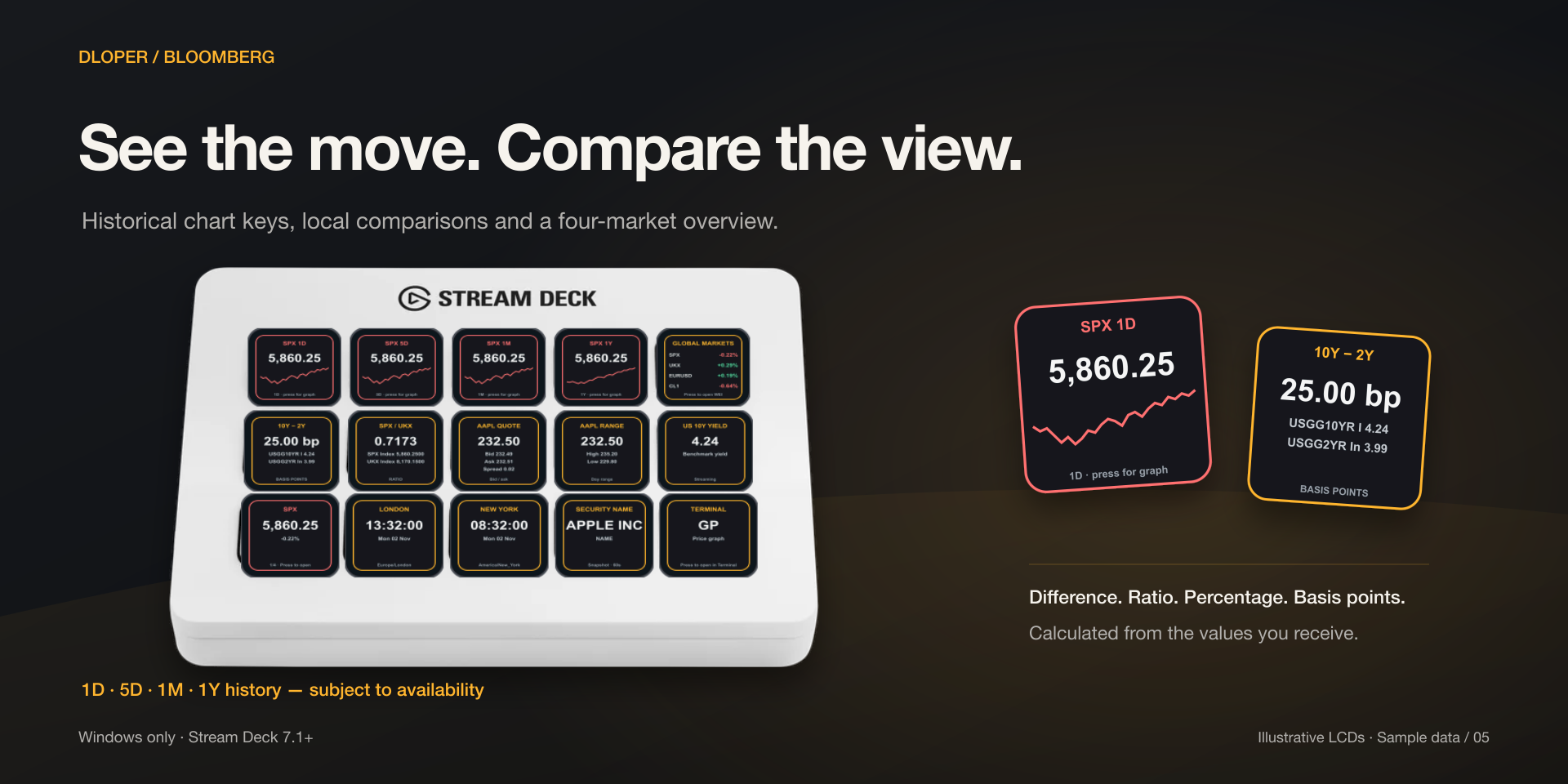
Historical sparkline charts with 1D, 5D, 1M, and 1Y ranges, plus local difference, ratio, and basis-point spread calculations.
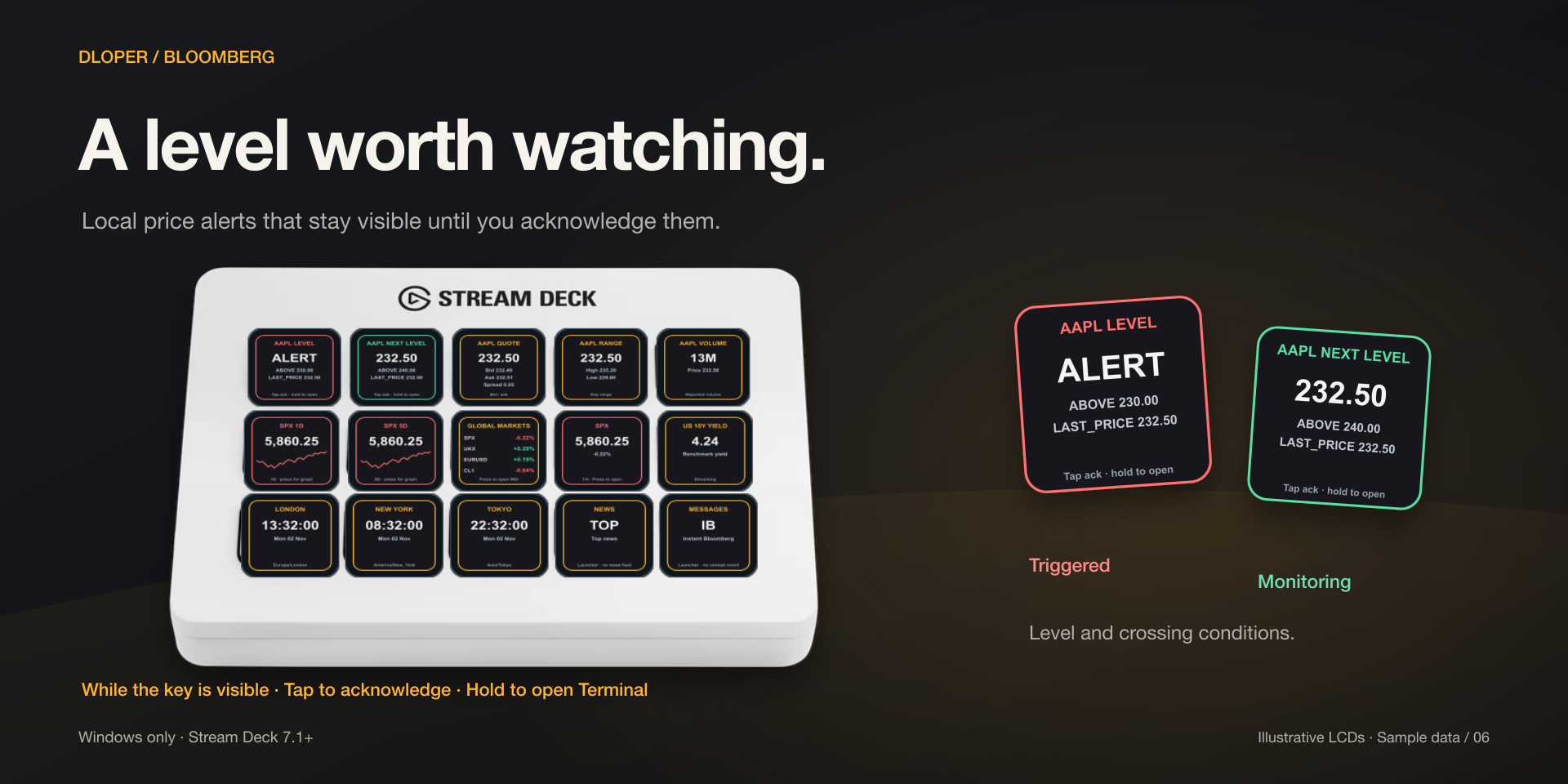
At-or-above, at-or-below, and crossing thresholds. Visual alert holds on-key until tapped to acknowledge; hold to open in Terminal.
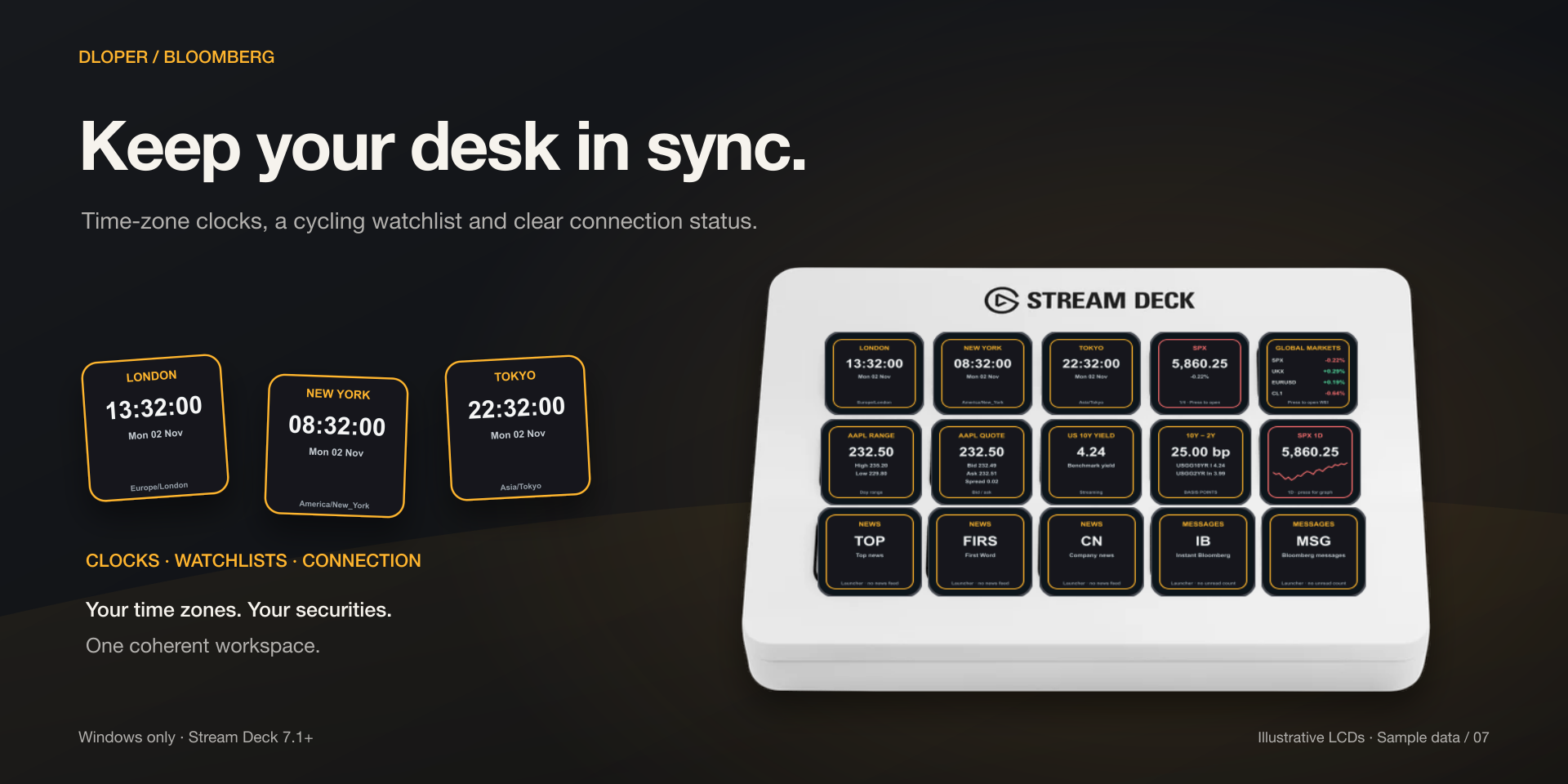
Global financial market clocks with automatic DST handling, plus live connection health monitoring with retry on tap.
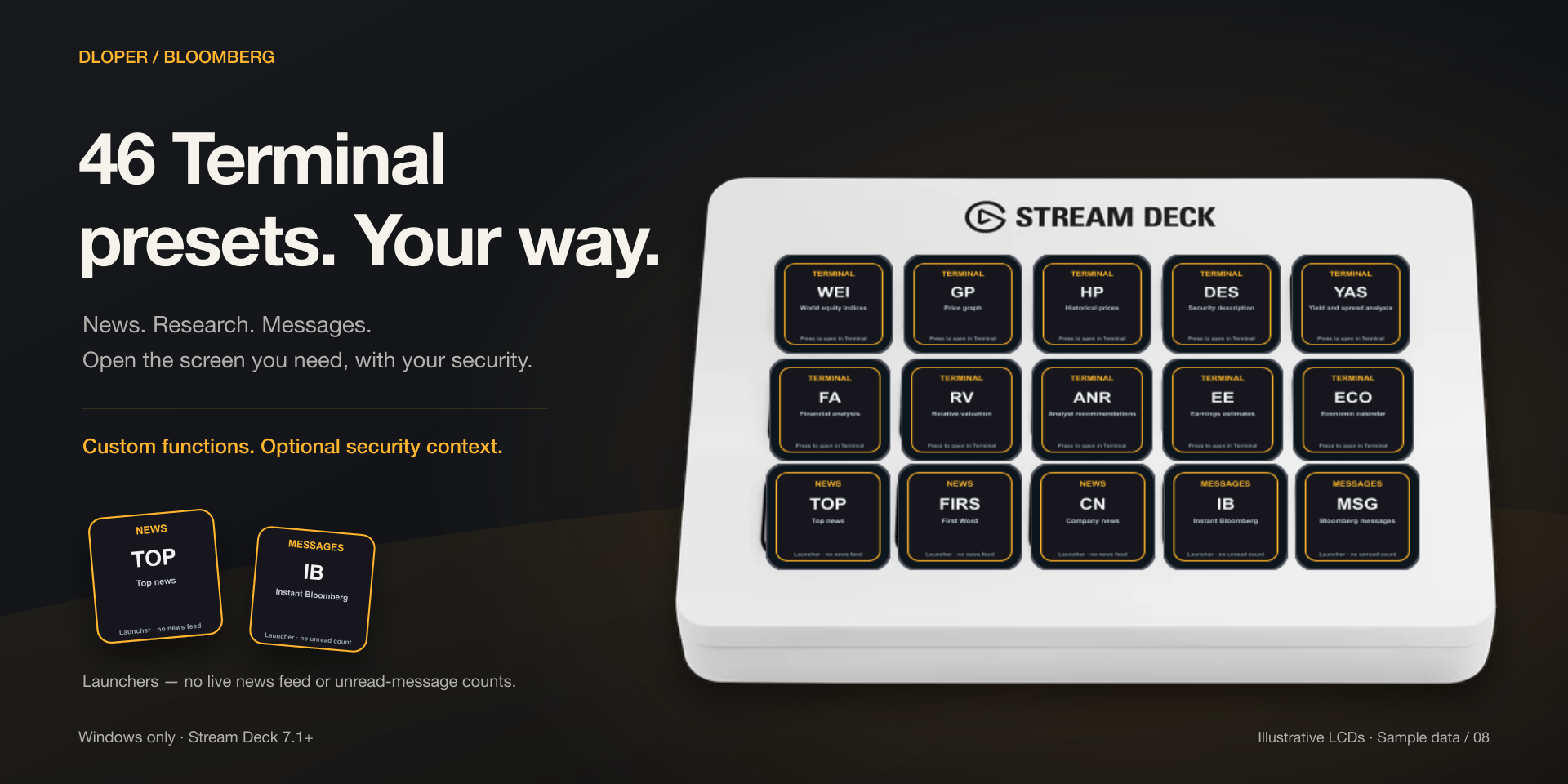
Instant openers for Bloomberg News & Research and Instant Bloomberg (IB) messaging straight from dedicated keys.
15 purpose-built financial market actions ready to drop directly into your trading profiles.
Real-time streaming quote via BLPAPI. Shows price, daily change, and percentage. Tap to open security, graph, copy identifier, or refresh.
KeypadBid, ask, spread, day range, open/high/low/last (OHLC), and volume on a single key with configurable precision.
KeypadDisplay an entitled numeric or text field (e.g. PE_RATIO, PX_VOLUME) using streaming data or cached reference snapshots.
KeypadHistorical price chart directly on an LCD key with 1D, 5D, 1M, and 1Y ranges. Caches history for fast display.
KeypadCycle through 1–20 securities automatically (3–300s interval) or manually advance with tap; hold to open in Terminal.
KeypadFor Stream Deck +. Rotate dial to browse watchlist tickers, push to cycle views or chart ranges, touch to open in Terminal.
Rotary DialMonitor up to four securities and their daily percentage changes simultaneously on one key. Press opens overview function.
KeypadLocal difference, ratio, relative percentage, or basis-point calculation for any two securities computed in real time.
KeypadLocal threshold and crossing alerts. Pulses visibly on trigger; tap to acknowledge, hold to open security in Terminal.
KeypadSends direct Bloomberg mnemonic commands (WEI, TOP, DES, HP, GP, ECO) to active window. 46 presets or custom commands.
KeypadEmulates physical Bloomberg keyboard sector keys (EQUITY, GOVT, CORP, CURR, COMMD) and action keys (GO, CANCEL).
KeypadLive local time and date in a chosen financial market time zone, with automatic daylight saving time handling.
KeypadMonitors the local Bloomberg BLPAPI bridge connection state in real time. Press to reconnect immediately.
KeypadDedicated launcher to open Bloomberg News and research functions in your active Terminal session with one tap.
KeypadDedicated launcher to open Instant Bloomberg (IB) and Terminal messaging screens without switching windows.
KeypadMarket data uses the Bloomberg Desktop API on the same Windows PC. Shared subscriptions, cached history, and reference snapshots keep requests controlled and responsive.
Intelligent local polling and memory caching ensures your keys remain responsive during high-volume volatility events without triggering API request limits.
All watchlists, portfolio symbols, and Terminal dispatch macros are stored strictly on your local machine. No cloud quote dashboard, third-party analytics, or external logging.
Each dial uses its own dedicated display segment. Rotate to scroll, push to toggle metrics or chart timeframes, and touch to launch Terminal screens.
The Bloomberg plugin runs entirely on your local machine. Dloper does not record, track, or transmit your watchlists, portfolio sizes, trades, or Terminal credentials. All communication stays strictly between your computer and your locally installed Bloomberg Terminal.
Operating System: Windows 10/11 x64.
Terminal Requirement: Requires an active, locally installed Bloomberg Terminal with working Desktop API (BLPAPI) access and relevant entitlements. A Bloomberg subscription is not included.
Hardware Stream Deck: Stream Deck, Stream Deck MK.2, Stream Deck +, Stream Deck Neo, Stream Deck XL, Stream Deck Mini, Stream Deck Mobile. (Dial features require Stream Deck +).
Software: Requires Stream Deck software version 7.1 or later.
Complete walkthrough for configuring symbol lookups, setting up Terminal function macros, dial scrubbing on Stream Deck +, Infobar tickers, and alert thresholds.