Downloads Radar at a Glance
See the total count and cumulative storage footprint of loose files on your key. Live status color subtly shifts as downloads accumulate over time.

STREAM DECK PLUGIN
Downloads Janitor brings a cleaner Downloads folder to your Stream Deck. Monitor loose clutter, organize files into smart categories, and safely sweep old installers without opening a file manager. Built for macOS and Windows by Dloper.
See the total count and cumulative storage footprint of loose files on your key. Live status color subtly shifts as downloads accumulate over time.
Automatically group loose downloads into Documents, Images, Installers, Archives, Media, and Code folders. Existing folders and subdirectories are left completely untouched.
Turn rotary encoders to select specialized cleanup filters, inspect file metrics on the touchstrip display, and press or touch to sweep matched files.
Choose whether eligible files are moved to macOS Trash / Windows Recycle Bin or a local dedicated archive folder. No permanent deletion commands are ever executed.
Engineered to eliminate desktop clutter for power users, developers, creators, and professionals who download dozens of files every day.
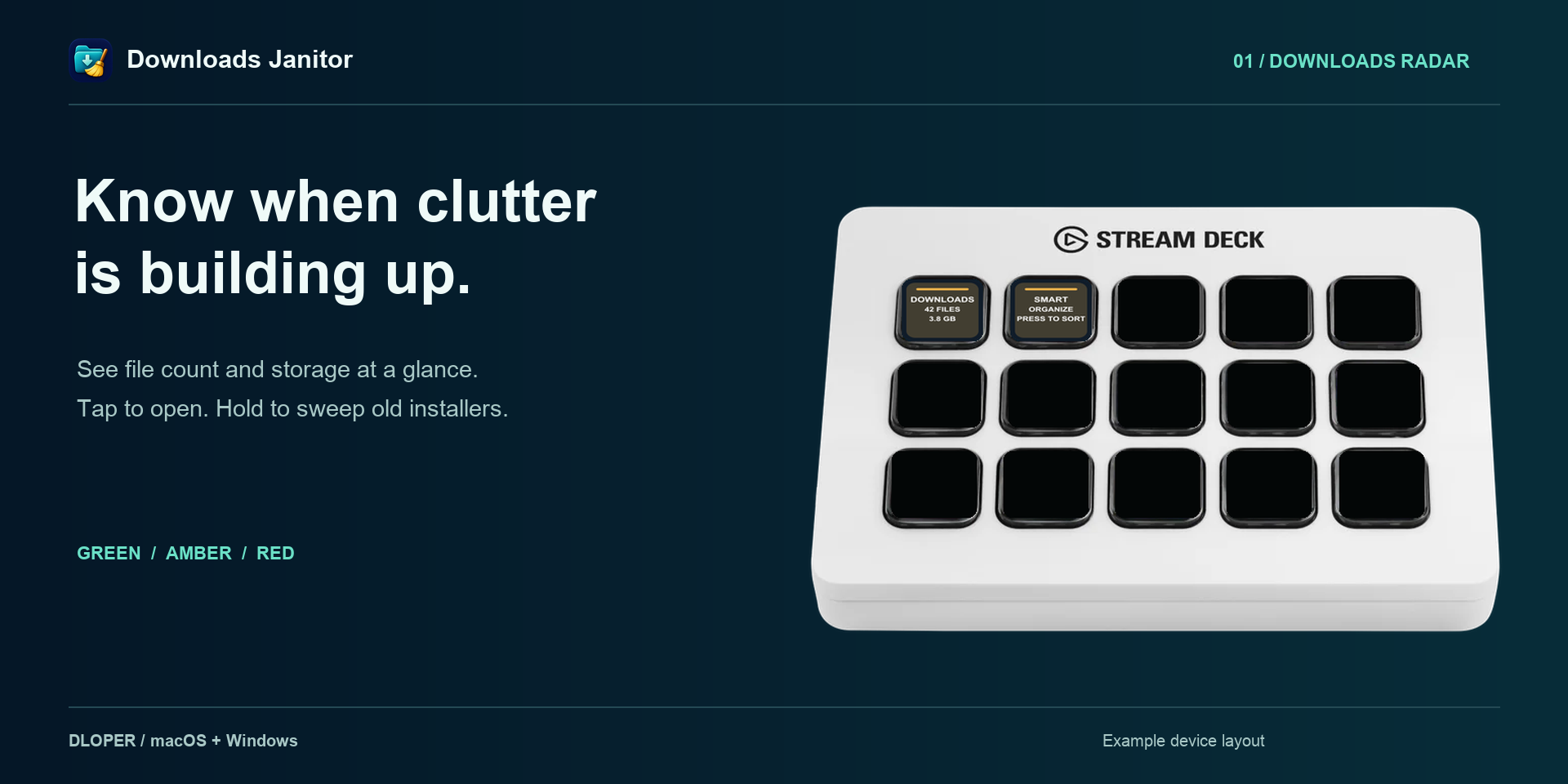
Downloads Radar highlights file counts and storage usage. Press to open your folder, or hold for 1.5 seconds to sweep old installers.
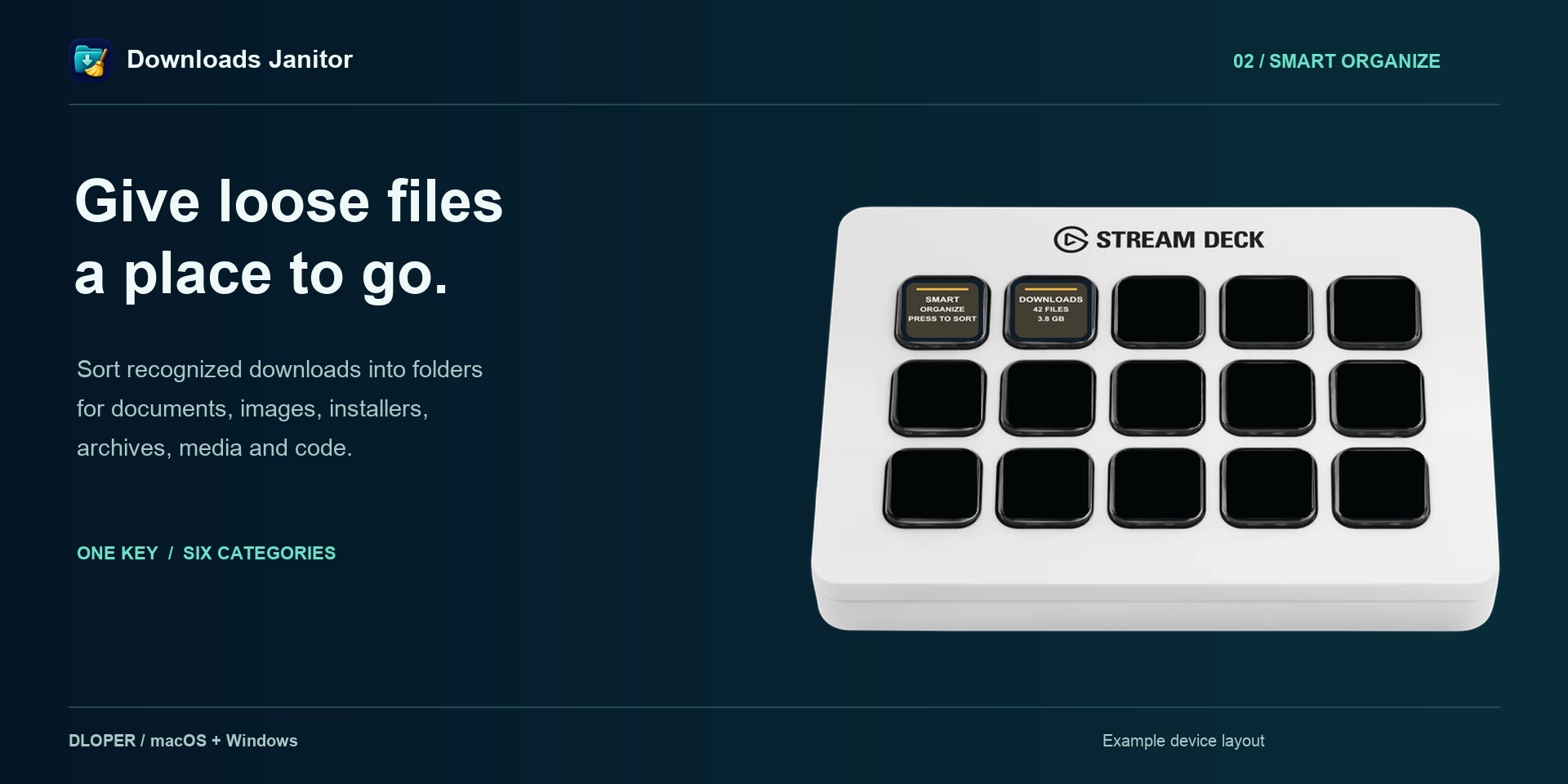
Smart Organize sorts files into dedicated category folders (Documents, Images, Installers, Archives, Media, and Code) with a single tap.
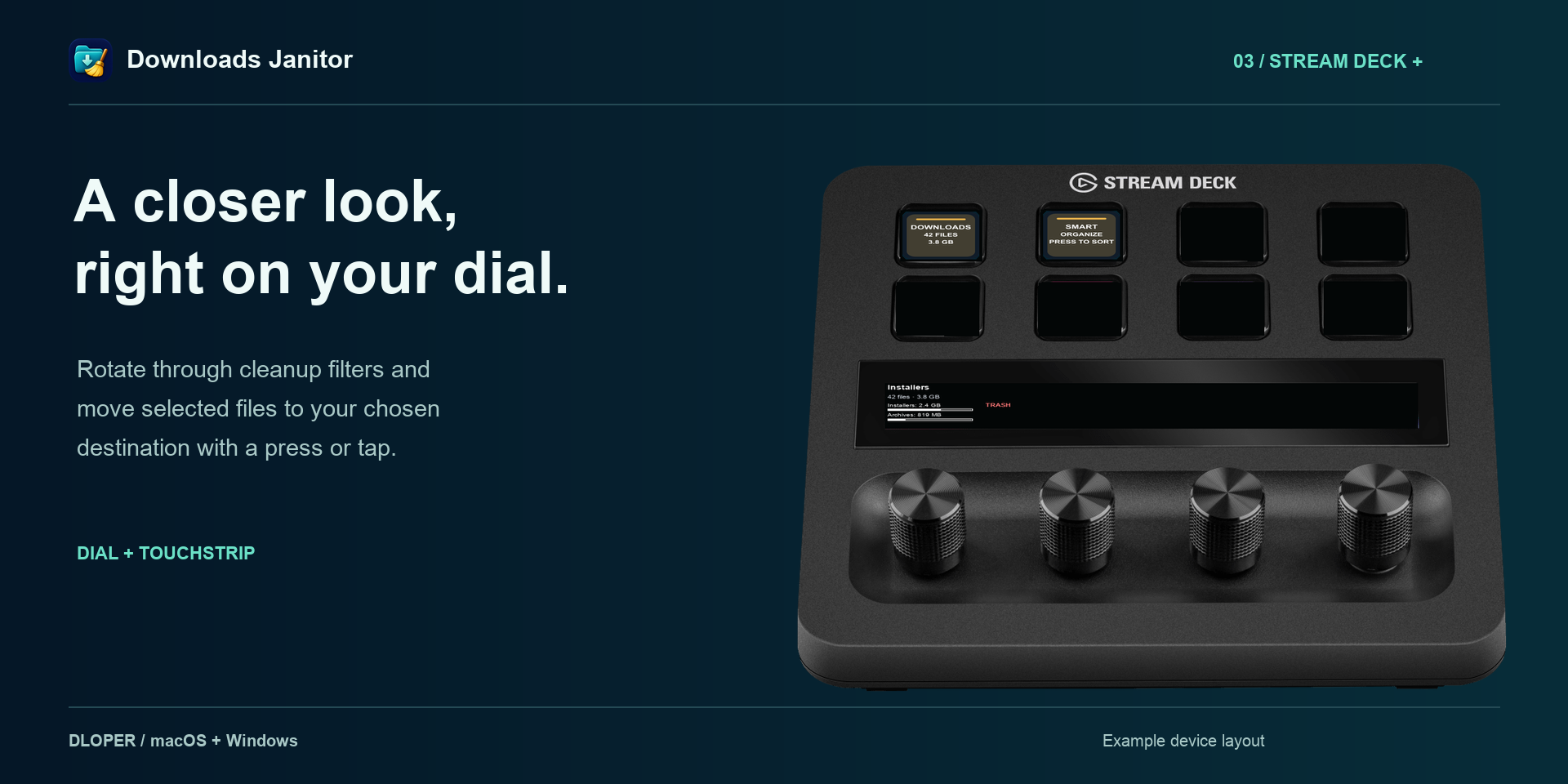
On Stream Deck +, rotate dials to select cleanup categories, preview candidate files and sizes on the touchstrip, and press to clean.
Seamless workflow actions built specifically for Stream Deck surfaces.
Real-time loose file count and disk usage monitoring. Tap to reveal your Downloads folder in Finder or File Explorer; hold 1.5 seconds to sweep old installers.
Keypad SurfaceInstantly sorts loose files into structured categories. Customize which folder types are organized via the Property Inspector.
Keypad SurfaceFor Stream Deck +. Rotate encoder to choose a cleanup filter (Installers, Archives, Screenshots, Media), view stats on touchstrip, and press or tap to move.
Rotary EncoderAutomatically detects and preserves active downloads ending in .crdownload, .download, or .part, preventing partial file corruption.
No irreversible rm or permanent deletion is ever used. Files are safely routed to system Trash / Recycle Bin or an isolated local archive folder.
Actions operate strictly on loose files at the top level of the monitored folder. Existing subfolders, git repositories, and project directories are never touched.
Configure age rules (e.g., older than 3 days, 7 days, or 30 days) so you never accidentally move files you downloaded this morning.
Operating Systems: macOS 13 or later • Windows 10/11.
Hardware Stream Deck: Stream Deck, Stream Deck MK.2, Stream Deck +, Stream Deck Neo, Stream Deck XL, Stream Deck Mini, Stream Deck Mobile. (Janitor Studio requires Stream Deck +).
Software: Requires Stream Deck software version 6.6 or later.
Complete guide to configuring age thresholds, customizing category mappings, setting up Trash vs Archive destinations, and dial navigation on Stream Deck +.