Synchronized Lyrics
Follow timestamped lyrics from LRCLIB that automatically stay in sync with your player's timeline, pauses, and manual skips. Never wonder what the next line is.

STREAM DECK PLUGIN
LyricFlow brings your music's words within reach. Follow synchronized lyrics, glance at upcoming lines, scrub songs with dials, view live album art, visualize system audio, and mirror words to Corsair iCUE LCD screens. Built for macOS and Windows by Dloper.
Follow timestamped lyrics from LRCLIB that automatically stay in sync with your player's timeline, pauses, and manual skips. Never wonder what the next line is.
Display live album artwork, song titles, artists, and playback progress bars across your LCD keys. Turn any key into an interactive desktop music display.
Rotate Stream Deck + encoders to seek by 1 to 30 seconds or fine-tune volume. Touch the strip to preview the next lyric line; push the dial to play or pause.
Enjoy a responsive retro graphic equalizer reacting to live system playback with 12 logarithmic frequency bands (35 Hz to 16 kHz) at a smooth 10 FPS.
Designed for music lovers, streamers, creators, and desk setup enthusiasts who want a richer connection with what they hear.
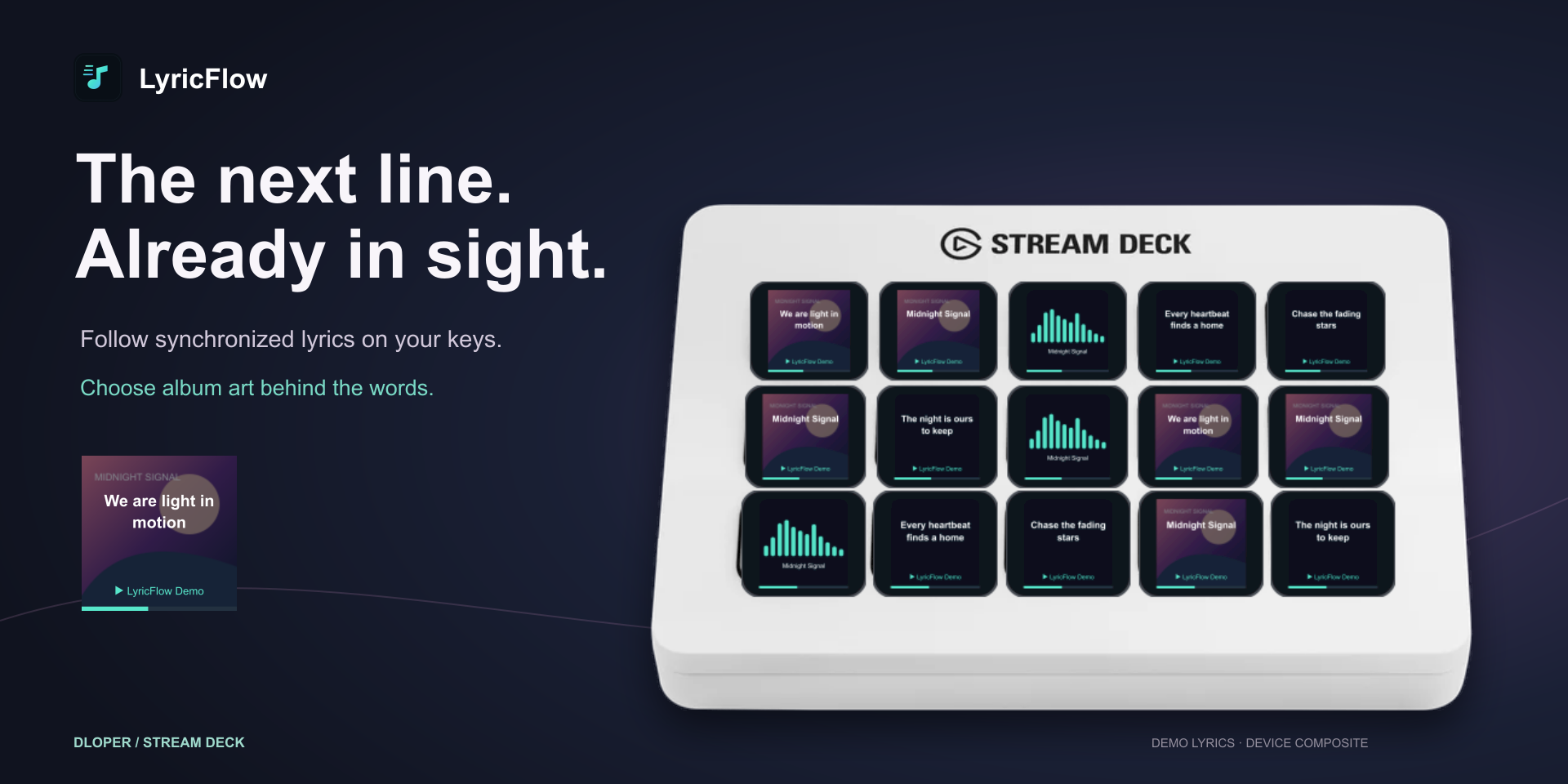
Display synchronized lyrics on individual keys or let them scroll across the wide Neo Infobar. Customizable accent highlights and word-wrap settings.
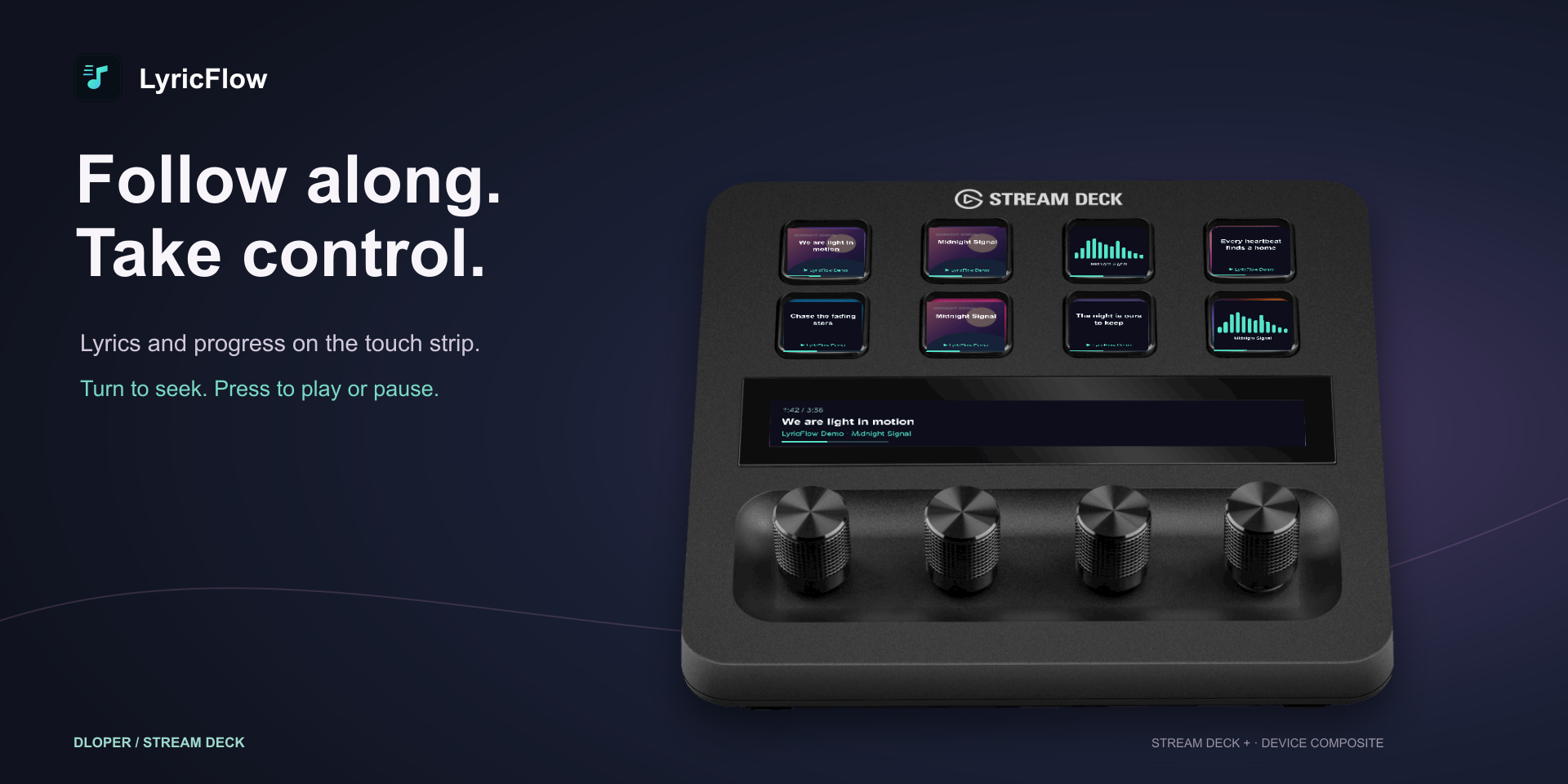
Fine-tune position with the Lyric Scrubber dial. Inspect upcoming verses on the touchstrip and tap for playback control.
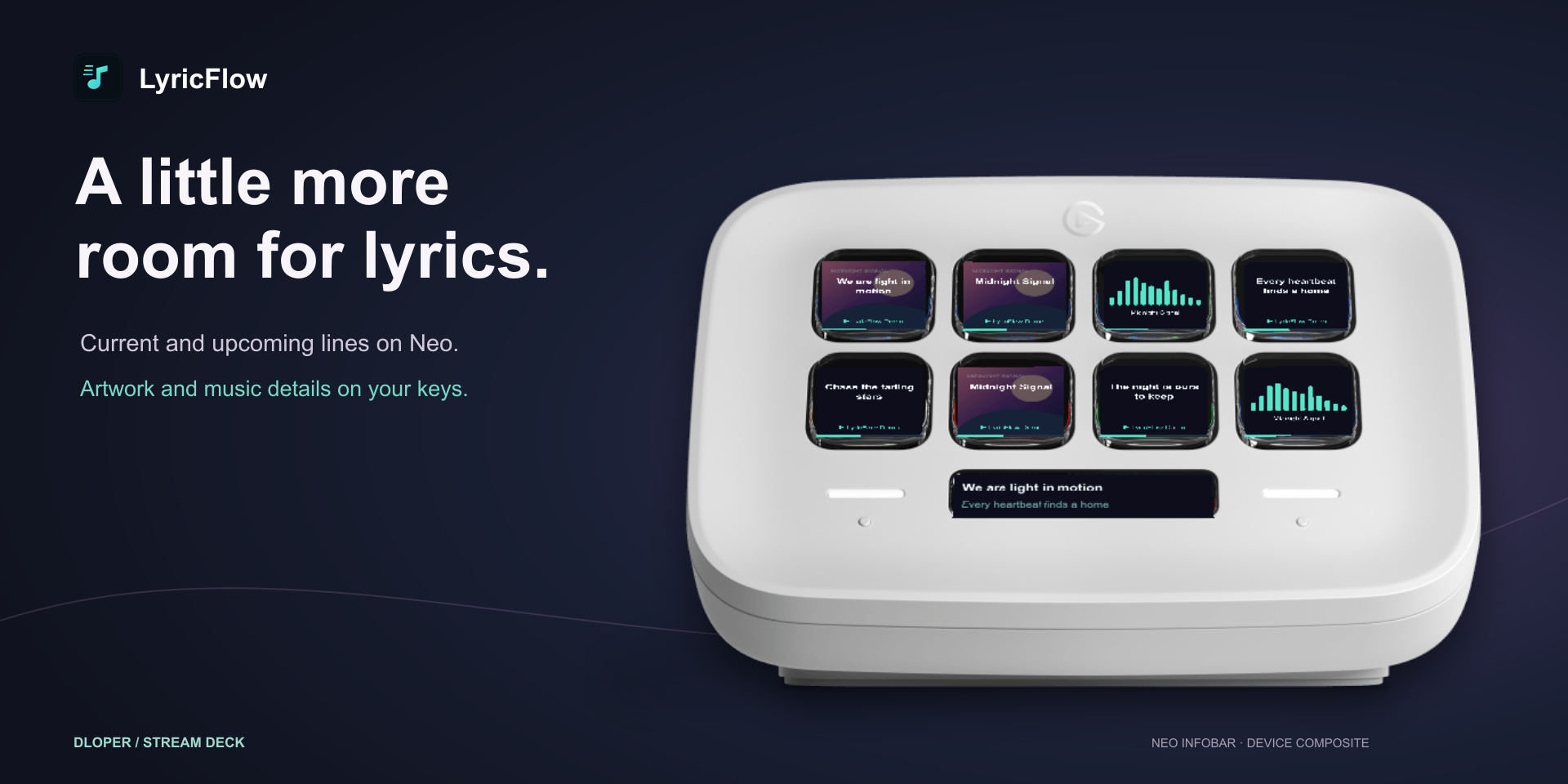
Rich Now Playing canvas displays full-fidelity album art, progress indicators, and song metadata directly on your desk.
Modular actions ready to drop into your daily streaming and productivity profiles.
Presents the current synchronized lyric line on a key. Press to play or pause. Supports darkened album artwork backdrops and word-wrap modes.
Keypad SurfaceBuilt specifically for the Stream Deck Neo Infobar display. Simultaneously renders current and upcoming lines with smooth horizontal scrolling.
Neo InfobarFor Stream Deck +. Rotate to seek by customizable second intervals or step system volume. Tap the touchstrip to preview the upcoming line; push to play or pause.
Rotary EncoderRenders high-resolution album artwork, track title, artist name, and playback progress on an LCD key. Tap to toggle play/pause.
Keypad SurfaceLive 12-band audio spectrum analyzer (35 Hz to 16 kHz) reacting to real output audio in real time. Press to play or pause.
Keypad SurfaceBring synchronized lyrics to your PC hardware! The official LyricFlow iCUE Widget mirrors your live track lyrics, progress, and album art directly onto compatible Corsair LCD screens.
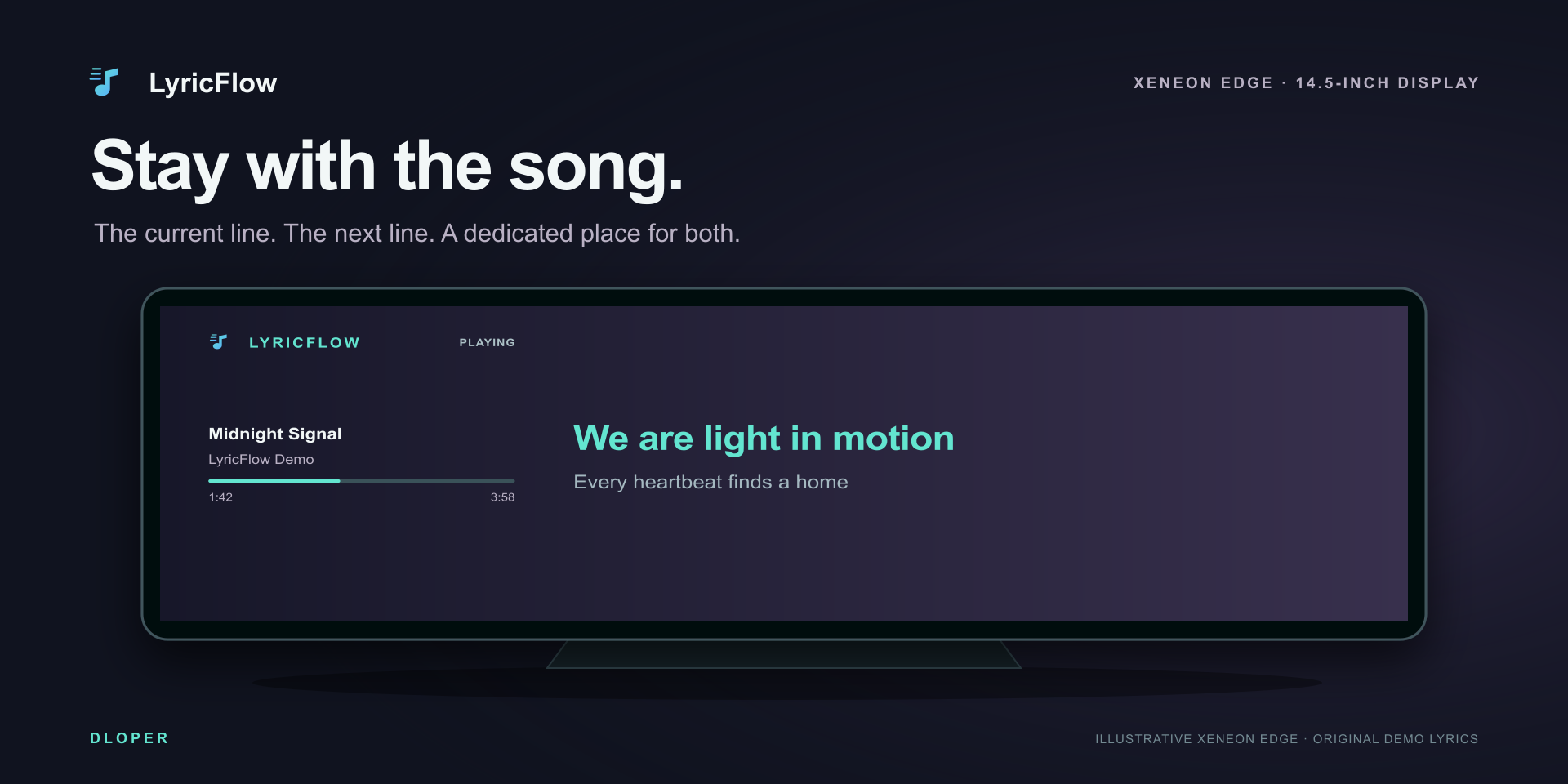
Clean rectangular layout showing the current active verse highlighted in your accent color with the upcoming line below.
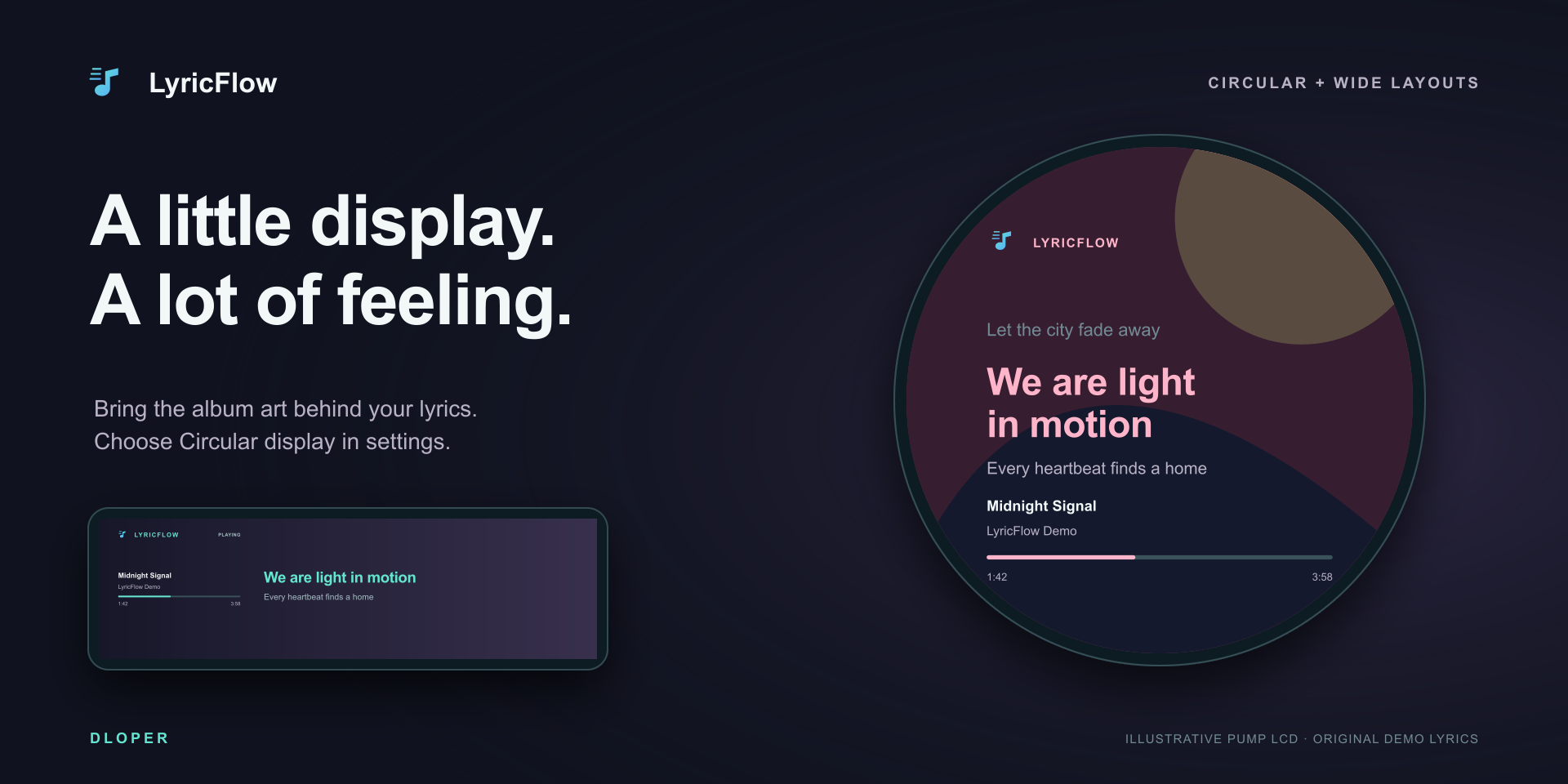
Enable circular mode for Corsair Elite LCD pump heads. Lyrics curve smoothly around your cooler with album art backdrops.
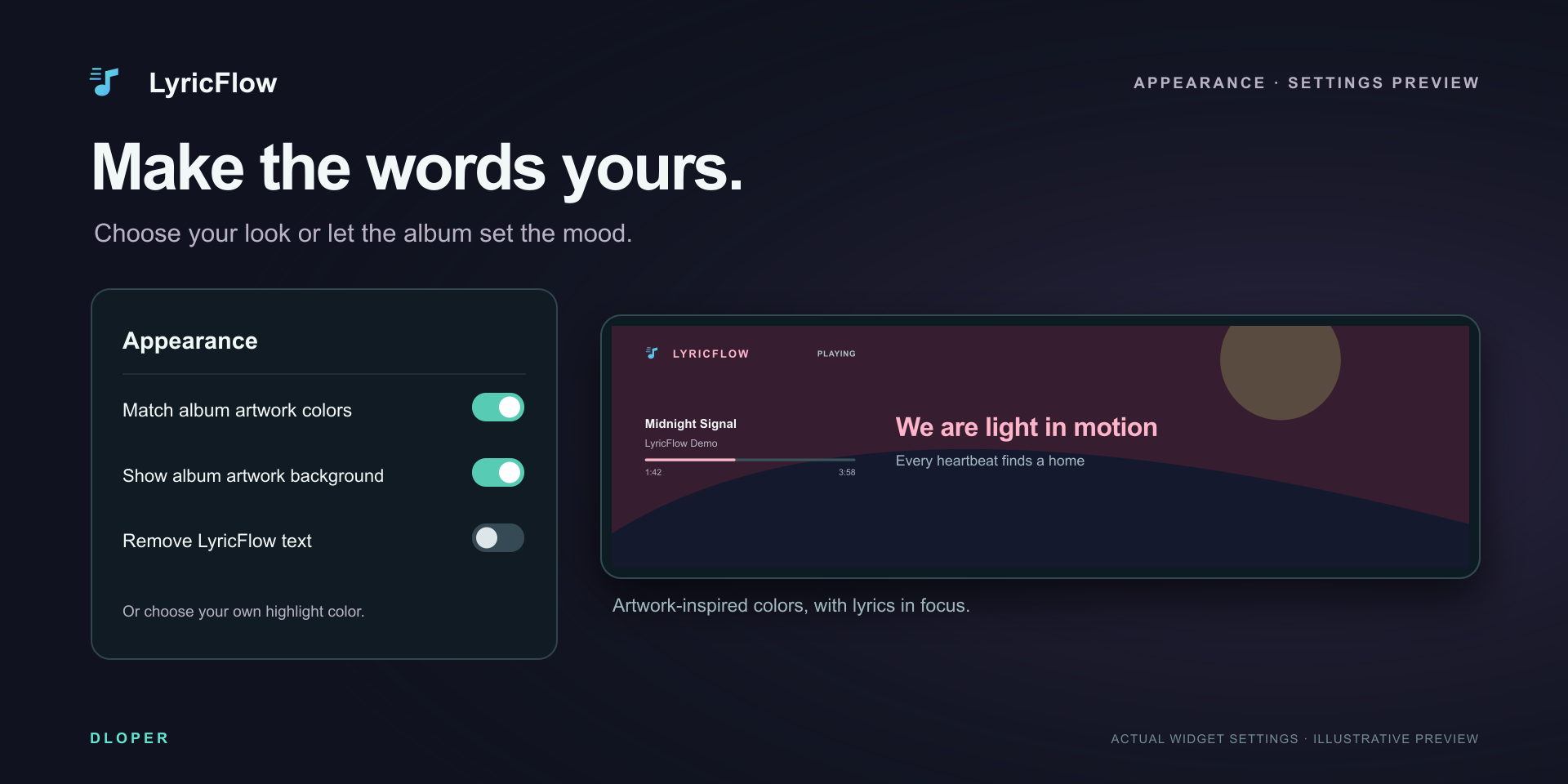
Match your rig's RGB theme. Select any highlight color from within the native iCUE widget settings.
Native UI localization for English, German, Spanish, French, Italian, Japanese, Korean, Portuguese, Russian, and Chinese.
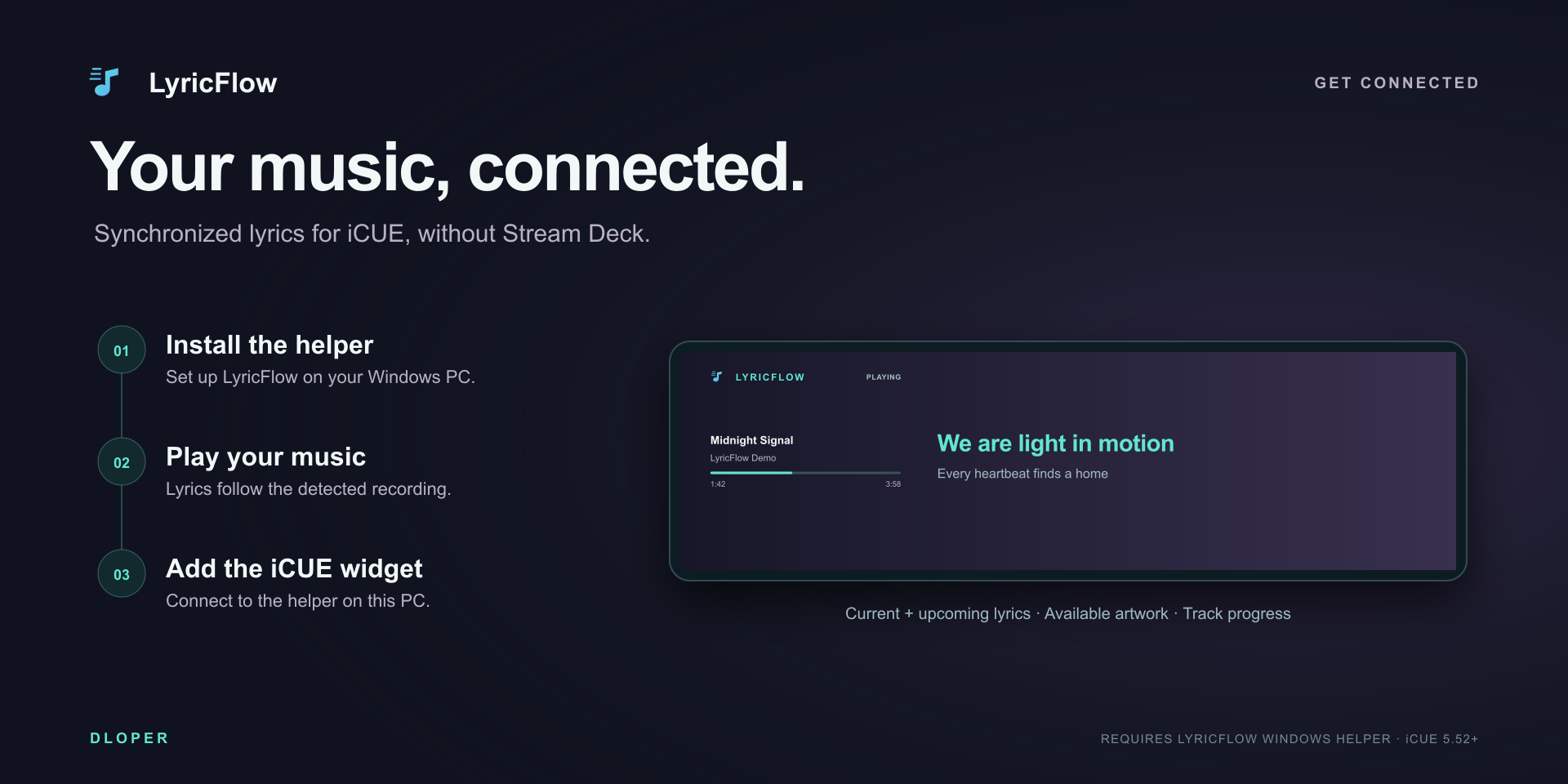
The LyricFlow iCUE widget runs inside Corsair iCUE 5.52+ (Widget Framework 1.9+) and communicates with the LyricFlow Stream Deck plugin on the same Windows PC over a secured local WebSocket (127.0.0.1:17849). Zero cloud relays, zero external server latency, and 100% private.
Download LyricFlow directly through Elgato Marketplace. The complete edition includes all Stream Deck actions and pairs instantly with your Corsair iCUE companion display.
Direct integration with Spotify and Apple Music automation on macOS. On Windows, seamlessly connects to the active Windows Media Session for Spotify, Apple Music, Tidal, and web players.
Retro Visualizer analyzes live system output using ScreenCaptureKit audio-only taps on macOS and WASAPI loopback on Windows. No audio is ever recorded, stored, or transmitted.
No separate LyricFlow account or developer token required. Everything is included in one complete edition; lyric queries are cached in local memory during your session.
Fine-tune line advance from −10,000 ms to +10,000 ms per action instance. Choose accent highlight colors, word-wrap preferences, and background artwork dimming.
Operating Systems: macOS 13 or later • Windows 10/11 x64.
Hardware Stream Deck: Stream Deck, Stream Deck MK.2, Stream Deck +, Stream Deck Neo, Stream Deck XL, Stream Deck Mini, Stream Deck Mobile. (Dial controls require Stream Deck +; Infobar action requires Neo).
Companion Displays: Corsair iCUE 5.52+ (LCD Dashboard, Pump LCD, Keyboard LCD) on Windows.
Software: Requires Stream Deck software version 7.6 or later.
Complete guide to player permissions, timing offset calibration, FFT spectrum visualizer audio setup, dial scrubbing, and pairing with Corsair iCUE LCD widgets.