Pixel-Perfect Screen Sampling
Press the Dropper key to launch an on-screen color loupe and sample exact pixel coordinates across all connected displays without leaving your app.
STREAM DECK PLUGIN
Bring the colors on your screen directly to your Stream Deck. Sample pixels with a magnifier loupe, manage live swatches, copy developer formats, and tune shades with rotary dials. Built for macOS and Windows by Dloper.
Press the Dropper key to launch an on-screen color loupe and sample exact pixel coordinates across all connected displays without leaving your app.
Copy values in HEX, RGB, RGBA, HSL, Tailwind CSS, SwiftUI, Jetpack Compose, and Flutter syntax. Turn on auto-copy to put colors on your clipboard the instant you pick them.
Keep active and recent color palettes visible on your LCD keys. Dedicate keys to slots 1 through 8 and press any swatch to copy its code on demand.
Rotate rotary encoders to fine-tune Hue, Saturation, Lightness, or Opacity with live touchstrip telemetry and real-time WCAG AA/AAA contrast checks.
Engineered for frontend developers, UI/UX designers, and digital artists who want quick color sampling and palette control.
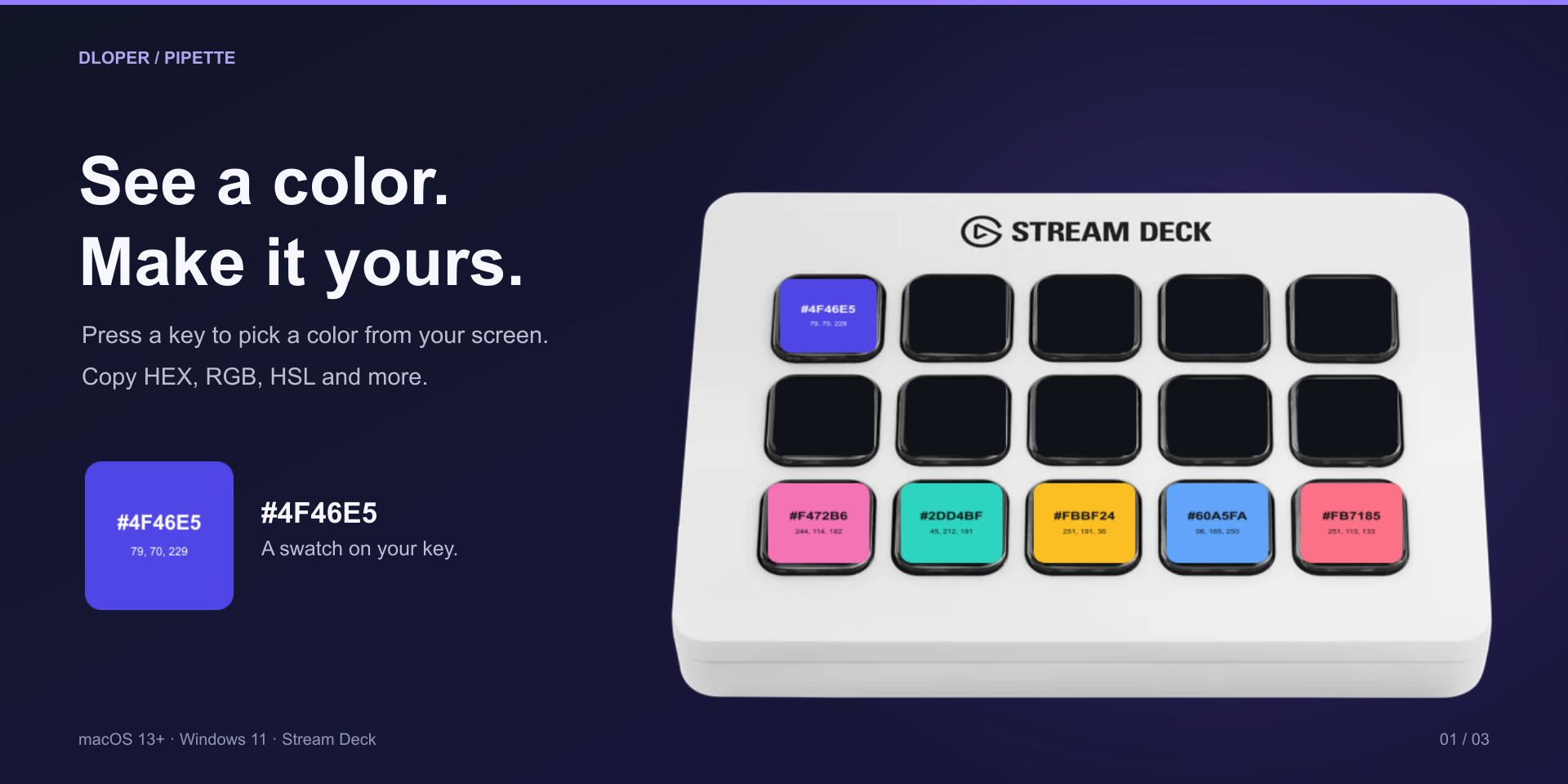
Press the Dropper key to inspect any pixel with a precision magnifier. Your active swatch updates immediately on your key face.
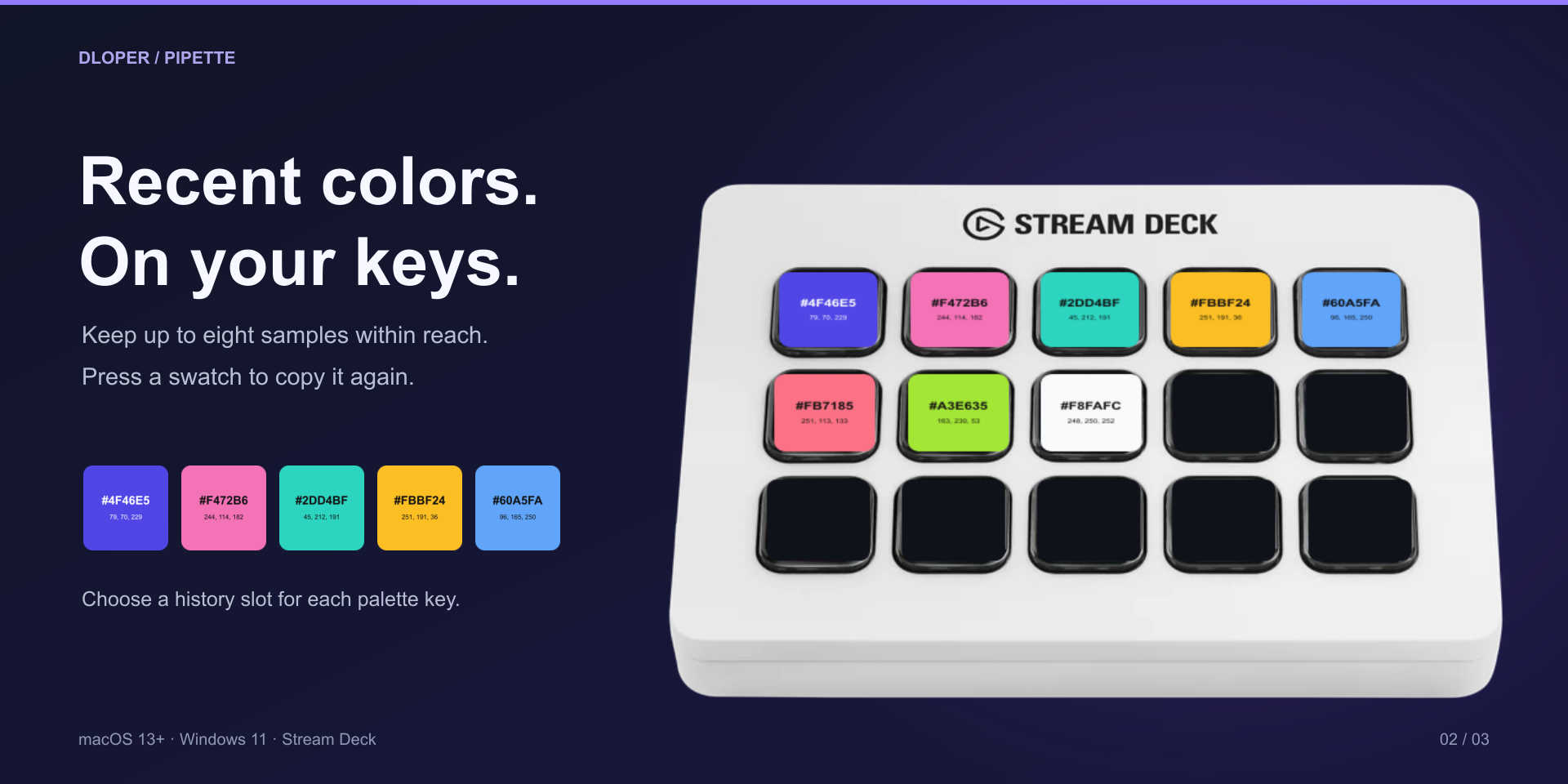
Pin up to eight active swatches to your keypad layout. Create an interactive color board for your active design system or sprint.
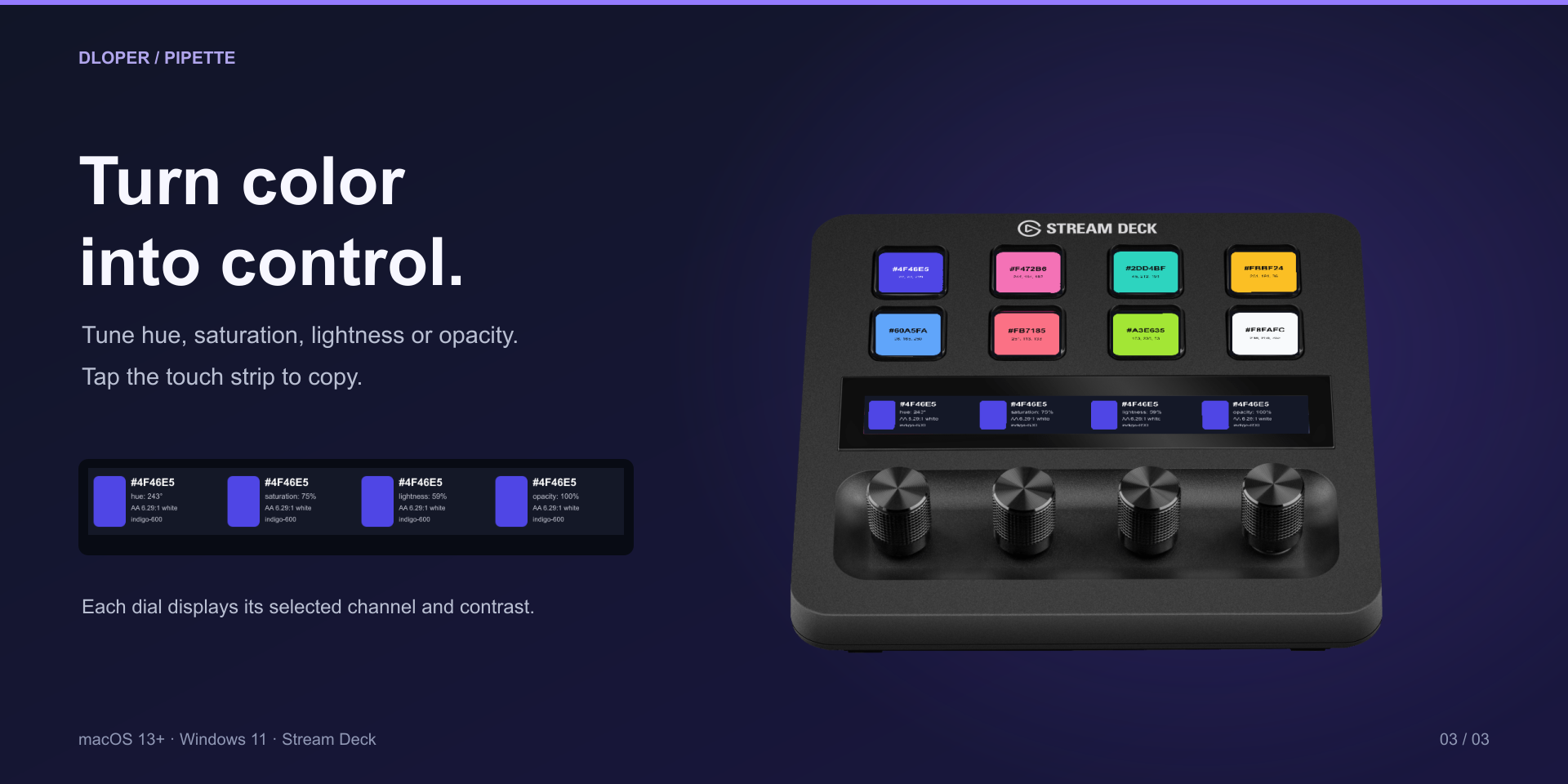
On Stream Deck +, turn dials to nudge channels, inspect contrast ratios against dark and light themes, and tap the touchstrip to copy.
Effortless drag-and-drop actions ready for your Stream Deck workspace.
Sample a pixel from your displays or copy the currently active swatch. Supports optional auto-copy to clipboard upon selection.
Keypad SurfaceDisplay and recall colors from your recent history. Assign slots 1 to 8 across keys to build a live palette board for your project.
Keypad SurfaceFor Stream Deck +. Rotate to tune HSL/opacity channels, monitor WCAG contrast indicators on the touchstrip, and tap to copy.
Rotary EncoderGenerate clean, ready-to-paste snippets for CSS (HEX, RGB, HSL), Tailwind CSS utility classes, SwiftUI Color(...), Jetpack Compose, and Flutter.
Real-time contrast score calculations against pure white and black surfaces, complete with clear AA and AAA compliance badges for accessible typography.
Sampling and palette manipulation run entirely on-device via native OS screen sampling frameworks. No images or palette data are ever sent over the network.
Seamlessly spans multi-display setups on both macOS (13+) and Windows (10/11) with retina and HiDPI coordinate handling.
Operating Systems: macOS 13 or later • Windows 10/11.
Hardware Stream Deck: Stream Deck, Stream Deck MK.2, Stream Deck +, Stream Deck Neo, Stream Deck XL, Stream Deck Mini, Stream Deck Mobile. (Color Tuning Studio requires Stream Deck +).
Software: Requires Stream Deck software version 6.6 or later.
Complete guide to configuring developer export formats, managing swatch history slots, calibrating Stream Deck + dials, and understanding contrast calculations.