Instant Port Awareness
Watch any local port (3000, 5173, 8080, etc.). See whether it is free or occupied, with process names, PIDs, and memory footprints displayed directly on your keys.

STREAM DECK PLUGIN
Port Warden brings local TCP port awareness to your Stream Deck. See what is listening, find the process behind a busy port, and clear your development workspace without switching to a terminal. Built for macOS and Windows by Dloper.
Watch any local port (3000, 5173, 8080, etc.). See whether it is free or occupied, with process names, PIDs, and memory footprints displayed directly on your keys.
Terminate stuck development servers with a single tap. Choose graceful mode to allow clean teardown or force mode for immediate release, backed by system safety checks.
Group up to four ports on one key to monitor your frontend, API, database, and background workers simultaneously with an intuitive two-step stop confirmation flow.
Spin the rotary encoder to browse all discovered TCP listeners on your computer, view live process details on the touch strip, and press to release.
Purpose-built for web developers, software engineers, and devops pros running complex local development stacks.
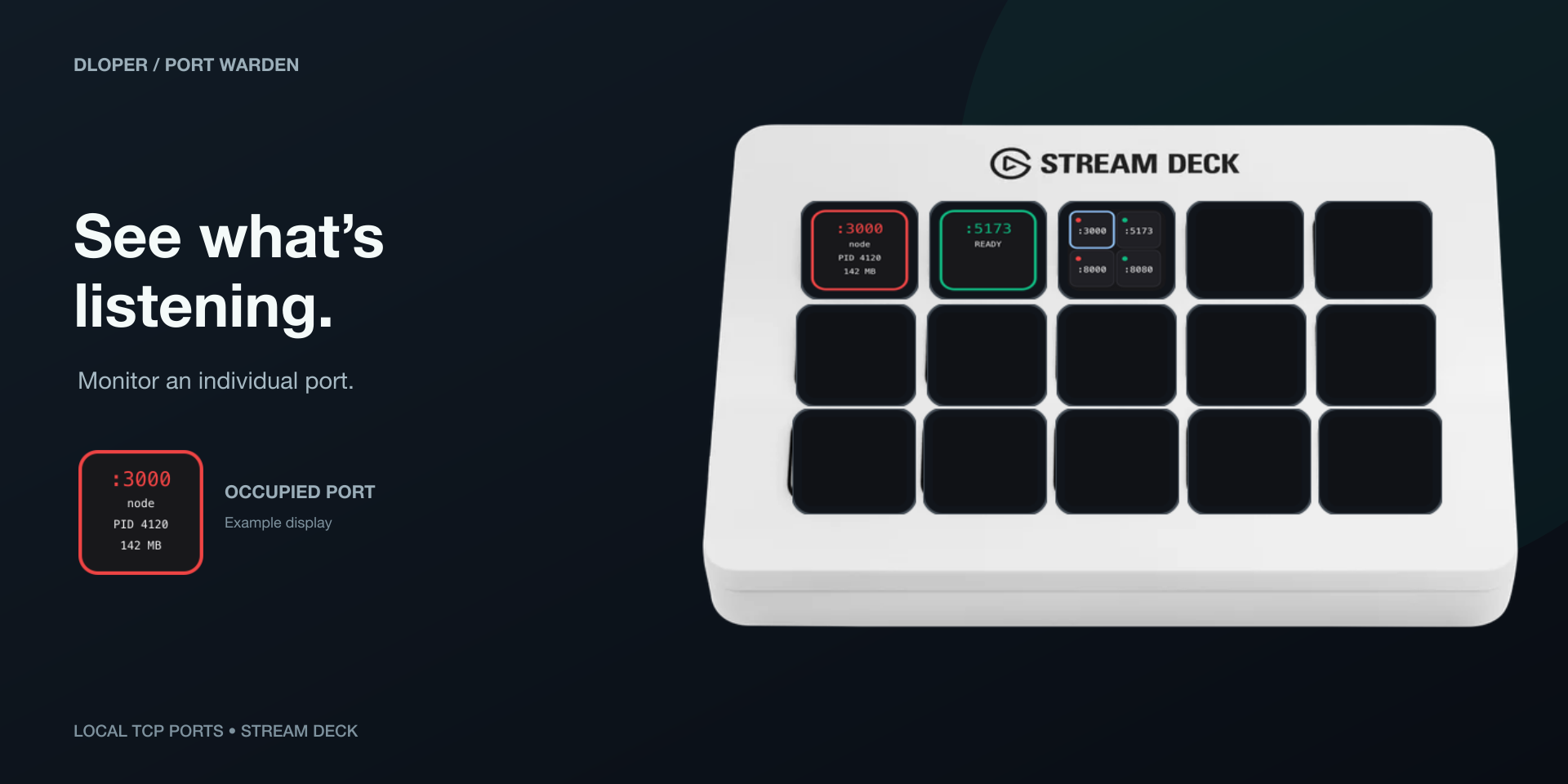
Track a dedicated port with custom labels, occupied accent colors, PID, and memory readout. Tap to terminate an occupied port or open free ports in your browser.
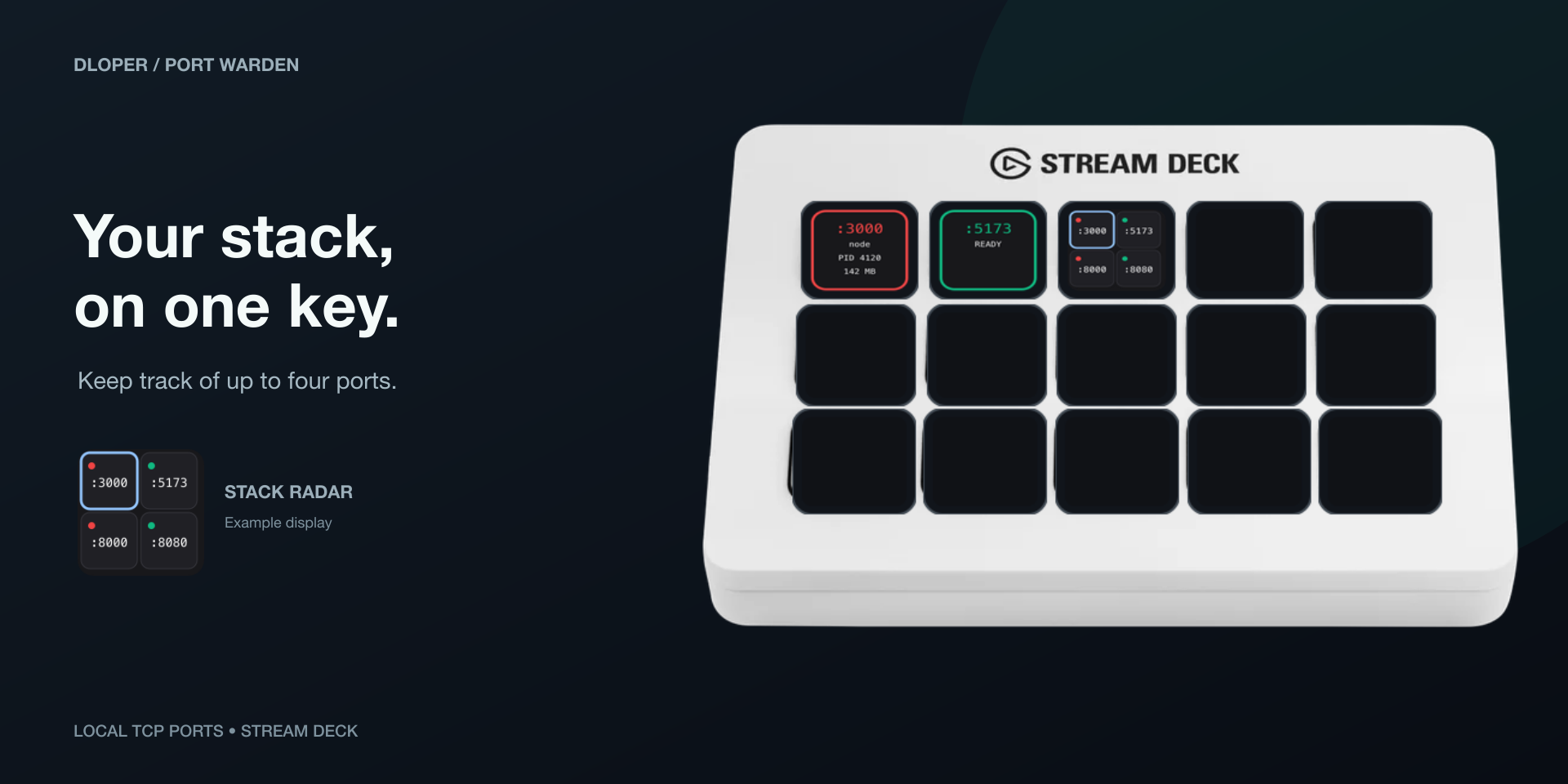
Monitor up to four configured ports together. Tap to cycle through occupied ports; hold for 1.5s and press again within 5s to stop the stack safely.
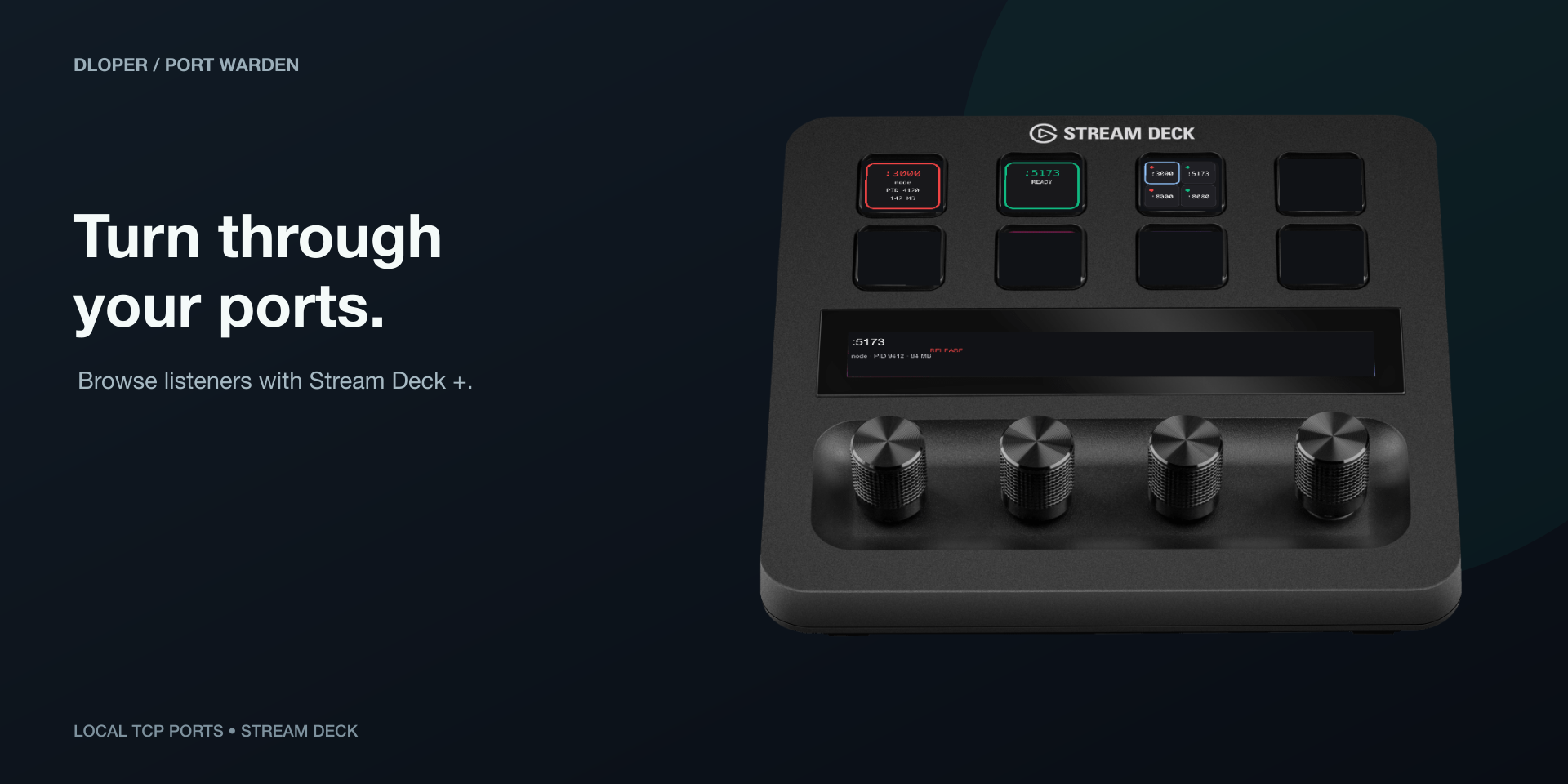
Rotate the dial to browse discovered TCP listeners, view details on the touch strip, push to terminate, and hold 1.2s to open localhost in your browser.
Drag and drop into your developer profiles in seconds.
Monitor and release an individual local TCP port. Shows free/occupied state, PID, and memory. Tap to terminate; hold to open browser or copy PID.
Keypad SurfaceMonitor up to four configured ports simultaneously. Tap to cycle occupied ports; hold for 1.5s and tap again to confirm stopping all stack listeners.
Keypad SurfaceFor Stream Deck +. Rotate dial to browse active TCP listeners, view details on touch strip, push dial or tap strip to stop, hold to launch browser.
Rotary EncoderPorts below 1024, as well as critical system ports like 5000 (AirPlay) and 7000, cannot be stopped by Port Warden under any circumstances.
Port Warden verifies listener identities before attempting termination. If a port has multiple listeners or ownership shifts, the action is safely refused.
All port scanning and process diagnostics are performed strictly on your local machine using operating system APIs. Zero network calls or telemetry.
Configure whether termination sends a gentle SIGTERM signal first to give your app a chance to clean up, or SIGKILL for instant port release.
Operating Systems: macOS 13 or later • Windows 11 or later.
Hardware Stream Deck: Stream Deck, Stream Deck MK.2, Stream Deck +, Stream Deck Neo, Stream Deck XL, Stream Deck Mini, Stream Deck Mobile. (Dial Inspector requires Stream Deck +).
Software: Requires Stream Deck software version 6.6 or later.
Complete guide to monitoring ports, configuring Stack Radar, using the Stream Deck + dial, and troubleshooting process permissions.