
STREAM DECK ICON PACK • TACTICAL MILITARY SCI-FI
Tactical HUD Icon Pack
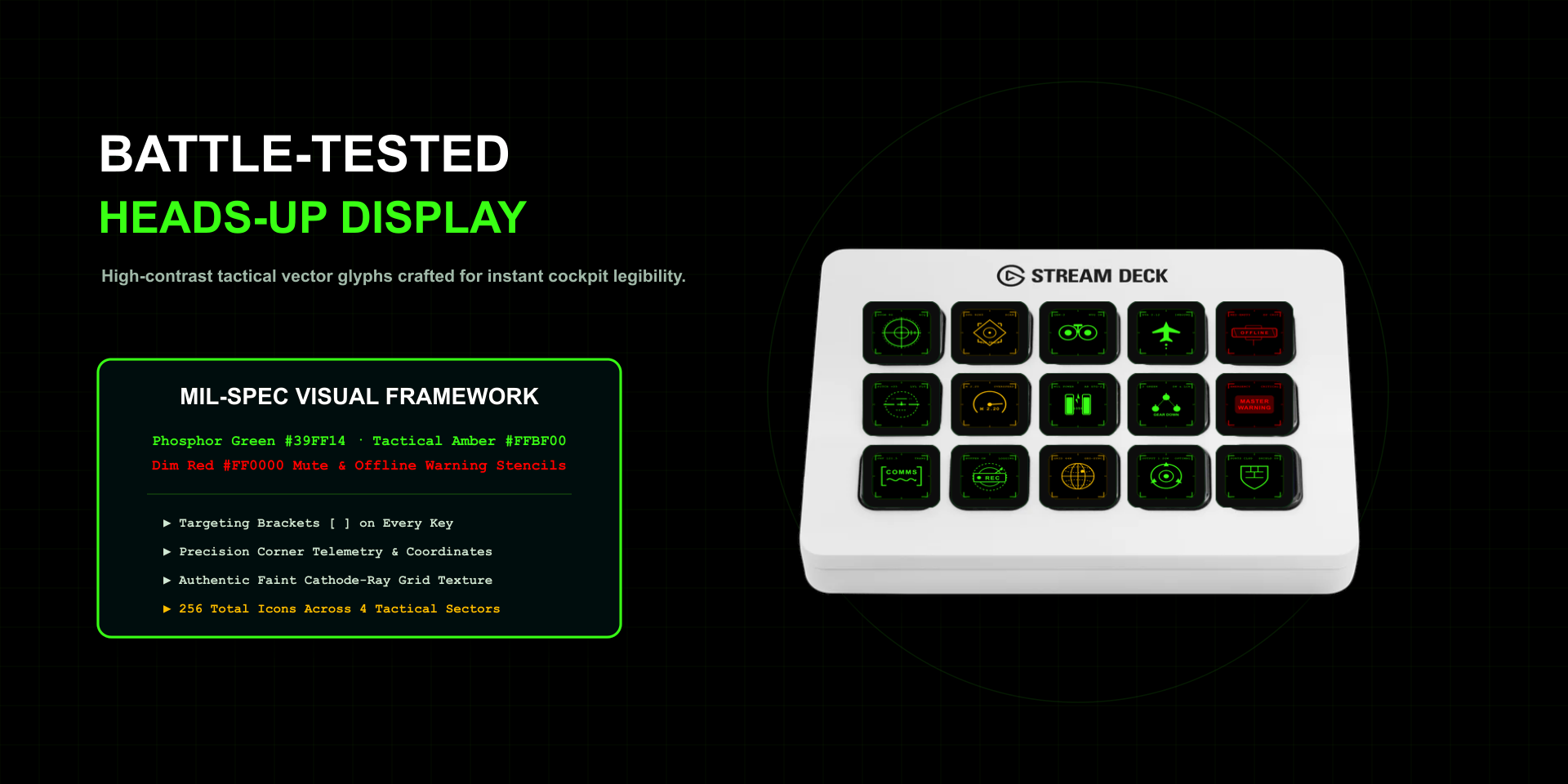
Hardcore, data-driven 256-icon military sci-fi Stream Deck suite inspired by mech cockpits, stealth radar screens, and flight telemetry. Engineered with pitch-black keys, targeting brackets, and live telemetry stamps.
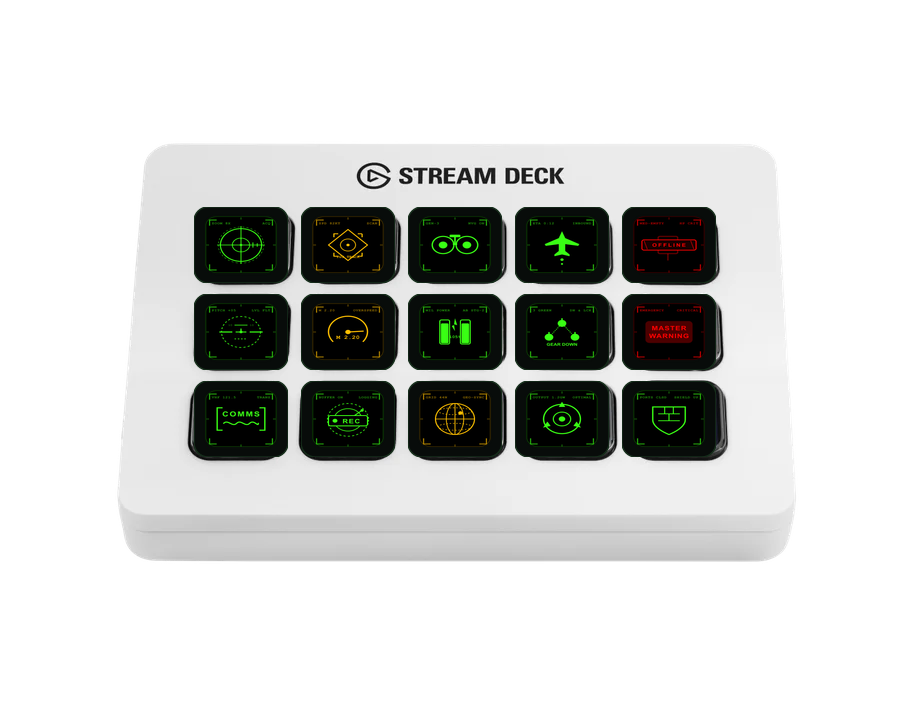
Cockpit Precision on Physical Keys
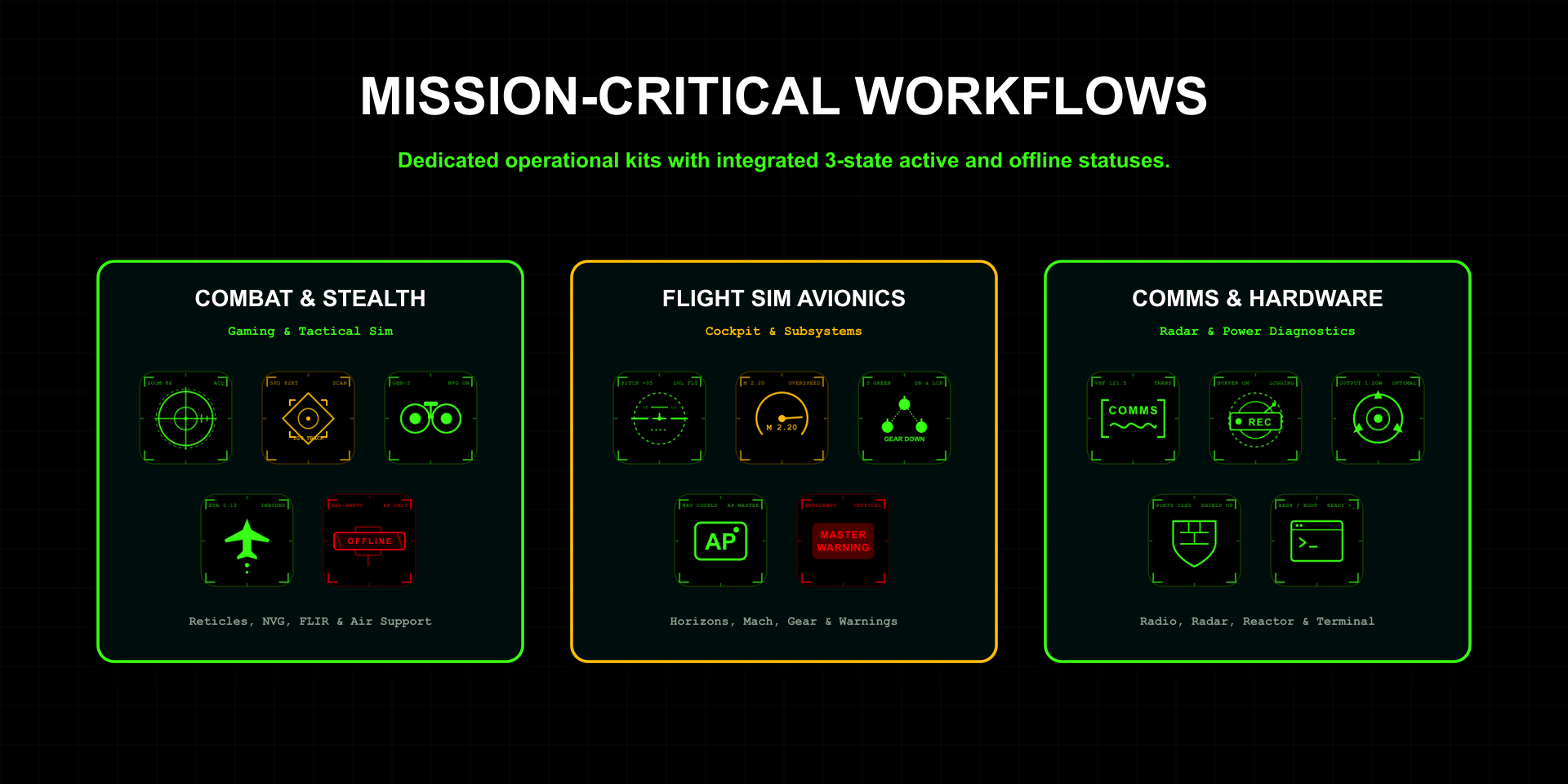
Built for tactical combat simulation, flight simulators, broadcast comms, and system monitoring. Every key features subtle grid overlays, crosshairs, corner targeting brackets [ ], and coordinate timestamps rendered in glowing phosphor green and tactical amber with dim red "OFFLINE" indicators.
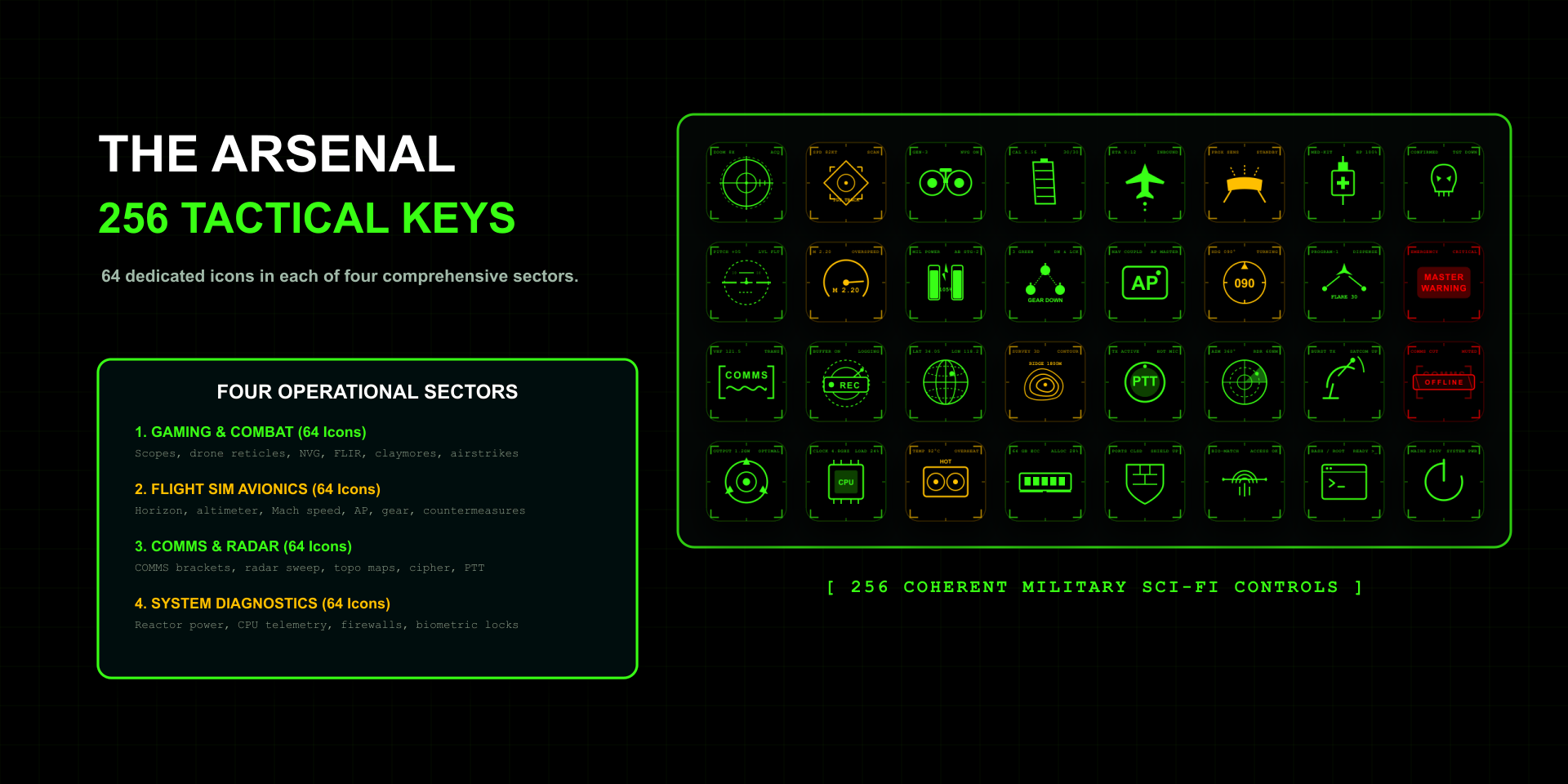
4 Command Sectors
64 specialized icons per sector engineered for flight sims, tactical gaming, broadcast comms, and hardware telemetry.
Gaming Sector 64 Icons
Sniper scopes, drone reticles, NVG night vision, FLIR thermal sensors, armor ratings, weapon bays, and orbital strikes.
Flight Sim Sector 64 Icons
Artificial horizon, barometric altimeter, Mach airspeed meters, autopilot toggles, landing gear, flaps, and rudder trims.
Comms Sector 64 Icons
Radio targeting brackets, radar sweeps, wireframe globes, push-to-talk channels, emergency beacons, and blinking REC signals.
System Diagnostics 64 Icons
Reactor power gauges, CPU/GPU thermal loads, RAM memory buffers, firewall security grids, and emergency purge switches.
Pack Gallery
High-contrast HUD telemetry on Stream Deck LCD hardware.
Compatibility
Supported Devices: Stream Deck, Stream Deck MK.2, Stream Deck XL, Stream Deck +, Stream Deck Mini, Stream Deck Neo, and Stream Deck Mobile.
Operating System: macOS & Windows.
Software: Elgato Stream Deck 6.0 or later. 1-click install via the Elgato Marketplace.