Focus Automation
Block distracting apps and websites automatically while you work, right from your Stream Deck.

STREAM DECK PLUGIN
Make room for your best work. Combine a live countdown with app and website blocking, plus optional controls for your Mac's focus environment.
Block distracting apps and websites automatically while you work, right from your Stream Deck.
Track your focus and break sessions with a live visual ring right on your key.
Set Do Not Disturb, hide desktop icons, or lock your screen automatically when your session ends.
Everything is controlled from a single Stream Deck action. Customise your focus sessions with powerful environment controls built directly into your timer.
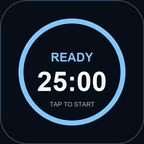
Visual progress ring showing remaining focus and break time directly on your Stream Deck key.
 App Blocking
 Website Blocking
 Do Not Disturb
 Hide Desktop
 Lock Screen
Set different routines for different keys. Have a strict 45-minute coding session that blocks Slack and Twitter, or a relaxed 15-minute reading session that just sets Do Not Disturb.
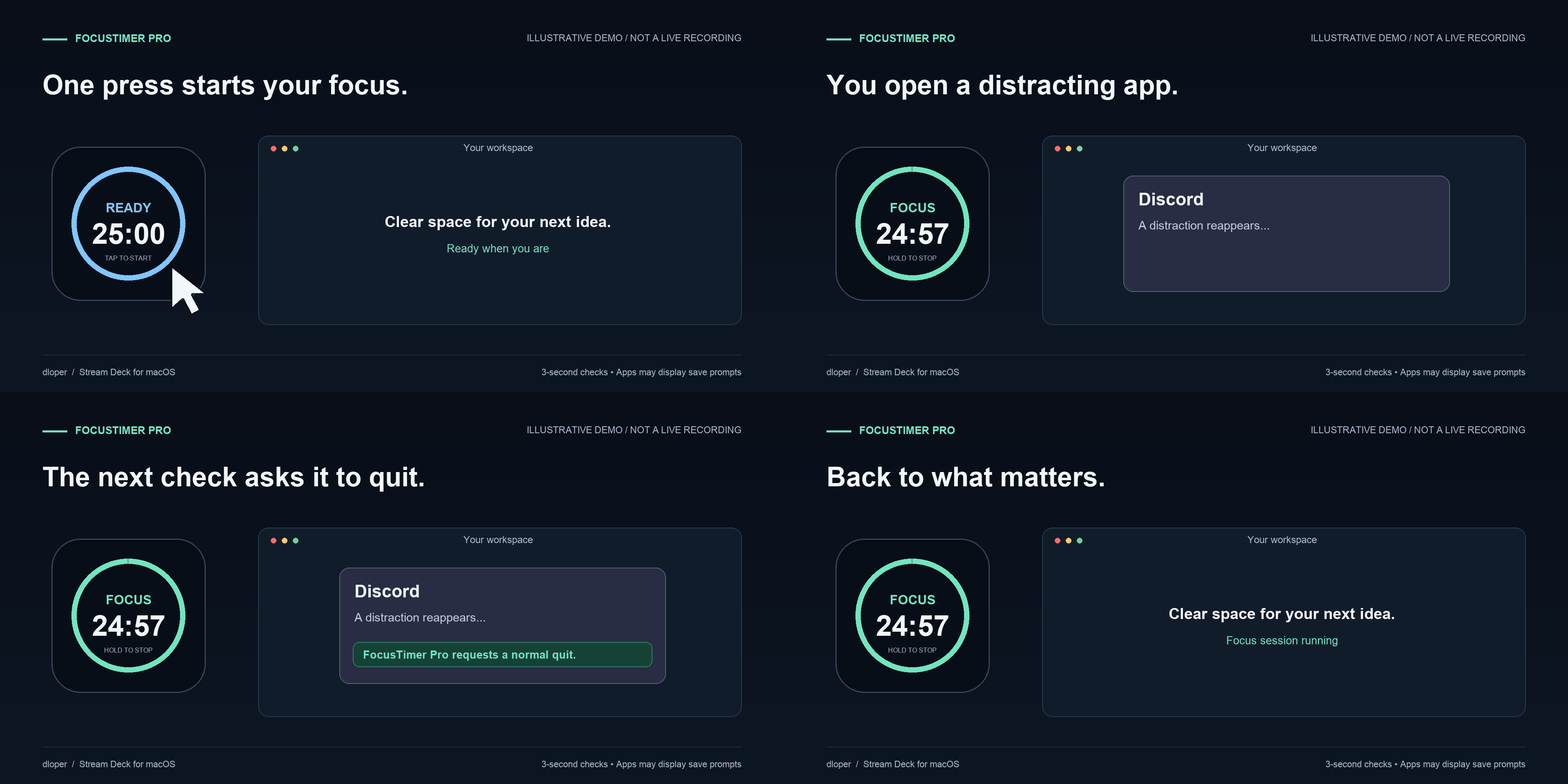
Start a 60-minute focus session. Apps are blocked, distracting tabs close automatically, and your desktop hides so you can concentrate.
A 25-minute Pomodoro timer. Do Not Disturb turns on via Shortcuts, and when time is up, your Mac locks to force a screen break.
FocusTimer Pro operates entirely on your local machine. It does not include analytics, telemetry, remote APIs, or user accounts. Blocking checks are performed locally and securely.
OS Requirements: macOS 13 or later, Windows 10/11.
Hardware: Requires a Stream Deck key device. Supports Stream Deck + dials.
Software: Requires Stream Deck software version 6.9 or later.
Learn how to install FocusTimer Pro and configure it for your workflow.
Read Guide →Help with permissions, website blocking in Safari and Chrome, and Do Not Disturb shortcuts.
Read Guide →