A Fresh Start in a Tap
Press the key to power-cycle your wireless adapter. Quickly re-negotiate with your router or mesh access point when wireless links degrade or stall.

STREAM DECK PLUGIN
Wi-Fi Kick brings connection recovery and live Wi-Fi information to your Stream Deck. Keep an eye on your wireless connection and give it a fresh start without searching through system settings. Built for macOS and Windows by Dloper.
Press the key to power-cycle your wireless adapter. Quickly re-negotiate with your router or mesh access point when wireless links degrade or stall.
Hold for 1.2 seconds to cycle Wi-Fi and automatically purge the local operating system DNS cache, resolving stale DNS resolution errors while preserving your DHCP configuration.
See your connected network SSID, signal strength, and link state right on the key. Color-coded status indicates working, reconnecting, and alert states.
Rotate the rotary encoder to navigate Signal, Network, and Access Point metrics on the touchstrip, with an instant one-tap kick area right on the display.
Engineered for seamless wireless troubleshooting during calls, gaming sessions, and live streams.
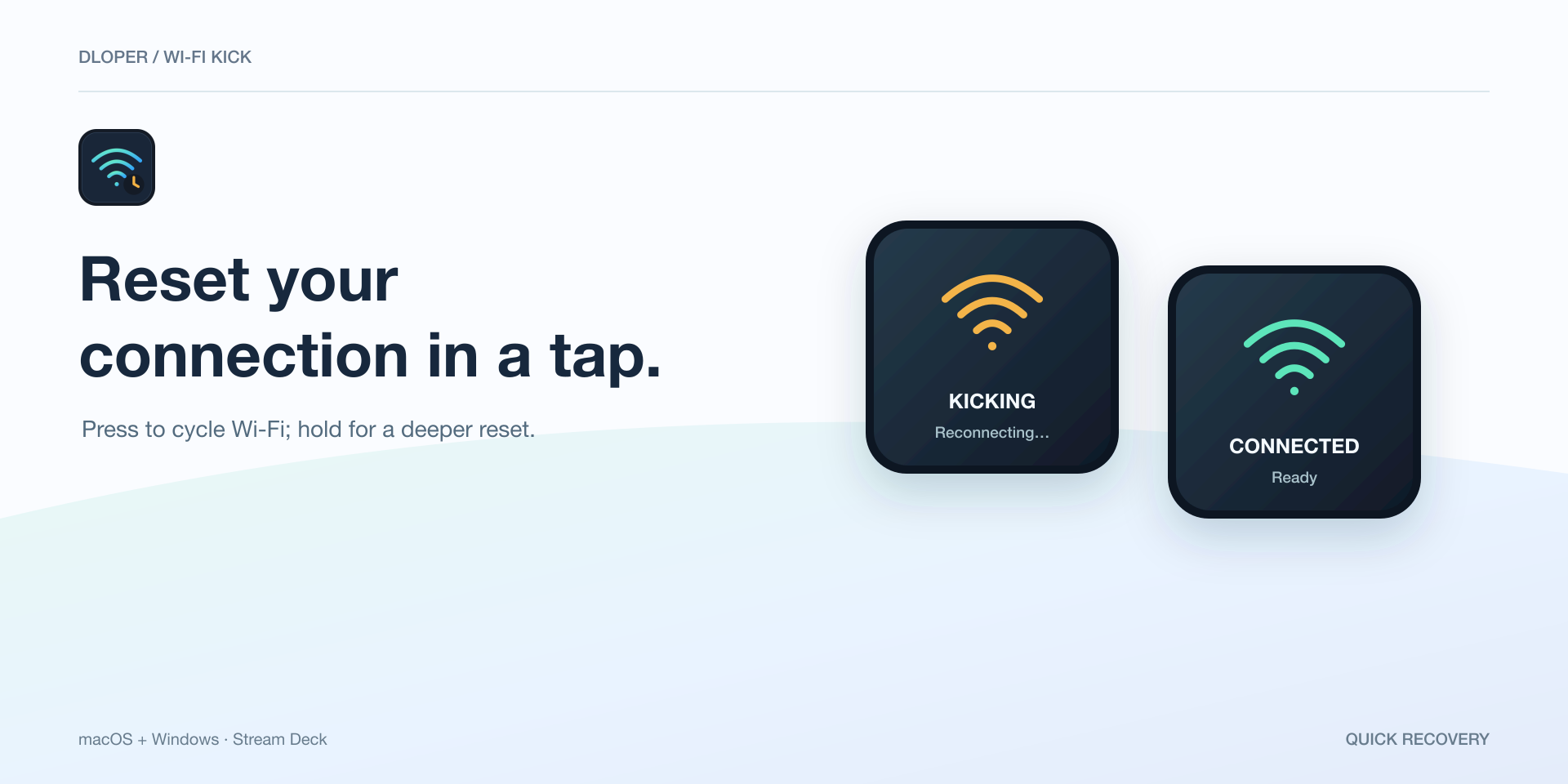
Cycle your Wi-Fi adapter with one tap to force a fresh handshake with your router, bypassing complex operating system network menus.
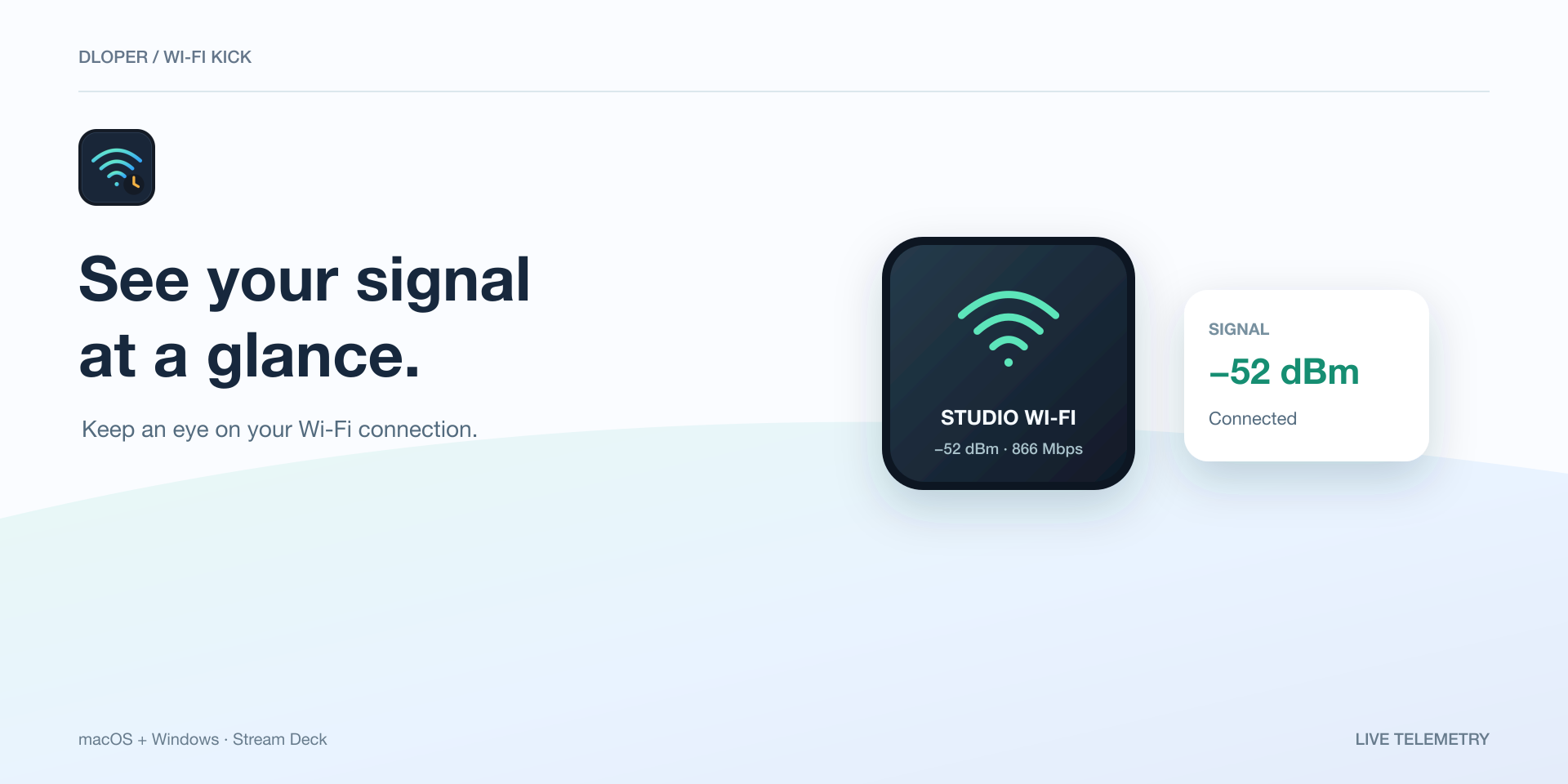
Keep continuous track of active SSID, signal percentage, estimated dBm, and connection health directly on an LCD key.
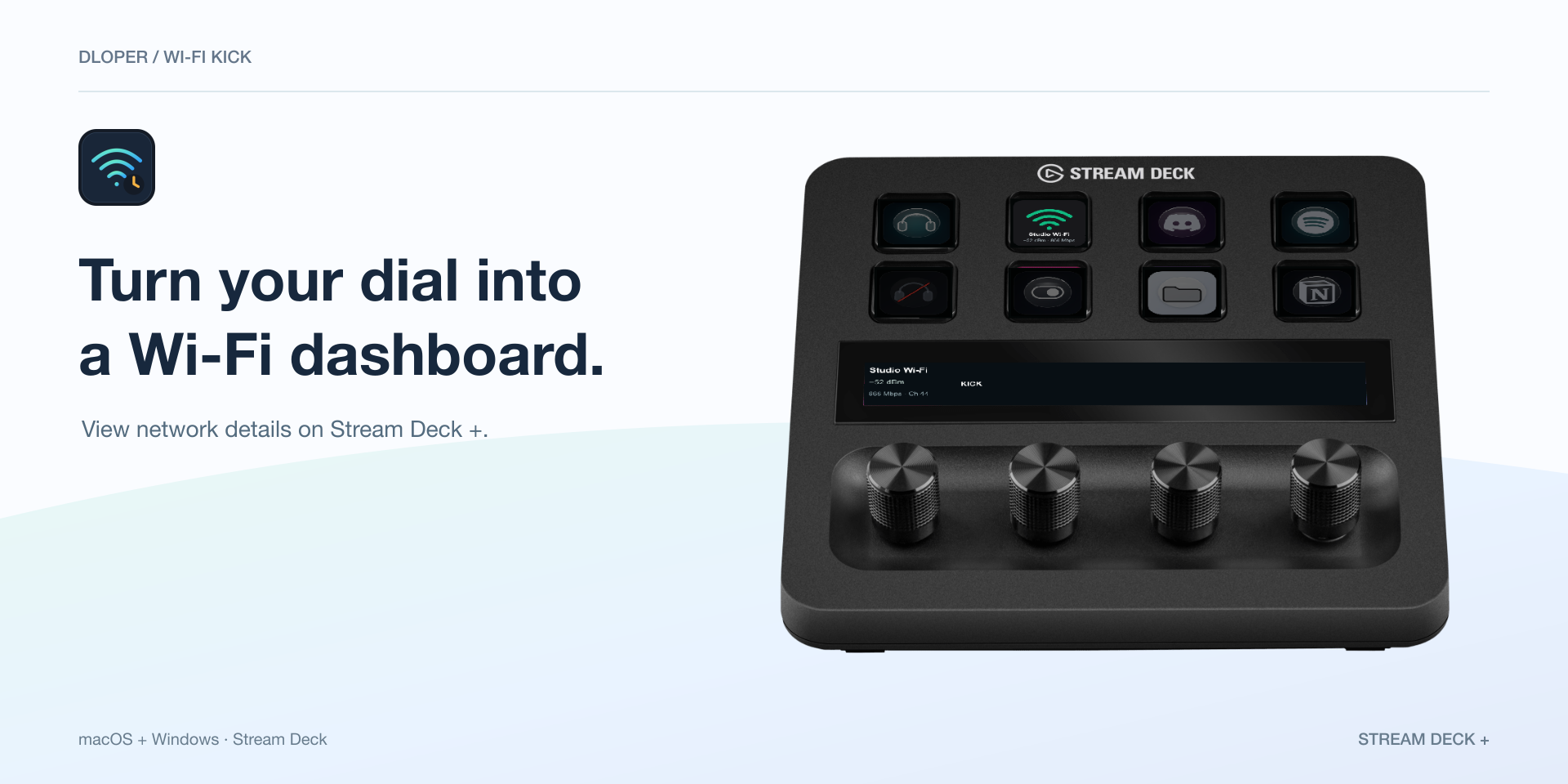
For Stream Deck +. Rotate to switch between Signal, Network, and Access Point telemetry views with touchstrip recovery controls.
Two purpose-built actions to monitor and revive your wireless connectivity.
Press to cycle the Wi-Fi adapter; hold 1.2s for deeper recovery with DNS flush. Shows live network SSID, signal strength, and reconnect status.
Keypad SurfaceFor Stream Deck +. Rotate dial to browse Signal, Network, and Access Point views. Push dial or tap touchstrip kick button to restart connection.
Rotary EncoderDeeper recovery flushes DNS caches while deliberately preserving DHCP configurations to avoid causing IP conflicts or breaking network assignments.
Repeated inputs are temporarily ignored while a recovery cycle is in progress, preventing connection thrashing and giving the adapter time to associate.
All adapter diagnostics and interface controls are executed 100% locally on your device via native system tools. No network passwords or metrics are uploaded.
Supports localized Windows command outputs with automatic adapter discovery fallback, and native CoreWLAN integration on macOS.
Operating Systems: macOS 13 or later • Windows 10/11.
Stream Deck Hardware: Stream Deck, Stream Deck MK.2, Stream Deck +, Stream Deck Neo, Stream Deck XL, Stream Deck Mini, Stream Deck Mobile. (Wi-Fi Radar requires Stream Deck +).
Software: Requires Stream Deck software version 6.6 or later.
Complete guide to monitoring signal telemetry, configuring recovery behaviors, setting up Stream Deck + dials, and troubleshooting permissions.