Multi-Key Video Wall
Place multiple CamView tiles adjacent to each other on your Stream Deck. The plugin automatically detects their layout and slices the camera feed into a cohesive panoramic video wall.


STREAM DECK PLUGIN
Turn your Stream Deck into a unified camera video wall. Span IP cameras, webcams, RTSP feeds, 3D printers, and OBS Virtual Cam across 2×2, 3×2, or 4×3 keys with zero-configuration grid detection, physical bezel gap compensation, and zero cloud latency.
Place multiple CamView tiles adjacent to each other on your Stream Deck. The plugin automatically detects their layout and slices the camera feed into a cohesive panoramic video wall.
Stream local USB webcams, Elgato Facecam, OBS Virtual Cam, RTSP surveillance feeds, multipart MJPEG streams, and HTTP snapshots from 3D printers (OctoPrint, PrusaLink) and ESP32-CAM.
No manual math or coordinate setup required. Simply assign the same camera to any group of keys, and CamView works out coordinates, bezel offsets, and cropping instantly.
All video frames and camera credentials remain strictly on your local computer and home network. Zero external cloud servers, zero subscription fees, and no streaming lag.
Explore how CamView transforms your Stream Deck hardware into a responsive, customizable video monitoring command center.
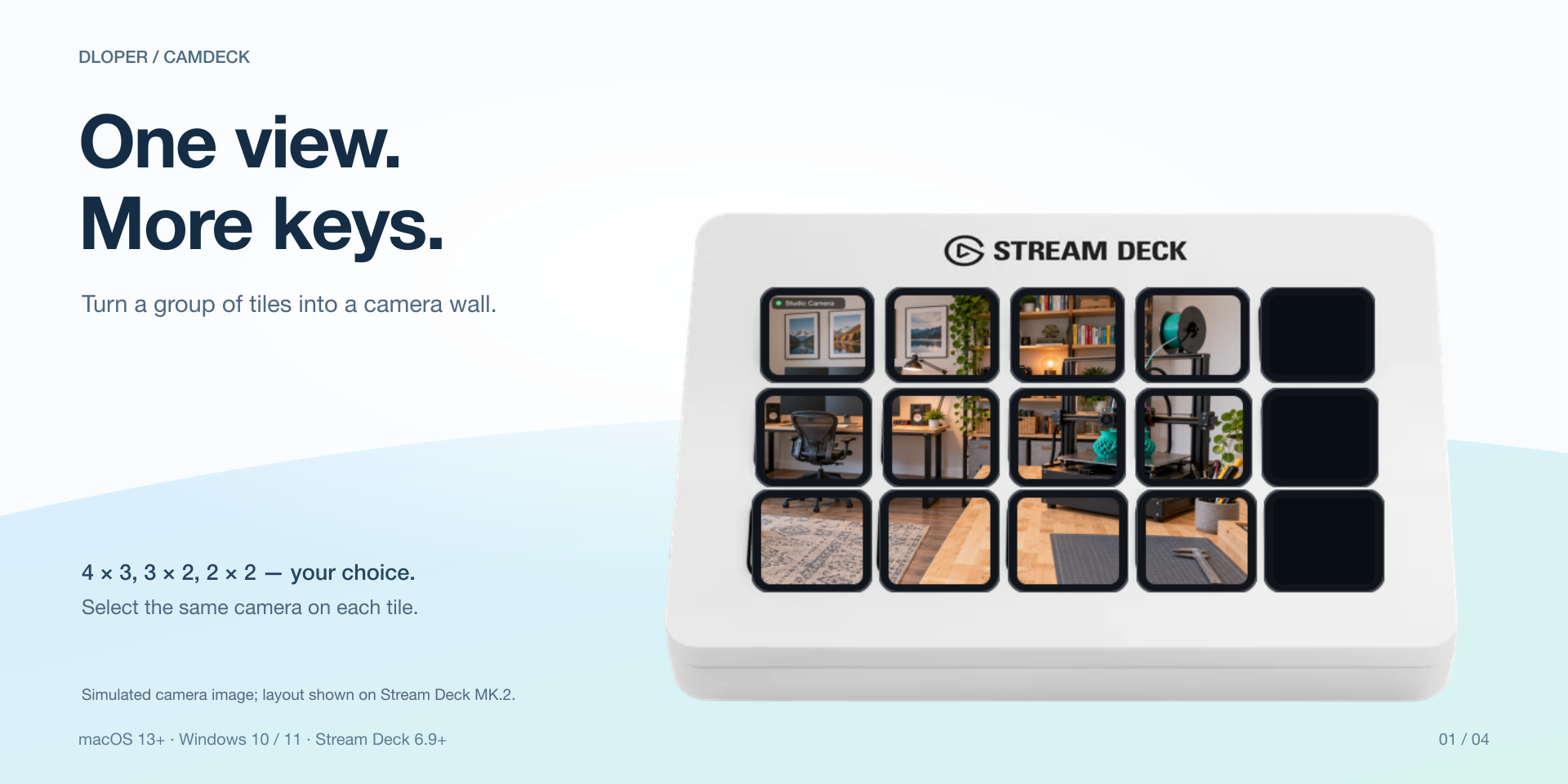
Turn multiple physical keys into a single high-definition live camera display. Works smoothly across 2×2, 3×2, 4×3, or any custom key arrangement.
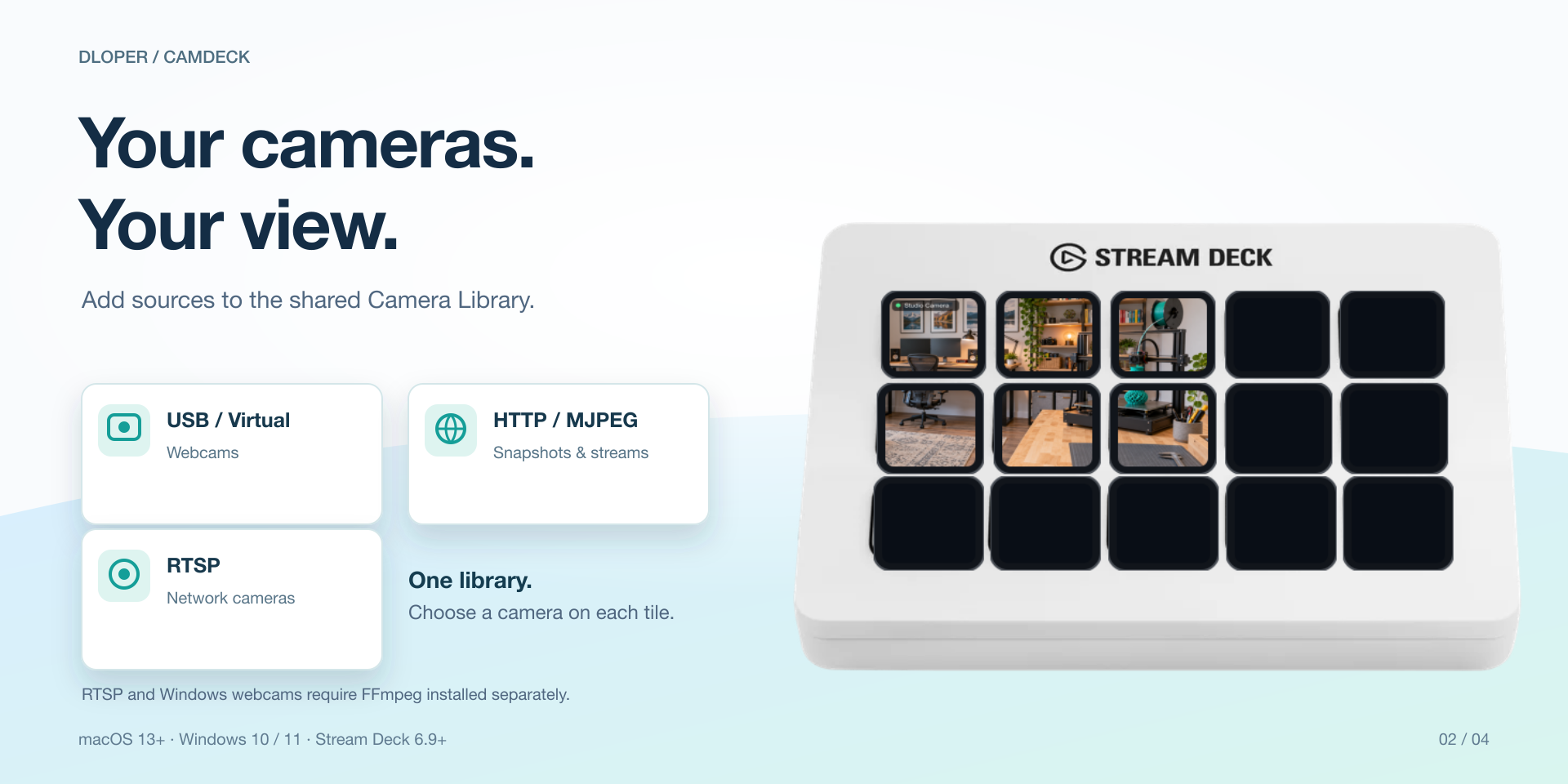
Direct support for IP security cameras, USB webcams, RTSP streams, MJPEG feeds, 3D printers, OctoPrint, ESP32-CAM, and OBS Virtual Cam.
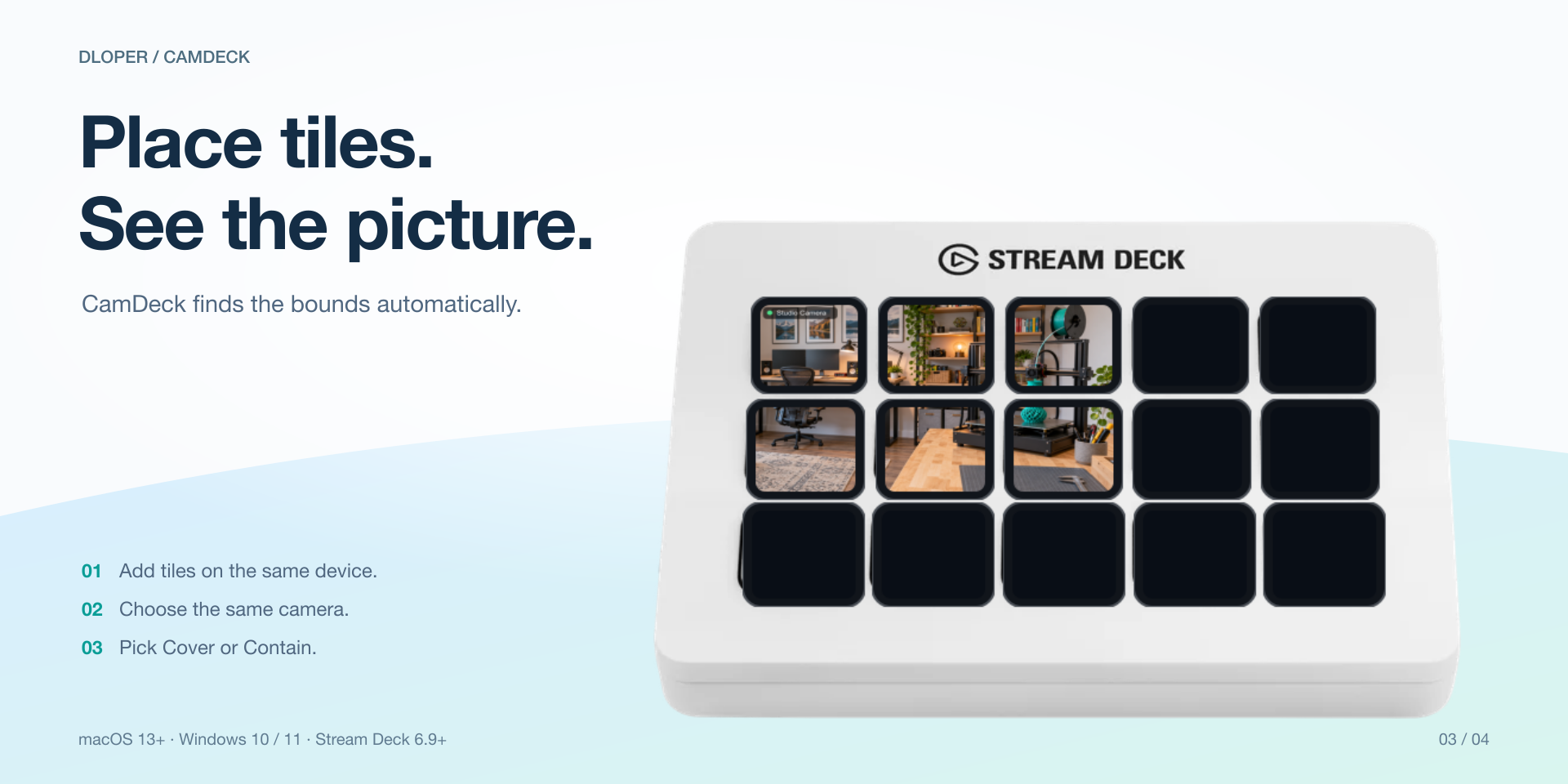
Just drop tiles onto your Stream Deck grid. CamView automatically detects their bounds, calculates sub-image slices, and spans the live feed.
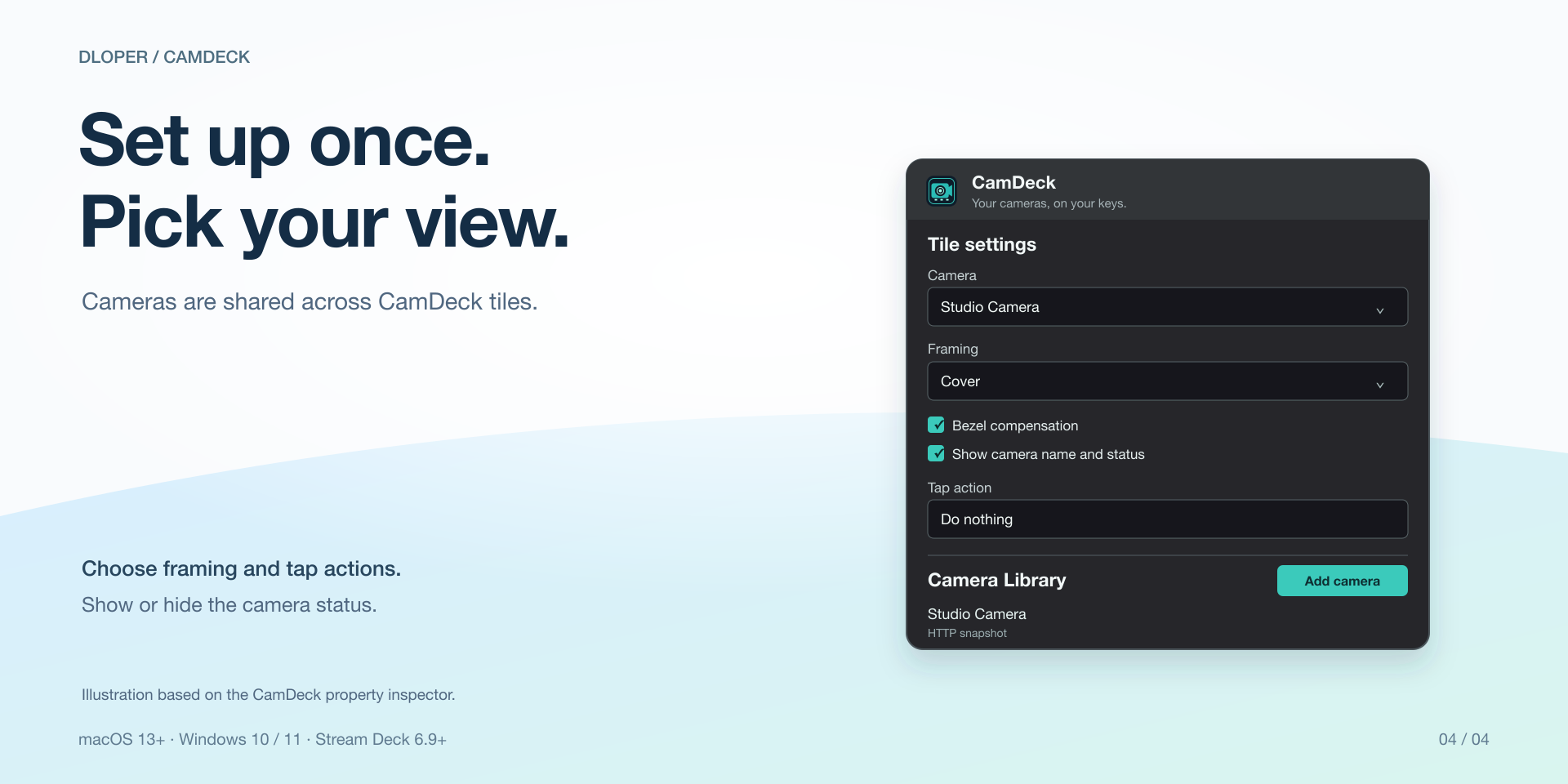
Store your cameras once in your global settings library. Switch feeds across keys on the fly or cycle through feeds with a quick tap.
Stream Deck keys have plastic frames separating them. When enabled, Bezel Compensation calculates the physical gap between buttons so diagonal lines, circles, and moving objects flow seamlessly across your video wall without disjointed edges.
Choose Cover to fill the entire key matrix without black bars by cropping excess edges, or Contain to preserve the complete native camera aspect ratio with clean pillarboxing or letterboxing.
Configure what happens when you press a tile: cycle through cameras in your library, open a high-resolution live preview stream in your browser (via a secure local loopback server), or toggle stream pause/resume on demand.
CamView respects your system resources. The moment you switch profiles, navigate folders, or minimize Stream Deck so that no tiles for a camera are visible, the plugin automatically suspends decoding and network polling.

com.dloper.camdeck.tile
The primary modular building block for your camera matrix. Drop one tile on a single key for a compact glanceable thumbnail, or drop multiple tiles in a 2×2, 3×2, or 4×3 grid for an instant full-screen video wall.
CamView is also available as a native widget for Corsair iCUE. Whether you need physical keypad video walls on your Stream Deck or sleek panoramic monitoring across your PC hardware, CamView delivers the same reliable local camera core tailored to each device form factor.
Designed for physical keypad matrices (1×1, 2×2, 3×2, 4×3). Slices camera feeds across discrete LCD buttons with bezel gap compensation and physical tactile tap controls (cycle feeds, browser preview, pause).
Active Page (Stream Deck Plugin)
Designed for continuous panoramic and pump LCD screens: the 14.5" Corsair XENEON EDGE ultrawide monitor, iCUE Desktop Dashboard, Commander Elite circular AIO cooler displays, and Corsair keyboard LCDs.
Explore Corsair iCUE Widget ↗Both CamView editions run independently on your machine without relying on external cloud infrastructure. Keep a live overhead view of your 3D printer or pet cam running constantly on your Corsair cooler screen or XENEON EDGE monitor, while using your Stream Deck keys as an on-demand video wall or quick-cycle camera switcher.
Download CamView directly through the Elgato Marketplace for your Stream Deck, or install the Corsair iCUE widget package to illuminate your PC cooling screens and ultrawide displays.
Read our comprehensive CamView User Guide covering step-by-step camera library setup, RTSP credentials, 3D printer camera endpoints, and troubleshooting.