Magic Battery Icon

STREAM DECK PLUGIN

Magic Battery

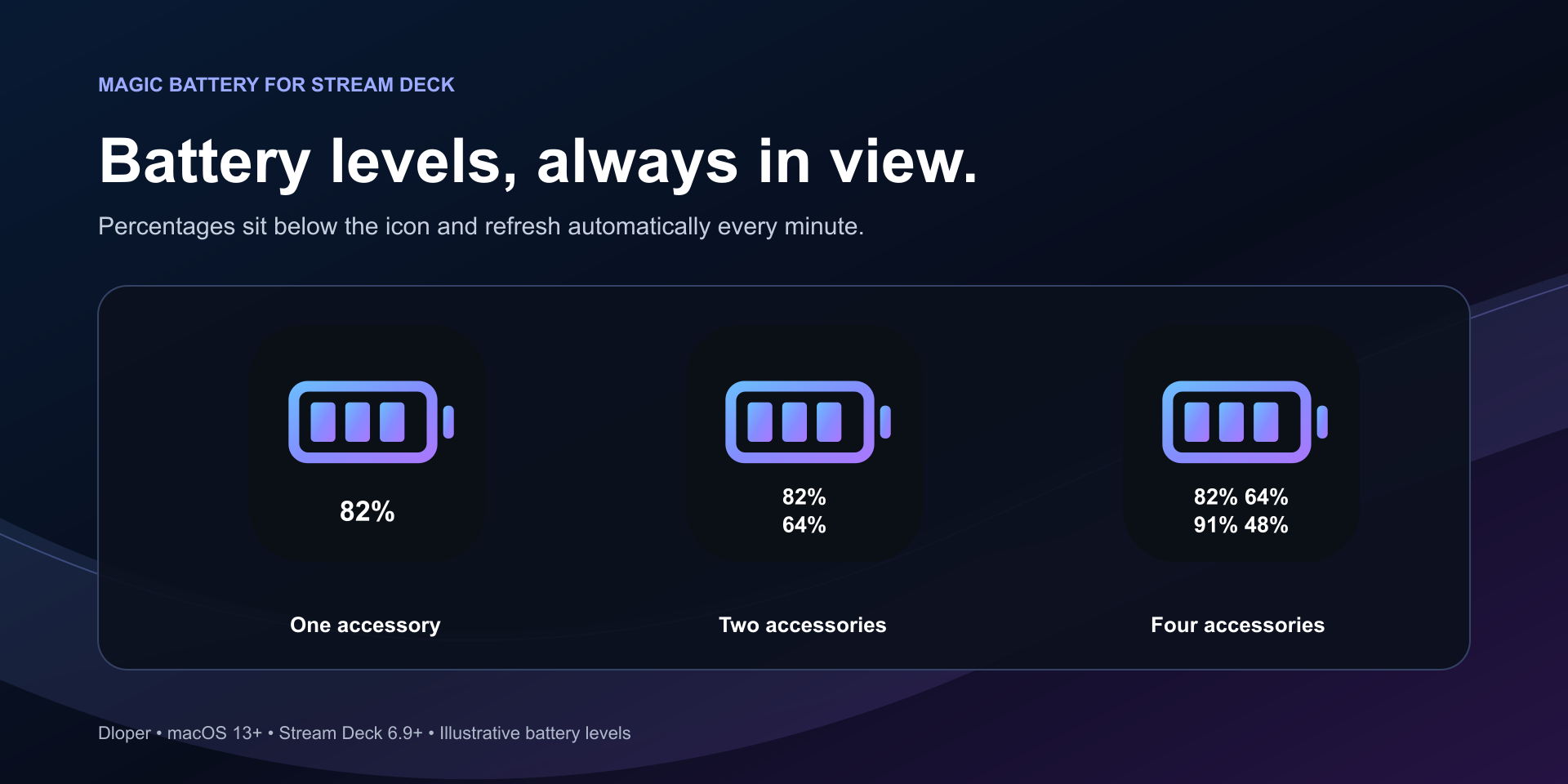
Instant battery levels for Apple Magic peripherals on your Stream Deck. View live percentages on your key canvas and get instantaneous native macOS notifications with a single tap.

Why Magic Battery?

Never Get Caught at 5%

Apple’s built-in alert only triggers when your battery drops to 5%. Because the Magic Mouse charging port is on the underside, unexpected battery death halts your work instantly. Magic Battery keeps live battery levels visible at all times.
Up to 4 Devices per Key

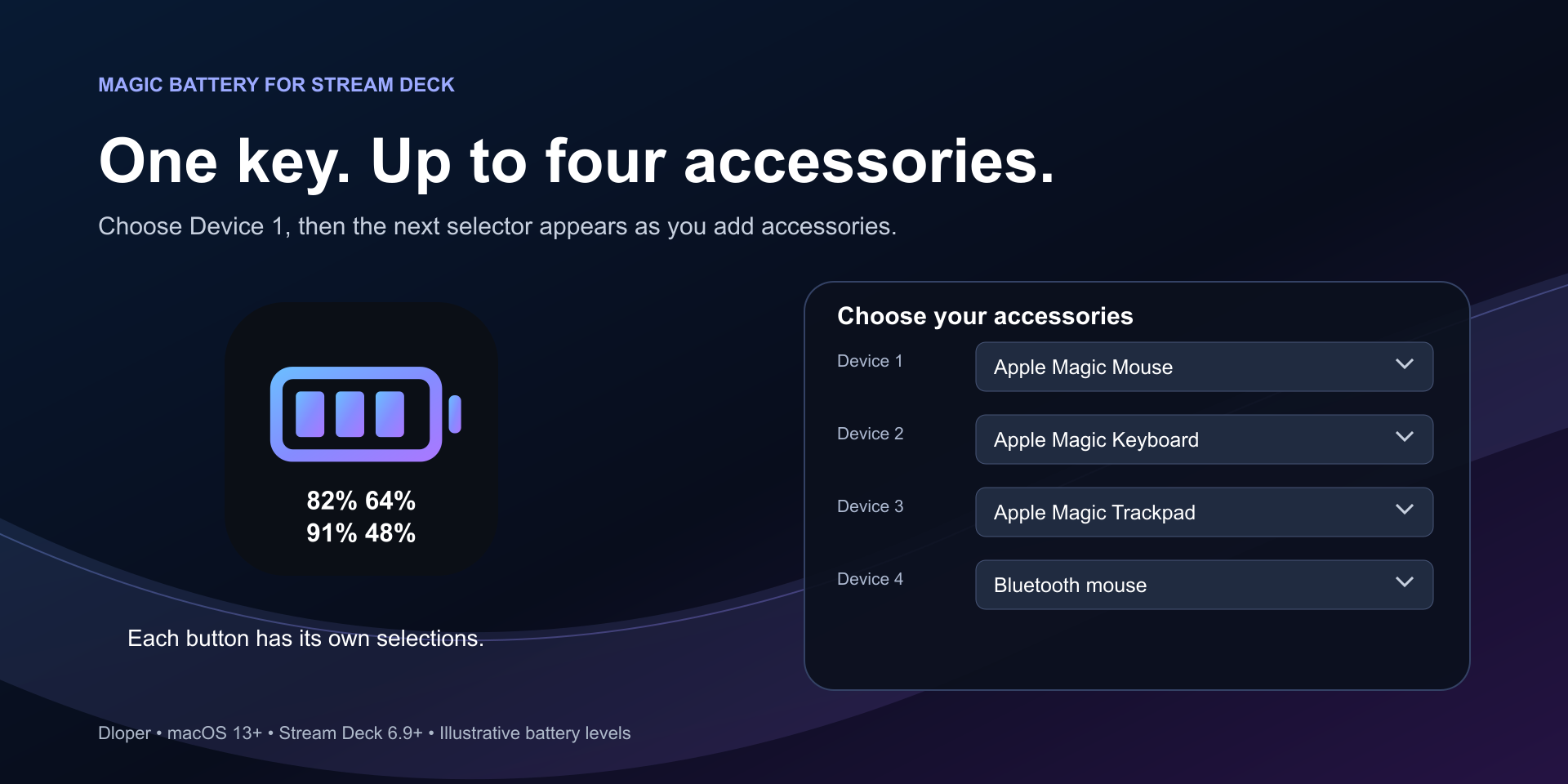
Track your Magic Mouse, Magic Keyboard, Magic Trackpad, and additional Bluetooth accessories simultaneously. Intelligent progressive dropdowns make configuring one, two, three, or four devices seamless.

Instant On-Screen HUD

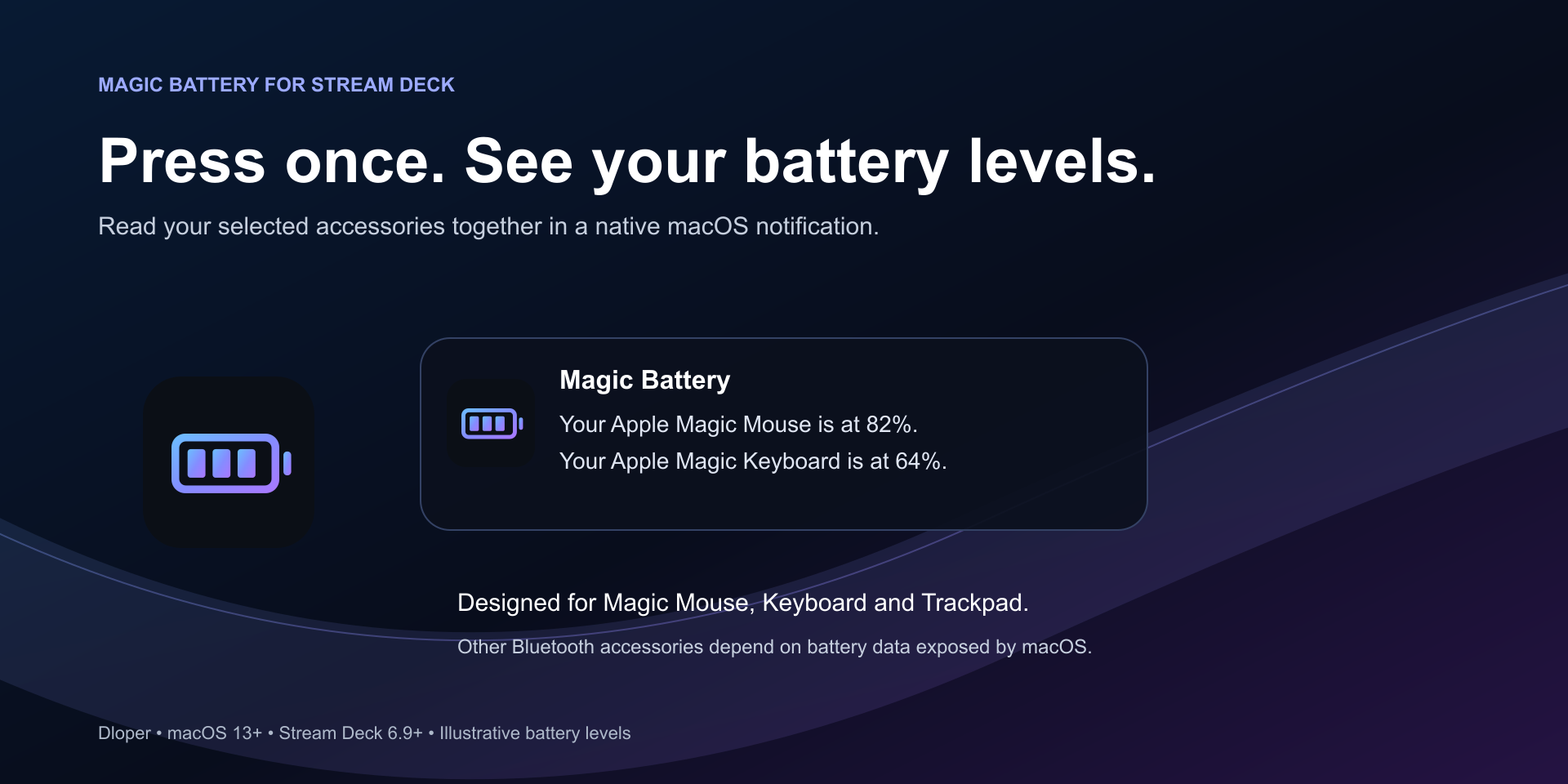
Tap your Stream Deck key anytime to dispatch an immediate native macOS notification banner displaying exact percentages for all selected accessories in one clean summary.

Stream Deck Integration

Built from the ground up for seamless macOS compatibility and physical key control.

Action Catalog

Drag and drop into your Stream Deck layout in seconds.

Device Battery Monitor Icon

Device Battery Monitor

Press to display live battery percentages for up to four selected Bluetooth accessories in a unified macOS notification banner.

Keypad Controller

Engineered for Performance

Sub-5ms Hardware Queries

Rather than invoking slow shell scripts that cause Stream Deck to freeze, Magic Battery bundles a universal native Swift helper querying Apple's `IOKit` HID event services directly in under 5 milliseconds.

Smart Offline & Sleep Handling

Bluetooth peripherals enter low-power sleep states when unused. Magic Battery clearly reports offline or unavailable devices instead of displaying misleading stale numbers.

Zero Terminal Setup

The plugin bundles all runtime dependencies, native helper binaries, and property inspectors out of the box. No Shortcuts, Python environments, or command line configuration required.

Dynamic Icon Toggle

Prefer an uncluttered button? Turn off "Show battery percentages on button" to maintain a clean minimal glyph while still enjoying full on-screen notification readouts when tapped.

Stream Deck Neo Support

Glanceable Battery Monitoring on the Infobar

Full support for the Stream Deck Neo display. Keep real-time battery percentages for your Apple Magic Mouse, Magic Keyboard, and Magic Trackpad clearly visible right on the Infobar touch display without taking up key space.

Privacy First

Your Data Stays on Your Mac

Magic Battery operates entirely on your local machine. It contains zero analytics, no telemetry, no remote servers, and no tracking scripts. All peripheral checks and notifications are handled completely on-device.

Compatibility

OS Requirements: macOS 13 or later.

Hardware: Requires a Stream Deck key device. Supports Stream Deck + dials & Neo Infobar.

Peripherals: Apple Magic Mouse, Magic Keyboard, Magic Trackpad, and compatible Bluetooth accessories.

Software: Requires Stream Deck software version 7.6 or later.

Support & Guides

Request a Plugin Back to Home