MeetingPilot Icon

STREAM DECK PLUGIN

MeetingPilot

Your meeting. Within reach. Seamless in-call controls for Microsoft Teams, Zoom, and Google Meet with CoreAudio and Windows hardware fallback, wrap-up countdowns, and rotary dial support.

Why MeetingPilot?

Confident Mute & Camera Control

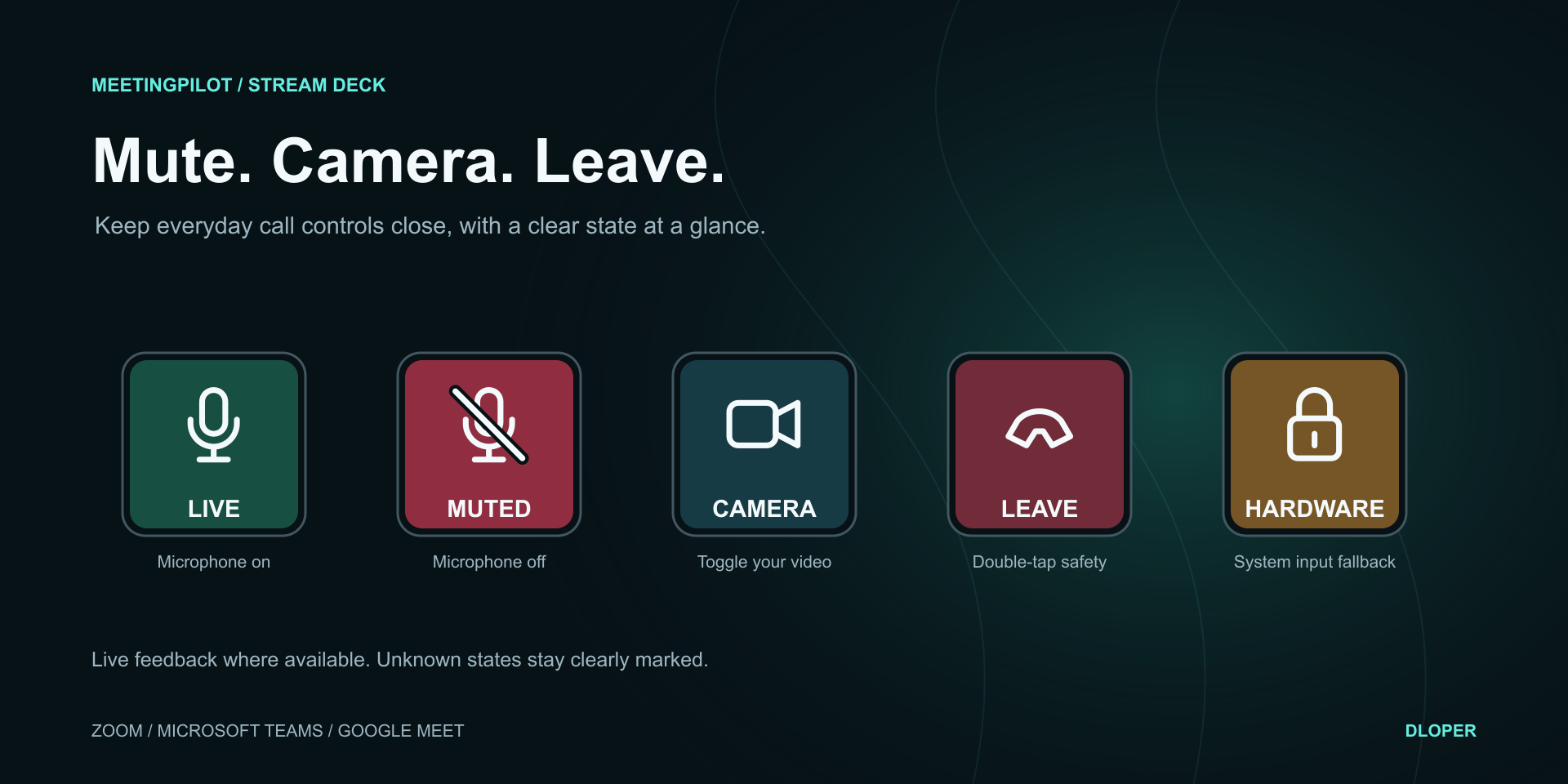
Stop scrambling to locate the right window. MeetingPilot provides instant key control and verified visual feedback for Zoom, Teams, and Google Meet. If state cannot be confirmed, it displays an honest unknown indicator rather than guessing.
Zero-Lag Hardware Mic Fallback

When an application hangs or rejects a command, MeetingPilot instantly cuts off your default system recording input at the driver level (CoreAudio on macOS, default multimedia endpoint on Windows). A distinct yellow lock shows you're safe.

Keep Every Call on Time

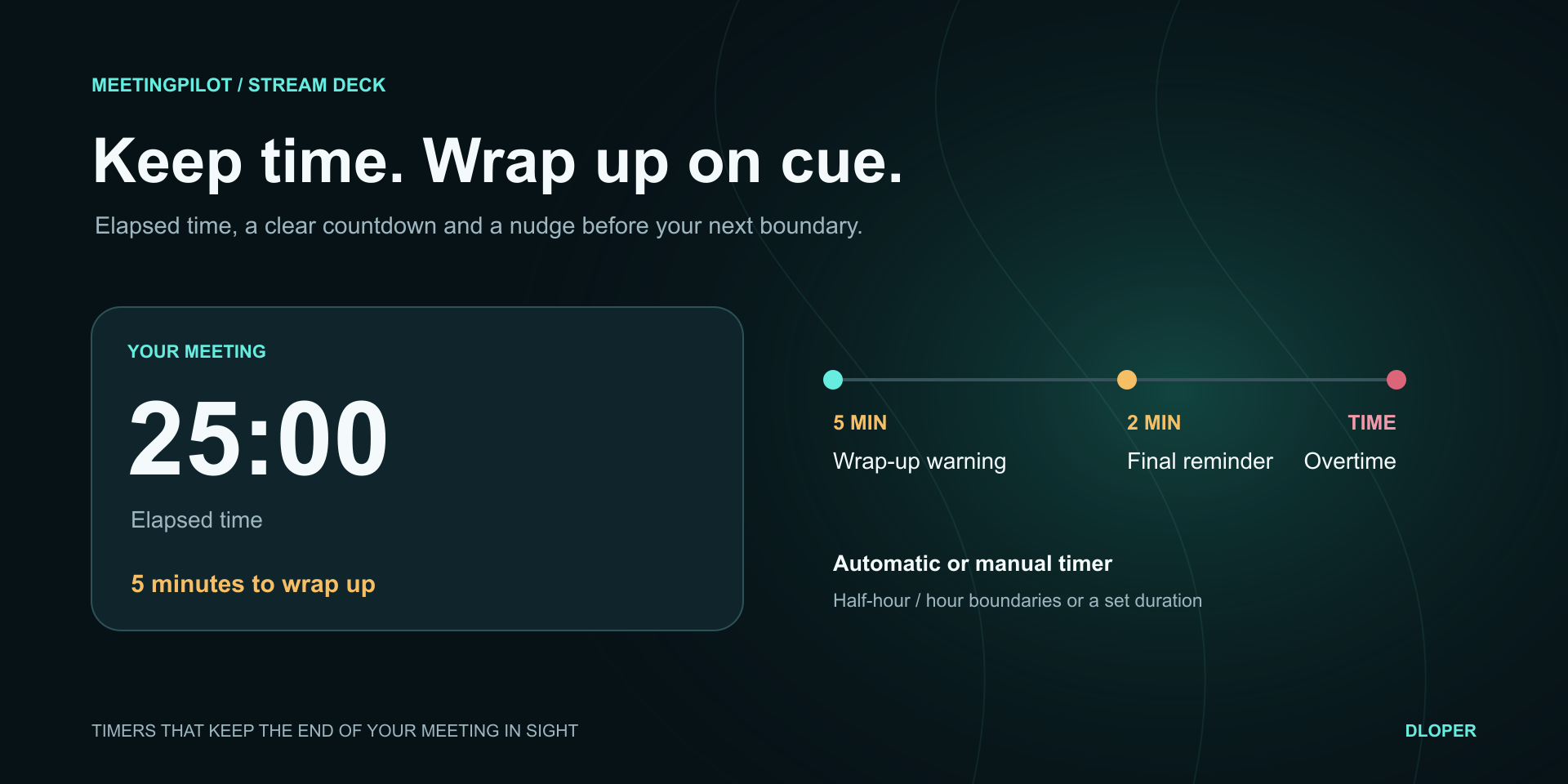
Smart wall-clock timers automatically lock onto the next half-hour or hour finish line. Subtle visual cues alert you at 5 minutes and 2 minutes remaining, with bold overtime feedback if the call runs late.

Stream Deck Integration

Engineered with native UI automations, local APIs, and physical encoder controls.

Action Catalog

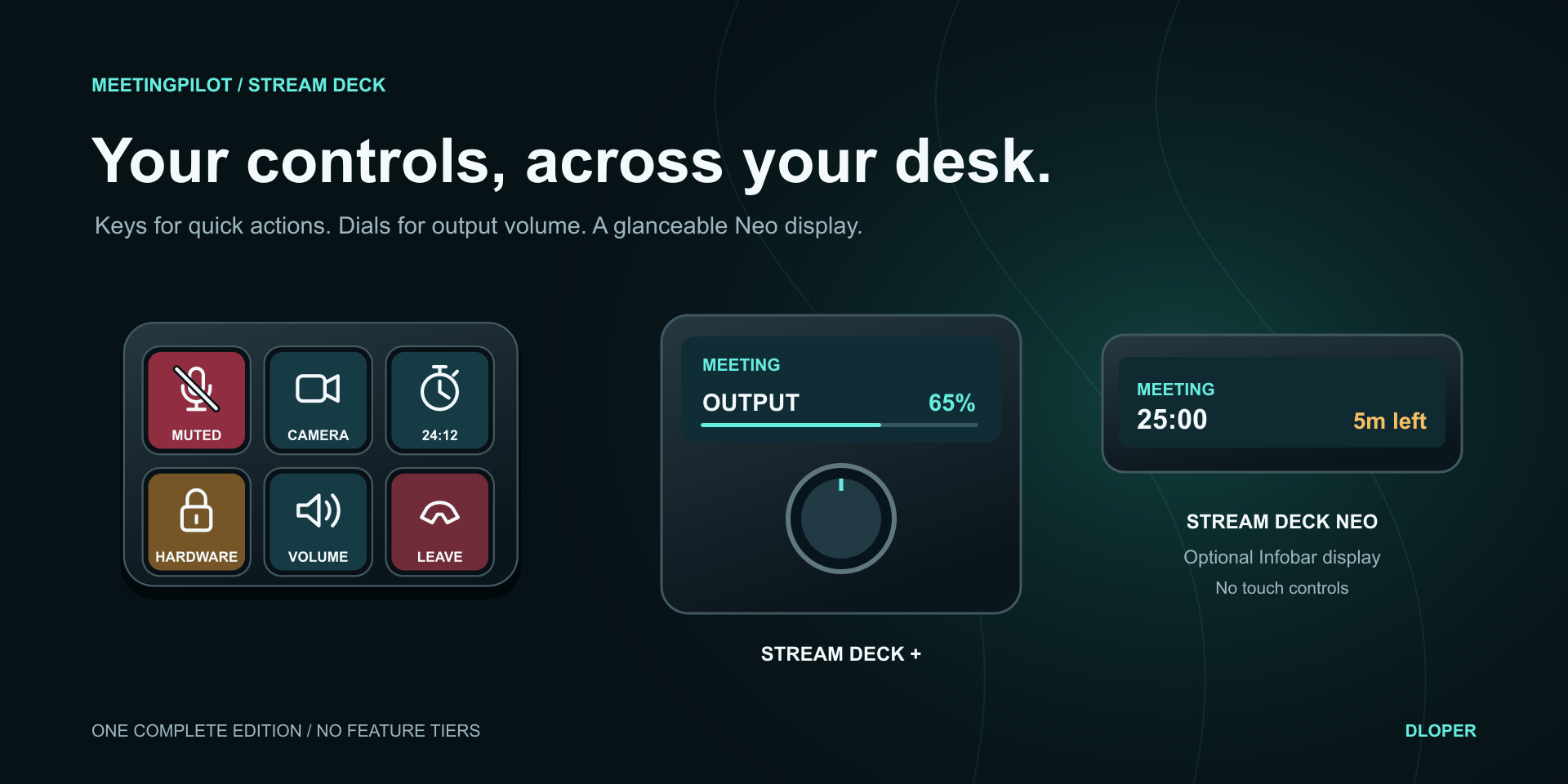
Six purpose-built actions ready to drop into your workspace.

Smart Mute Icon

Smart Mute

Toggle meeting mic with optional default-input fallback. On Stream Deck +, rotate to adjust output volume and tap touchstrip for camera.

Keypad & Dial
Smart Camera Icon

Smart Camera

Toggle your webcam in active meetings. Clear visual indicators show live, unconfirmed, or unknown camera states.

Keypad
Meeting Timer Icon

Meeting Timer

Automatic detection of call start/end, countdown to scheduled finish line, yellow wrap-up cues, and red overtime warnings.

Keypad
Output Volume Icon

Output Volume

Control master system playback volume. Push or tap to toggle mute; rotate Stream Deck + encoder for smooth, precise level adjustments.

Keypad & Dial
Leave Meeting Icon

Leave Meeting

Instantly exit the call. Features optional double-tap confirmation (press twice within 2 seconds) to eliminate accidental disconnects.

Keypad
Neo Meeting HUD Icon

Neo Meeting HUD

Designed specifically for Stream Deck Neo's Infobar. Keep meeting service indicators and countdowns visible without sacrificing keys.

Neo Infobar

Engineered for Reliability

Microsoft Teams Local API

Pairs securely with Teams via its official third-party local WebSocket API, providing verified 2-way real-time state synchronization without relying on fragile simulated keystrokes.

Universal Hardware Safety Lock

If an app freezes or a browser tab loses focus, hardware fallback engages the system default audio device directly via CoreAudio on macOS and WASAPI endpoint controls on Windows.

Zero Cloud & Zero Latency

Everything runs on your computer. Actions execute in milliseconds with zero remote server round-trips. No login credentials or passwords are ever stored.

Stream Deck + Multi-Action Dial

Turn your encoder into a complete meeting console: Push to toggle microphone, turn to adjust output audio, and tap the touchstrip to turn video on or off.

Stream Deck Neo Support

At-a-Glance Call HUD on the Infobar

Full compatibility with Stream Deck Neo. Place the Neo Meeting HUD on the Infobar to monitor active call status, duration, and deadline countdowns while keeping your physical keys free for Smart Mute and Smart Camera.

Privacy First

Your Conversations Remain Confidential

MeetingPilot strictly controls meeting controls and system audio. It does not record audio, listen to microphones, capture video, inspect transcripts, or track participant names. It runs entirely on-device with zero analytics or telemetry.

Compatibility

Operating Systems: macOS 13 or later (Apple silicon & Intel) • Windows 10/11 x64.

Meeting Platforms: Microsoft Teams (personal & work/school), Zoom Desktop Client, Google Meet (Chrome, Edge, Brave, Safari).

Stream Deck Hardware: Stream Deck, Stream Deck MK.2, Stream Deck +, Stream Deck Neo, Stream Deck XL, Stream Deck Mini, Stream Deck Mobile.

Software: Requires Stream Deck software version 7.6 or later.

Support & Guides

MeetingPilot Icon

MeetingPilot User Guide

Complete instructions on permissions, Teams API pairing, browser settings for Google Meet, hardware microphone fallback, and timer modes.

Request a Plugin Back to Home