A Little Life On Your Desk
Long work hours feel lighter with a friendly companion beside you. Watch your companion wander, curl up for a nap, and jump with joy whenever you tap or drop a treat.

STREAM DECK PLUGIN
A little life on your desk. PixelPet brings interactive, animated pixel-art companions to Stream Deck keys, the Stream Deck Neo Infobar, and rotary dial displays. Choose Boba, Mochi, or Maple, and import compatible Codex Pets.
Long work hours feel lighter with a friendly companion beside you. Watch your companion wander, curl up for a nap, and jump with joy whenever you tap or drop a treat.
Designed specifically for Stream Deck LCD keys, the 232 × 50 Neo Infobar ribbon, and rotary encoders. Each hardware surface gets custom-tailored layouts and interactive controls.
Turn rotary encoders to roll a toy ball for your pet to chase, push to dispense snacks, and merge adjacent dial displays into an expansive shared panoramic habitat.
Pro users can import any compatible 8-column sprite sheet from codex-pets.net with a simple drag-and-drop. All assets stay 100% local on your machine.
Smooth 60 FPS pixel animations engineered from the ground up for Elgato hardware.
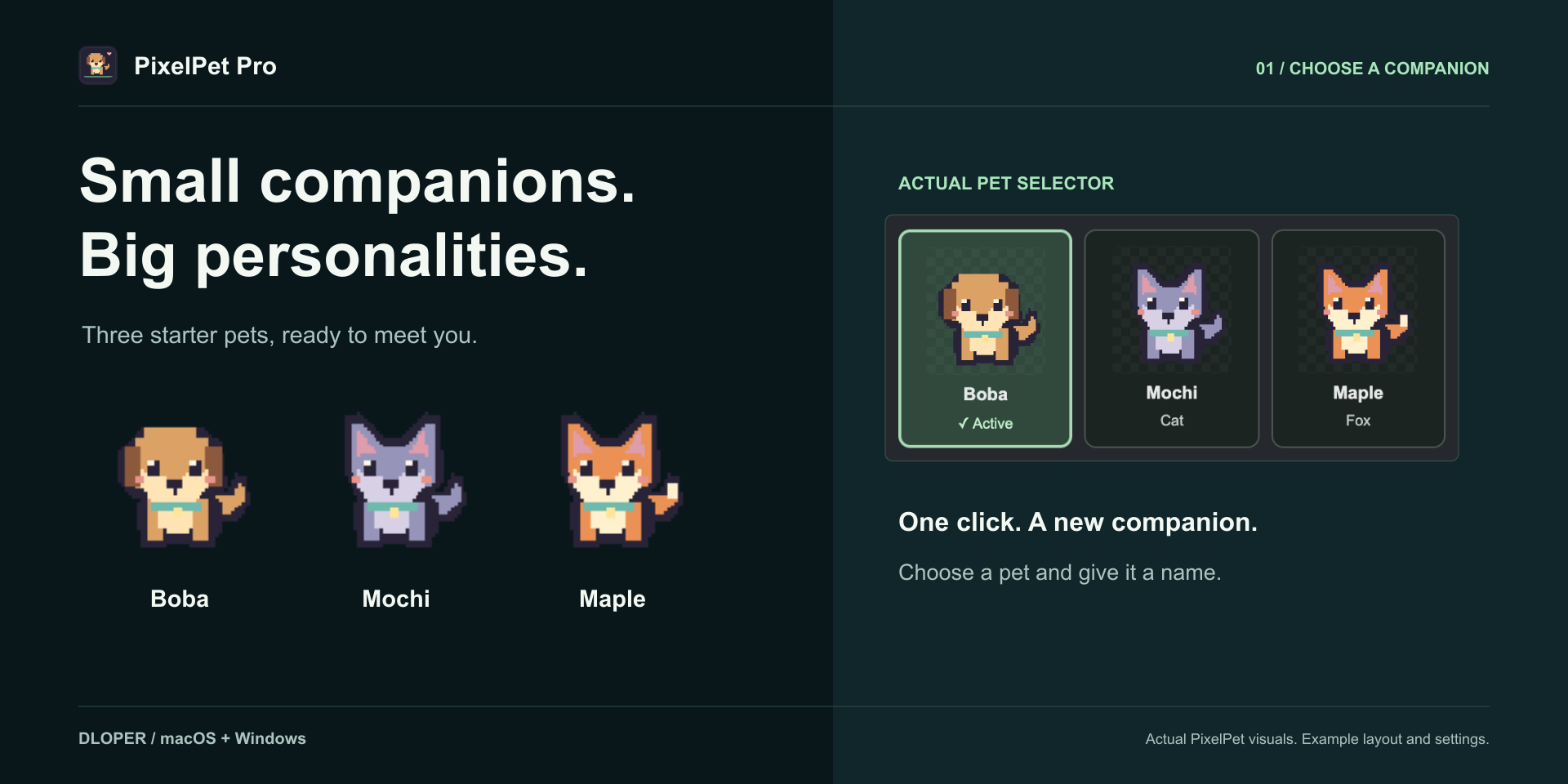
Boba the Dog, Mochi the Cat, and Maple the Fox are ready out of the box. Give your companion a custom name and choose Meadow, Moonlit Garden, or Cozy Room habitat themes.
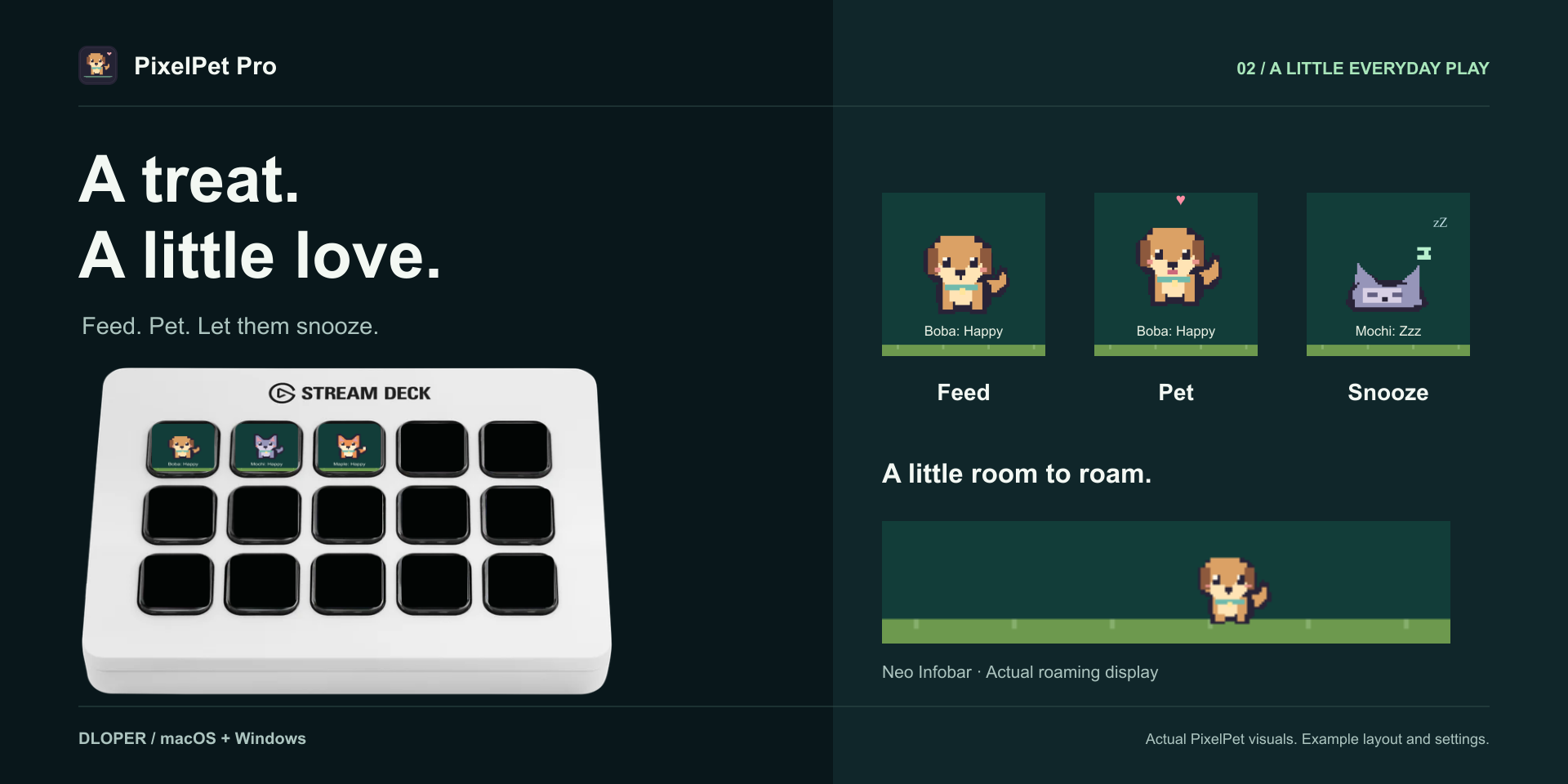
Push the dial to give a snack, rotate to roll a toy ball in Pro, and tap the touchstrip to pet. On Neo, your companion wanders freely across the compact Infobar ribbon.
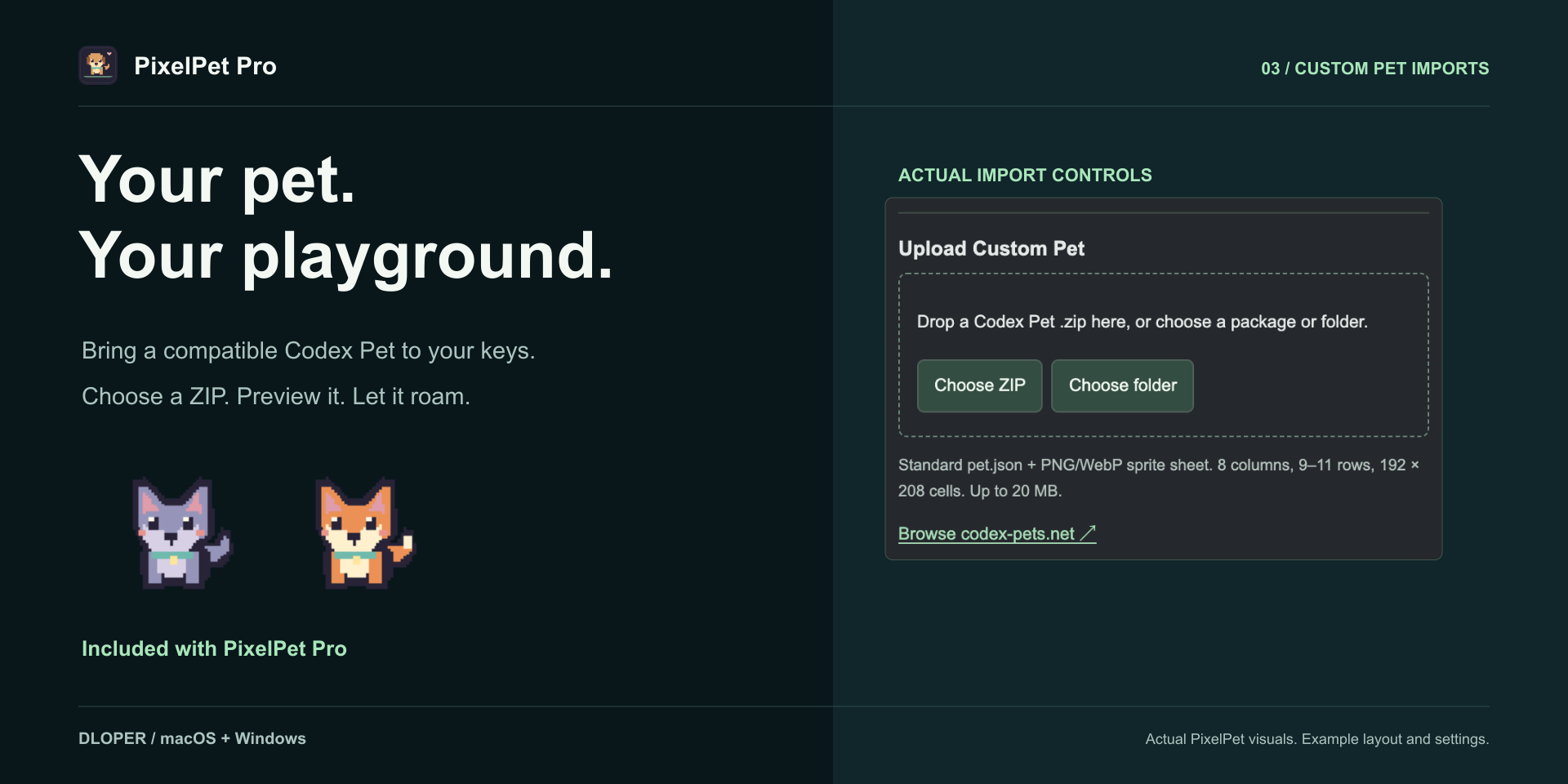
Expand your family by importing compatible packages from codex-pets.net. PixelPet validates dimensions, automatically maps animation cycles, and stores artwork locally.
Drag and drop into your Stream Deck layout in seconds.

Animated companion habitat on a standard LCD key. Tap to feed a treat, pet, or toggle sleep with sweet happy hearts.
Keypad Surface
Your pet explores the 232 × 50 Stream Deck Neo Infobar ribbon, turning at edges and napping peacefully.
Stream Deck Neo
Push the dial to dispense treats, twist to roll a toy ball in Pro, and combine adjoining dial segments into a panorama.
Rotary EncodersGet started free with PixelPet Lite, or unlock all companions, dial toys, and custom imports with Pro.
| Feature | PixelPet Lite | PixelPet Pro |
|---|---|---|
| Boba the Dog & Mochi the Cat | Included | Included |
| Maple the Fox | Visible, Locked | Included |
| Keypad Habitat & Neo Infobar Wandering | Included | Included |
| Dial Treats & Touch Interactions | Included | Included |
| Meadow, Moonlit Garden, & Cozy Room Themes | Included | Included |
| Adjacent-Dial Multi-Segment Panorama | Included | Included |
| Optional Automatic Sleep on Computer Idle | Included | Included |
| Dial Toy Ball on Encoder Rotation | Pro Upgrade | Included |
| Compatible Custom Codex Pet Imports | Pro Upgrade | Included |
| Pricing | Free | Full Version |
PixelPet draws directly to Stream Deck canvas buffers using optimized integer scaling. Character sprites remain razor-sharp without eating CPU cycles.
When you step away from your desk, PixelPet detects system inactivity and gently curls up to sleep after 5 minutes, pausing animation timers until you touch your keyboard or mouse.
A gentle synthesized purr plays through your speakers when you pet your companion. Easily toggle it off in the Property Inspector if you prefer silent focus.
Includes built-in interfaces in English, Simplified Chinese, French, German, Japanese, Korean, Portuguese, and Spanish with automatic system locale matching.
PixelPet operates 100% locally on your machine. It requires zero cloud logins, sends no analytics, tracks no user data, and makes no telemetry requests. Custom pet packages are stored entirely in your local profile folder.
Operating Systems: macOS 13 or later (Ventura, Sonoma, Sequoia) & Windows 10 / Windows 11 x64.
Stream Deck App: Requires Stream Deck software version 7.6 or later.
Hardware: Stream Deck Mini, Mk.2, XL, Stream Deck +, Stream Deck Neo, Stream Deck Mobile, and Corsair Galleon 100 SD.
Sprite Specifications: Custom pet sheets require 8 columns, 9–11 rows, and 192 × 208 px cells.

Complete walkthrough for configuring actions, setting up adjacent dial panoramas, importing custom Codex Pet sprite sheets, and troubleshooting.